

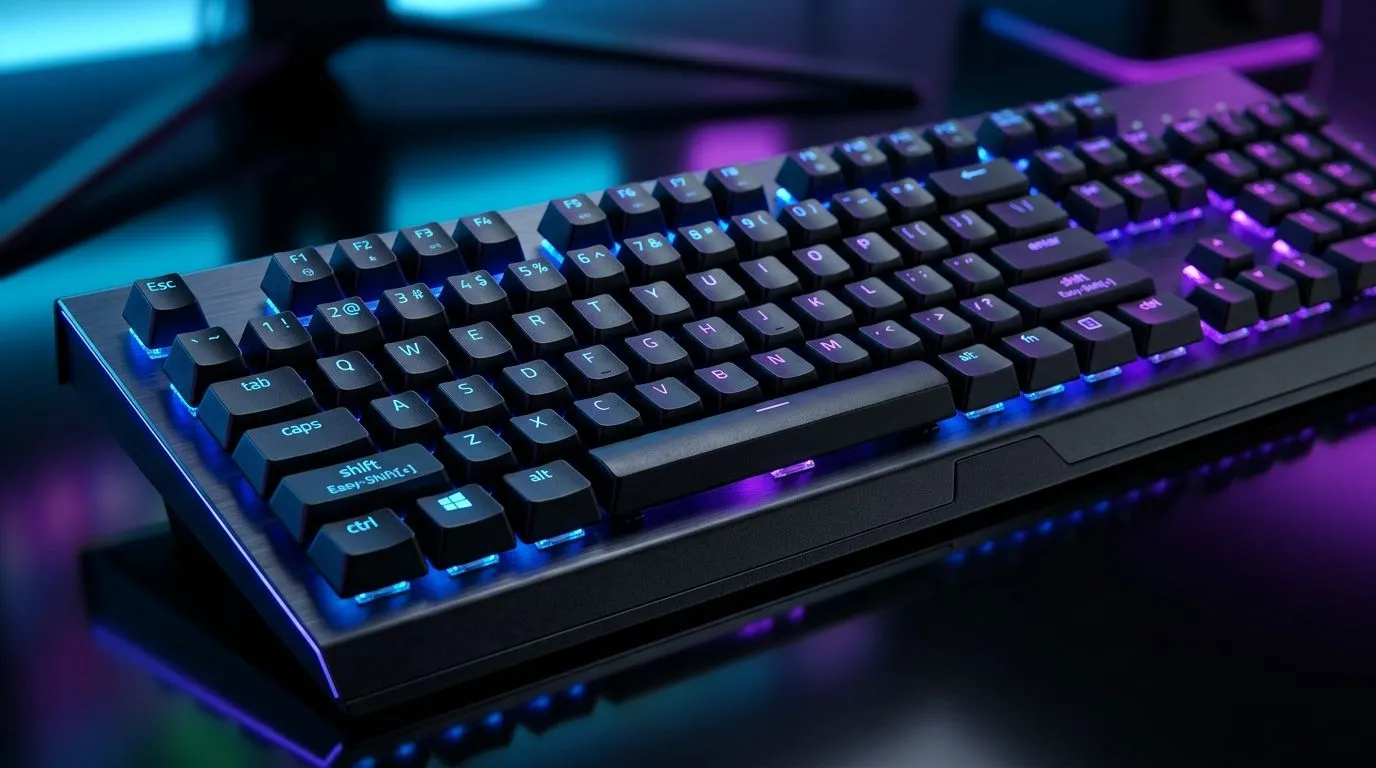
Easy-Shift[+] and Anti-Ghosting Setup that Actually Cleans Up Your Combos (South Africa Edition)
If your combos feel “almost right” but never consistent, it’s usually not your aim… it’s your keyboard behaviour. In South Africa’s late-night raids and ranked grinds, one missed input can ruin the round. Let’s fix that with a practical setup for Easy-Shift[+] and Anti-Ghosting Setup for Cleaner Combos, plus a few checks you can do in minutes. 🔧
This guide is aimed at gamers who want tighter key control without guesswork. We’ll focus on what to change, how to test it, and what “good enough” looks like.
Easy-Shift[+] Setup: Why Layers Matter for Combos
Easy-Shift[+] is a smart way to add extra functions to the same keys using a “shift” moment. Instead of dedicating every key to a single command, you layer actions. That helps when your hands are already doing a lot: movement, abilities, utility, and comms.
A simple example: map your normal keys for basic skills, then use Easy-Shift[+] for:
- alternate abilities (higher cooldown skills)
- macro triggers for healing rotations
- weapon swaps
- “hold to aim” variants
The key is consistency. If the shift state feels unpredictable, your fingers hesitate, and your combos drift.
Test it with a “combo ladder” (not a single loop)
Before you run a full match, test in a repeatable pattern:
- Perform a short two-step combo normally.
- Repeat it again while holding the Easy-Shift[+] key.
- Swap the order: shift first, then press the follow-up.
- If the second step fails even once, something in the mapping is off.
If you play on a laptop, keep power settings in mind. “Best power efficiency” can sometimes affect performance stability. (For specs and general platform guidance, Evetech’s laptop listings and keyboard bundles are the best place to start when you’re selecting gear.)
Anti-Ghosting Setup: The Difference Between “Possible” and “Reliable”
Anti-ghosting decides whether your keyboard will register multiple keys pressed at once. For fighting games, rhythm patterns, and frantic FPS sprays, this matters a lot.
Look for two things:
- Whether the keyboard supports full key rollover or limited rollover (most boards are not full across every key combo).
- How your particular key presses overlap during real gameplay.
In practice, you want your most important “simultaneous” keys to fall into the same scan-capable zones. If your “shift” key and one combat key are in different zones, you can get missed inputs.
Combo-Test Pro Tip ✨
Windows, use a keyboard test utility (or an in-game custom key display) to confirm that your exact combo presses register together. Keep your most-used 3-key sequence consistent for the test: Easy-Shift[+] + ability + movement. If one key doesn’t register reliably, remap so the two follow-up keys stay close to each other on the keyboard’s most responsive clusters. Also, avoid aggressive macro timing until you verify hardware registration.
Pick the Right Keyboard Setup for Your Playstyle
Your results depend on your hardware base. If you’re currently shopping, it’s smart to compare keyboard options that match your connectivity style. In South Africa, wired is often the simplest path for consistent input, while wireless can work perfectly if the latency and battery behaviour suit your routine. ⚡
If you want a fast starting point:
- Browse gaming keyboard deals here: best gaming keyboard deals
- Want a budget-friendly keyboard route? Check: buy cheapest gaming keyboard in south africa
If you’re leaning wired: buy the cheapest gaming keyboard (Wired)
Or if wireless fits your desk setup: buy the cheapest gaming keyboard (Wireless)
And if you want everything to match out of the box: buy a keyboard and mouse combo
Quick workflow to lock it in (10 minutes)
- Set Easy-Shift[+] for your “secondary” abilities.
- Keep your primary movement keys on the base layer.
- Move macros to shift-layer only after anti-ghosting tests pass.
- Re-test your combo ladder. Repeat until it never drops the second step.
Once you do this, you’ll feel the difference immediately. Your hands stop guessing… and the keyboard stops interfering.
Easy-Shift[+] and Anti-Ghosting Setup that Helps You Climb Rank Fast (and Stop Blaming Your Hands)
When you get both layers right, combos feel cleaner because inputs arrive together, not “almost together”. That’s the real win: fewer phantom-like failures, fewer mid-match remaps, and more trust in your execution. 🔧
Ready to Find Your Perfect Match? The Mac vs Windows debate is complex, but for maximum power, choice, and value in South Africa, Windows is hard to beat. Explore our massive range of laptop specials and find the perfect machine to conquer your world.











