

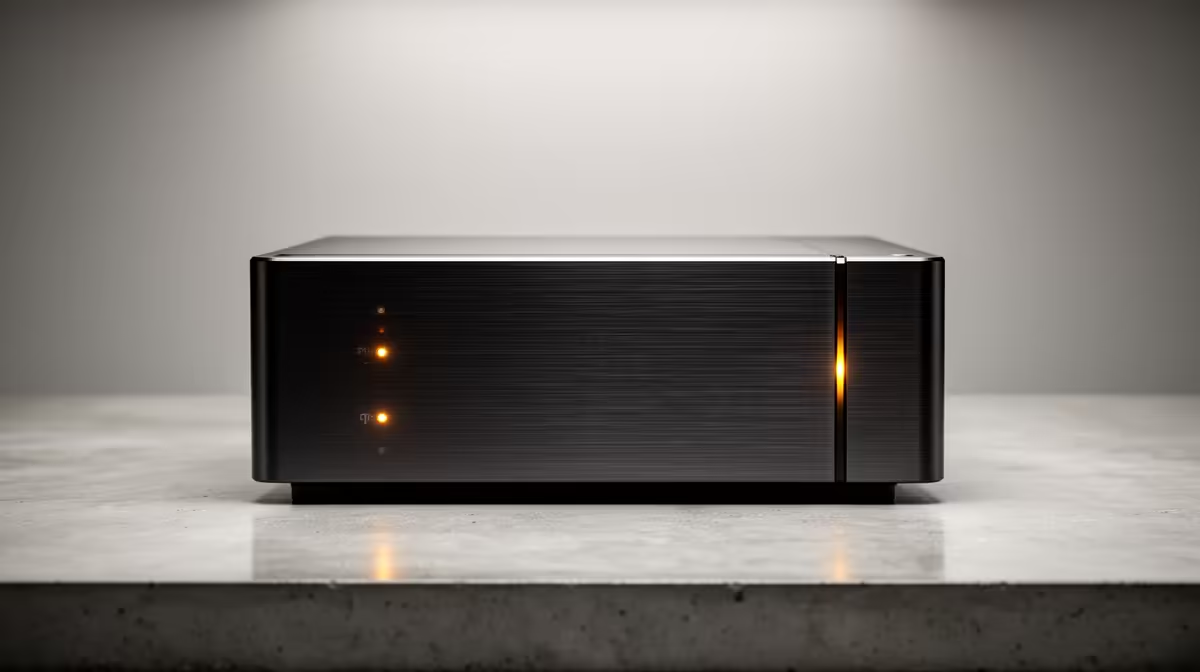
Load shedding strikes again. You're one kill away from clutching the round, and... darkness. Your rank, your stream, your sanity... gone. What if protecting your gear was as simple as plugging in a kettle? With easy-to-use plug-and-play UPS systems, it is. No fuss, no electricians, just instant peace of mind for your gaming rig and essential tech. Let's get you sorted.
Why a Simple UPS is a Non-Negotiable
In South Africa, an Uninterruptible Power Supply (UPS) isn't a luxury; it's essential hardware. Think of it as a small, intelligent battery that sits between the wall socket and your precious PC. When the power dips or dies completely, it seamlessly takes over, giving you clean, stable electricity. This isn't just about surviving load shedding... it's about protecting your components from the dirty power and surges that often come when the grid switches back on.
A proper uninterruptible power supply acts as a bodyguard for your motherboard, GPU, and PSU, preventing damage that can cost thousands to repair. These plug-and-play UPS systems are designed for exactly that: immediate protection without any complicated setup.
Finding Your Perfect Plug-and-Play UPS
Choosing the right UPS might seem technical, but it boils down to two simple things: how much power you need (VA rating) and how much time you want (runtime). You don't need to be an expert to make a smart choice.
What is a VA Rating?
VA, or Volt-Amps, is just a measure of how much power the UPS can deliver. A higher VA means it can support more powerful hardware. For a standard gaming PC and a monitor, a 1000VA to 1500VA unit is a fantastic starting point. It provides enough juice to handle your machine even under heavy load. For more demanding rigs or multiple devices, looking at options from trusted brands like Titan can give you the extra capacity and reliability you need.
Quick Power Check 🔧
Look at the wattage on your PC's power supply unit (e.g., 750W). A good rule of thumb is to choose a UPS with a VA rating at least 1.5 times that wattage number. So for a 750W PSU, aim for a 1200VA UPS or higher to be safe!
How Much Runtime Do You Really Need?
Let's be realistic. A desktop UPS isn't designed to let you finish a 3-hour gaming session during Stage 6. Its primary job is to give you a crucial 5-15 minute window to save your work, exit your game safely, and shut down your PC properly. This prevents file corruption and protects your operating system. For your router and fibre box, however, a small UPS can keep you online for hours! ✨
Setup in a Flash: From Box to Backup
The best part about a plug-and-play UPS is the name itself. The setup is ridiculously simple:
- Unbox it: Take it out and place it near your desk.
- Plug it in: Connect the UPS to your wall socket to let it charge.
- Connect Your Gear: Plug your PC tower, monitor, and router into the battery-backed sockets on the UPS.
- Power On: Press the power button on the UPS.
That's it. You're now protected. It's an incredibly straightforward process, and with many affordable plug-and-play UPS systems under R1300, securing your setup has never been more accessible.
Stay Powered, Stay in the Game Don't let another power cut ruin your flow. A simple UPS is the easiest upgrade you can make for true peace of mind. Shop now at Evetech and find the perfect fit for your setup.











