

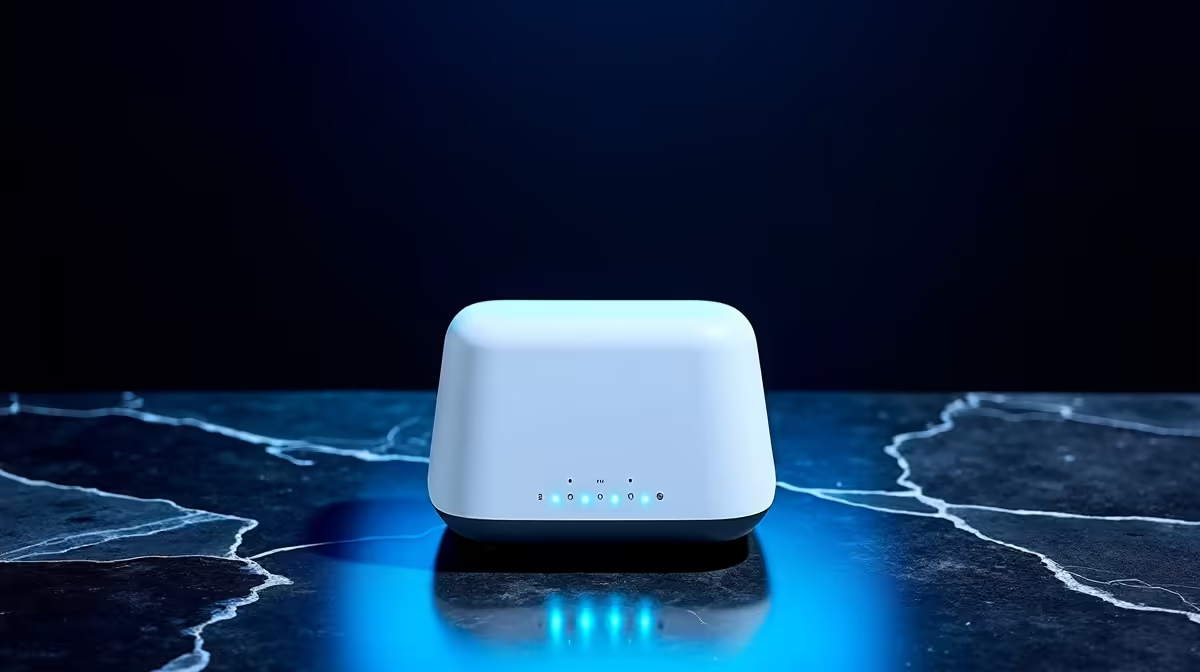
Is there anything more frustrating than your fibre connection dropping mid-match or during a critical work call? You're paying for high-speed internet, but that little box your ISP gave you just can't keep up. The secret to unlocking the performance you deserve often lies in one simple upgrade: your router. Achieving effortless fibre router pairing for seamless connectivity isn't complex tech wizardry; it's about choosing the right gear and setting it up correctly. Let's get it sorted. 🚀
Why Proper Fibre Router Pairing is Crucial
Your Internet Service Provider (ISP) gets the fibre line to your door, but what happens inside your home is up to you. The standard-issue routers they provide are often built to a budget, struggling with multiple devices, thick walls, or the demands of 4K streaming and low-latency gaming.
Upgrading to a dedicated unit from a trusted brand unlocks a new level of performance. Think of it as swapping out your car's factory-standard tyres for a high-performance set... suddenly, you have more grip, control, and speed. A powerful router ensures that every device on your network gets a strong, stable signal, delivering the speeds you actually pay for. This simple step is the foundation of seamless connectivity and is easier than you think. Explore a quality selection of powerful wireless routers to see the difference for yourself.
Your Guide to Effortless Router Configuration
Ready to make the switch? Pairing a new router with your fibre connection is a straightforward process. You don't need to be a network engineer, just follow these steps.
Step 1: Connect Your Hardware 🔧
First, unplug the old router provided by your ISP. Take the network cable that runs from your Fibre ONT (the small white or black box the fibre line plugs into) and connect it to the "WAN" or "Internet" port on your new router. This port is usually a different colour from the others. Power up your new router and give it a minute to boot.
Step 2: Access the Admin Panel
Connect your PC to the new router using another network cable or by joining its default Wi-Fi network (the details are usually on a sticker on the router itself). Open a web browser and type in the router's IP address, commonly 192.168.0.1 or 192.168.1.1. Log in with the default admin credentials, also found on the sticker.
Step 3: Configure Your Connection
Inside the setup menu, look for an "Internet" or "WAN" section. You'll likely need to select "PPPoE" as your connection type. Here, you must enter the username and password supplied by your ISP (e.g., Vumatel, Openserve, Frogfoot). If you don't have these, a quick call to your ISP's support line will sort you out. Once entered, save the settings, and your router should connect to the internet. For devices that lack built-in Wi-Fi, like some older desktops, a high-speed USB wireless adapter is the perfect partner to your new setup.
Pro Router Placement Tip
Position your router in a central, elevated location in your home, away from thick concrete walls and appliances like microwaves. This simple physical adjustment can dramatically improve signal strength and coverage, giving you that seamless connectivity you're after.
Eliminating Dead Spots for Whole-Home Wi-Fi ✨
Even with a beastly new router, larger homes or those with double-brick walls can still suffer from Wi-Fi dead zones, especially upstairs or out by the braai area. This is where extending your network becomes essential.
Instead of just hoping the signal reaches, you can guarantee it. For tackling one or two specific dead spots, wireless range extenders are a cost-effective solution. They simply pick up your existing Wi-Fi signal and rebroadcast it, pushing your coverage further. For ultimate, no-compromise performance across a large area, a Mesh Wi-Fi system creates a single, intelligent network that provides flawless coverage everywhere.
This final step in your setup solidifies a truly robust home network. By combining an effortless fibre router pairing with smart signal extension, you create a digital environment where lag and buffering become a thing of the past. From your gaming PC to the smart TV in the lounge, every device gets the priority and speed it needs. It's time to take full control of your home's complete wireless networking ecosystem and enjoy the internet as it was meant to be.
Ready for a Lag-Free Life? Stop letting a weak signal dictate your online experience. Explore Evetech's massive range of high-performance wireless routers and build a network that leaves buffering in the dust.











