

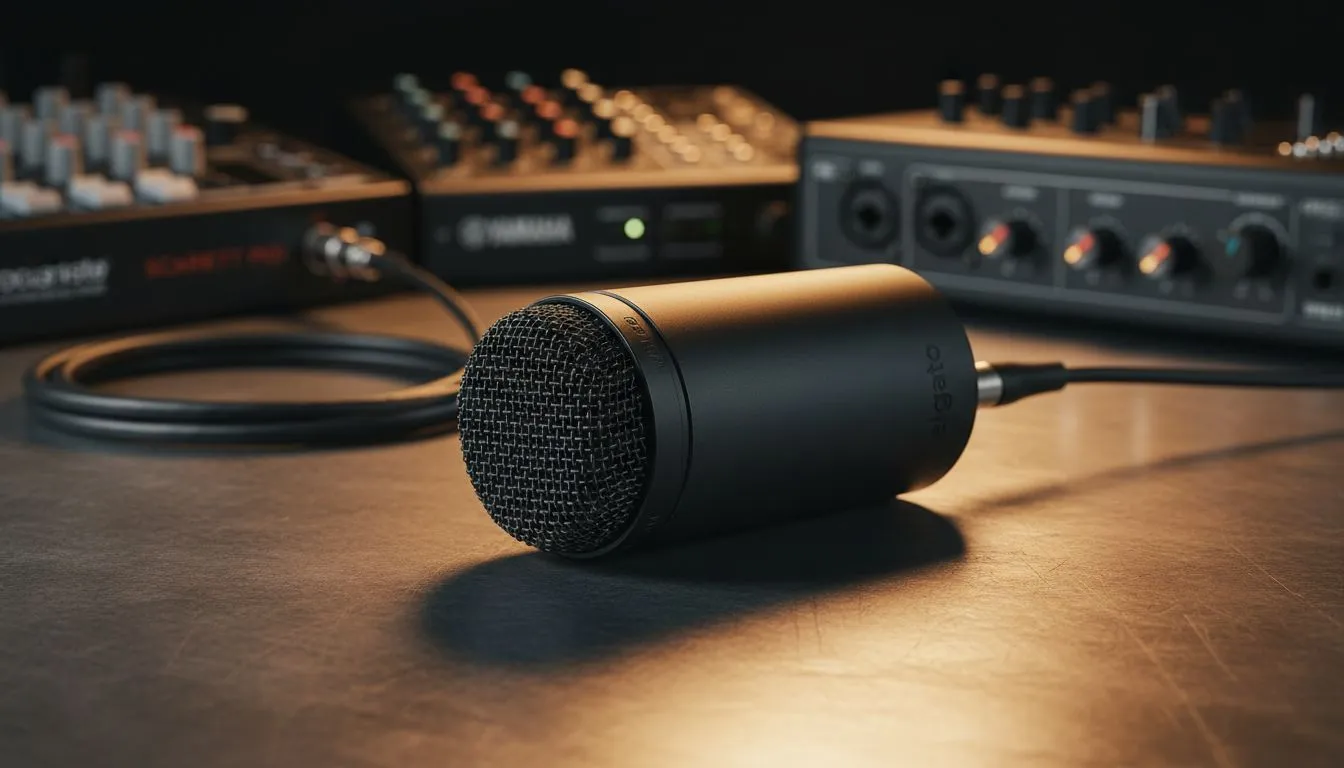
Finding the right match for your Elgato Wave DX
Stepping up your audio game in South Africa usually means moving away from USB. The Elgato Wave DX compatibility: XLR interfaces & mixers discussion is vital for anyone looking to achieve that crisp, broadcast-quality sound without the technical headache. Whether you are a competitive gamer in Joburg or a content creator in Cape Town, getting your signal chain right is the first step toward professional production. ✨
The Wave DX is a dynamic XLR microphone. This means it is built to ignore the hum of your PC fans or the distant sound of a barking dog. However, unlike USB microphones, it cannot work alone. It requires an interface to convert your voice into a digital signal your PC understands. When browsing for streaming essentials, choosing a compatible interface is your top priority.
Why XLR interfaces and mixers matter
An XLR interface does more than just plug your mic into your computer. It provides the "gain" needed to make your voice audible. The Wave DX is relatively easy to drive, but it still thrives when paired with a clean preamp. If you are already invested in the CORSAIR ecosystem, you likely know that Elgato’s own Wave XLR is the most seamless partner. It offers a massive 75dB of gain, which is more than enough for this specific dynamic capsule.
Using a dedicated mixer also allows for tactile control. You can physically turn a dial to adjust your volume during a live stream. This is far more reliable than fiddling with Windows settings mid-match. While you are setting up your desk, don't forget that visuals matter too. Adding some Cololight panels can help set the mood for your broadcast while your new audio setup handles the heavy lifting. 🚀
Audio Pro Tip ⚡
When setting up your Wave DX, keep the microphone about 5 to 10 centimetres away from your mouth. Since it is a dynamic mic, it uses the proximity effect to add a rich, warm bass tone to your voice. Just be sure to use a pop filter or the included internal shielding to avoid those harsh 'P' and 'B' sounds during intense commentary.
Technical requirements for the Wave DX
You do not need "Phantom Power" (48V) to run the Wave DX because it is a dynamic microphone. However, if your chosen interface has the 48V button, do not panic... it will not damage the mic. Most modern mixers from brands like Focusrite, Behringer, or Lewitt will work perfectly. The key is ensuring the interface has a low noise floor so you do not hear a "hiss" when you turn the volume up. 🔧
A great audio setup deserves a great visual to match. Even the best sounding stream can feel lopsided if the video quality is grainy. Pairing your new XLR setup with high-quality webcams ensures your audience sees you as clearly as they hear you. It is all about creating a balanced experience for your viewers.
The beauty of the Wave DX lies in its simplicity. It uses a standard XLR connection... a universal language in the audio world. This means as you grow, your mic can stay with you, even if you upgrade to a massive 12-channel mixer later on.
Ready to Find Your Perfect Match? Mastering your audio is the fastest way to level up your content. For the best deals on Elgato gear and professional audio hardware in South Africa, we have you covered. Explore our massive range of streaming gear and find the perfect interface to power your Elgato Wave DX today.











