

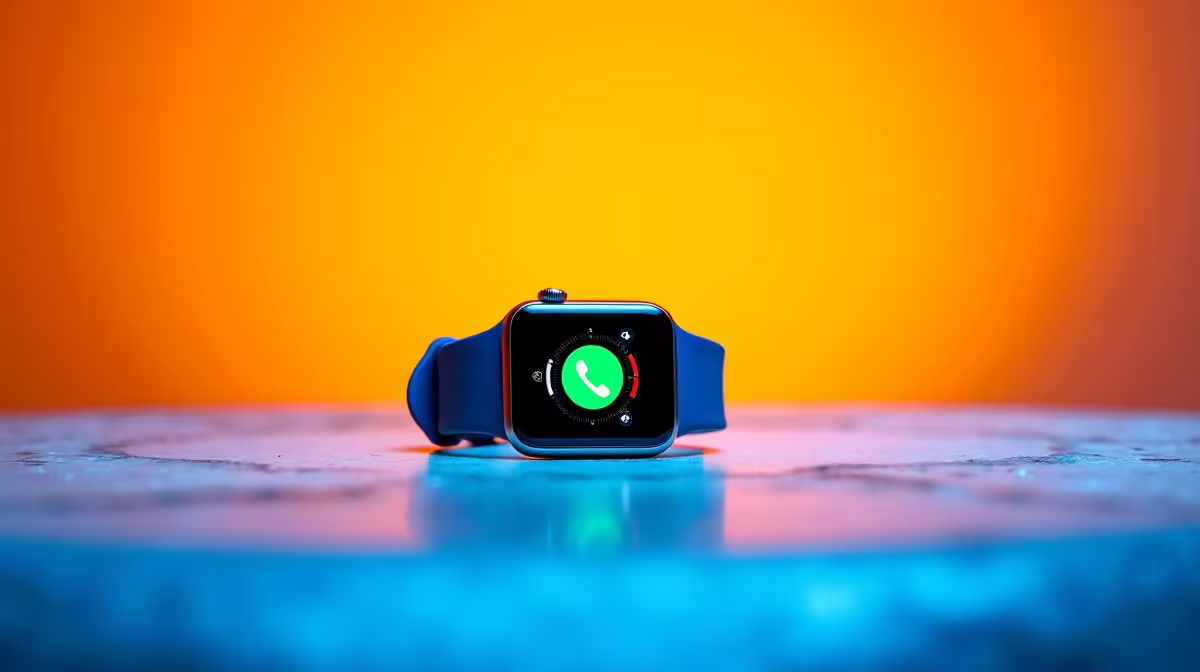
Emergency Calling on Smartwatch: Setup and Use Guide
Whether you are trail running in the Western Cape or navigating a busy commute in Sandton, personal safety is always a priority. Having an emergency calling on your smartwatch setup can provide instant peace of mind. It turns your wearable from a simple fitness tracker into a vital safety tool. This guide ensures you are never truly alone when you need help the most. 🚀
Why Emergency Calling on Your Smartwatch is Essential in SA
In South Africa, quick access to emergency services or family members is a necessity. When you are out for a run or caught in a difficult situation, reaching for a phone in your pocket might be too slow. Modern smart watches allow you to trigger an SOS signal with a simple button press. This feature can send your live GPS location to your chosen contacts and dial local emergency numbers automatically.
Step-by-Step: Setup and Use Guide for SOS Features
Setting up your device is straightforward but requires a few minutes of focus. Most wearables rely on a connected smartphone to make the call unless they have an active eSIM.
- Open the Wearable App: Navigate to the safety or SOS section in your watch's companion app on your phone.
- Define Emergency Contacts: Add at least two trusted people who should be notified if you trigger an alert.
- Enable the Shortcut: Usually, this involves triple-clicking the side button or holding it down for several seconds.
- Test the Trigger: Practice the motion so you know exactly how it feels... just be sure to cancel the countdown before it actually dials!
Safety Pro Tip ⚡
Always ensure your 'Medical ID' is filled out in your health app. This allows first responders to see your blood type and allergies directly from your watch face without needing your passcode.
Fall Detection and Automatic Alerts
One of the most impressive advancements in wearable tech is fall detection. If the internal sensors detect a sudden impact followed by a period of inactivity, the watch will vibrate and sound an alarm. Brands like Promate have begun integrating smarter sensors to reduce false positives while ensuring you are covered during a real accident. This is particularly useful for elderly users or solo adventurers. 🔧
Choosing the Right Hardware for Your Safety
Not all wearables are created equal when it comes to emergency features. If you prefer to leave your phone at home, look for LTE-enabled models. However, if you always carry your phone, a Bluetooth-only model is perfectly adequate. You do not need to spend a fortune to stay safe. You can find affordable smartwatches under R1000 that still include essential SOS functionality and reliable heart rate monitoring. ✨
Remember to check your battery levels regularly. A safety feature is only useful if the device has the power to execute it. Make it a habit to charge your watch while you shower or during your morning coffee.
Ready to Secure Your Peace of Mind? Staying safe while staying active is easier than ever with the right wearable tech. Explore our massive range of smartwatch specials and find the perfect device to keep you connected and protected.











