

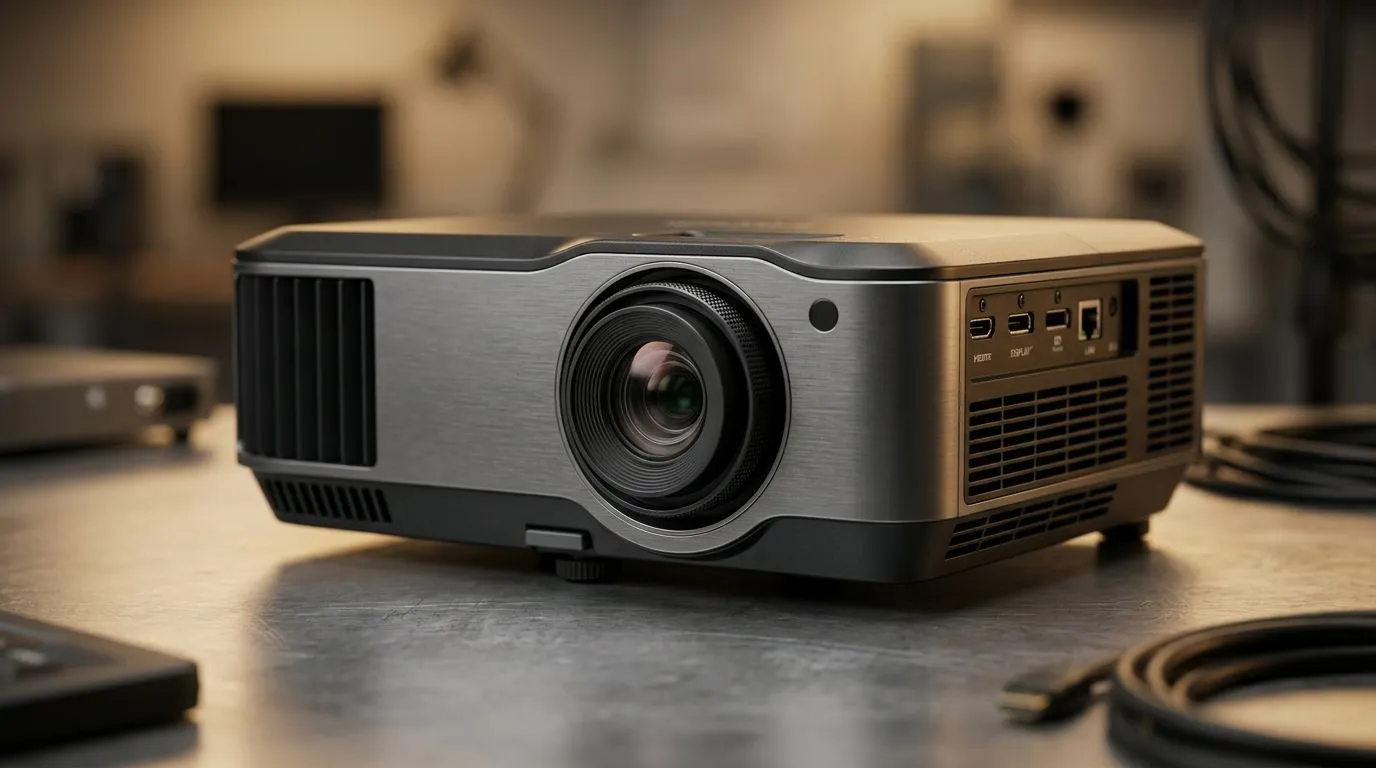
Energy-Saving Business Projectors: Why South Africans Should Care About Efficiency ⚡
If you’ve ever run a meeting room, a small business, or even a weekend LAN setup, you’ll know the struggle… electricity costs add up fast. And with load shedding still part of the conversation, every watt matters.
Energy-saving business projectors are designed to cut power use without killing image quality. But what features actually make the difference? Let’s break it down clearly, with the kind of practical guidance you’d use before spending your ZAR.
Energy-Saving Business Projectors: Key Efficiency Features Explained 🔧
Lamp vs LED vs Laser… and how it affects running costs
Most “business projector efficiency” conversations start with the light source:
- LED: Typically uses less power and can last longer with lower replacement costs.
- Laser: Often delivers stable brightness over time, which helps maintain performance without frequent lamp swaps.
- Lamp: Can be affordable upfront, but you may pay later through replacement and service cycles.
Important note: exact power consumption depends on the model and brightness mode (Eco/SmartEco/Normal). For specific options available in South Africa, browse our projector range here: View energy-saving projector options across a range of models
Brightness modes (Eco/Smart) that really reduce power
Many business projectors include a lower-power Eco mode. In simple terms, Eco mode reduces light output and power draw. That can be enough for boardrooms with controlled lighting, or for presentations where you’re not blasting daylight-level images.
Pro tip: If you only need crisp text for slides, you often don’t need maximum brightness. You just need consistent brightness and good contrast for readability.
Auto power-off and input standby (small features, real savings) ✨
Efficiency isn’t only about brightness. Look for:
- No-signal auto power-off (turns the projector off when nothing is connected)
- Standby modes (reduces draw when idle)
- Quick-on / quick-wake (prevents long “warm-up” time when you’re in and out)
These features are easy to overlook, but they cut wasted runtime… especially in spaces where people forget to shut equipment down.
Lens and optics efficiency: sharper images with less “brightness chasing”
An efficient optical design means you can get a sharper, more readable image without maxing out brightness. That matters if you’re projecting:
- from farther distances
- into large rooms
- onto screens that are not perfectly matched to projector specs
When possible, choose the projector that fits your room and throw distance, rather than forcing a “brighter must be better” decision.
Energy-Saving Business Projectors: Choosing the Right Specs for Your Room 🚀
1) Throw distance and screen size (don’t waste brightness)
Buying the right throw ratio often helps you avoid running the projector at higher settings. If you overshoot the throw distance, you can lose brightness and rely on brighter modes… which increases power use.
2) Resolution and text readability
For business use, clarity matters more than gamers think. Higher resolution helps small text stay readable, reducing the temptation to crank brightness for “visibility”.
3) Connectivity for modern workplaces
Energy efficiency also includes “time efficiency”. If your projector supports the inputs you actually use (laptops, document cameras, certain streaming devices), you waste less time troubleshooting adapters, which keeps sessions moving.
If you’re comparing brands for business use, you can start here:
4) Replacement planning and total cost of ownership
Even if two projectors look similar on paper, the long-term cost can change based on:
- lamp/laser life
- service availability
- how long you run per day
This is where “energy-saving” becomes more than a marketing term.
Energy-Saving Business Projectors: A Practical Setup Checklist (So You Don’t Overpay) ⚡
Productivity Pro Tip ⚡
On Windows, use the PowerToys FancyZones utility to create custom snap layouts for your windows. It's a lifesaver for managing multiple apps on an ultrawide monitor, letting you organise your timeline, preview window, and asset folders perfectly for video editing.
Quick checklist before you buy
Use this as your “savings filter”:
- Choose Eco mode as your default for slides.
- Confirm the projector has auto power-off for no-signal scenarios.
- Match throw distance to your room layout.
- Avoid buying “too dim” for your lighting needs. (That leads to higher brightness usage.)
- Plan for light source longevity (lamp replacements add cost and downtime).
Micro-story: the boardroom that cut usage without changing how people work
One small business wasn’t trying to save energy, they were trying to stop recurring maintenance. They switched to a projector setup with strong Eco performance and better idle behaviour. Result? Less “forgot to power down” time… and fewer light-source surprises. The team kept the same workflow, but overhead dropped quietly.
That’s the real win with energy-saving projectors… consistent everyday savings, not a one-time adjustment.
Energy-Saving Business Projectors: Ready to Compare Models in South Africa?
If you want to make a confident choice, don’t just compare specs. Compare how each model behaves in real office use: Eco modes, idle controls, and the practical fit for your room.
Ready to Find Your Perfect Match? The Mac vs Windows debate is complex, but for maximum power, choice, and value in South Africa, Windows is hard to beat. Explore our massive range of laptop specials and find the perfect machine to conquer your world.











