

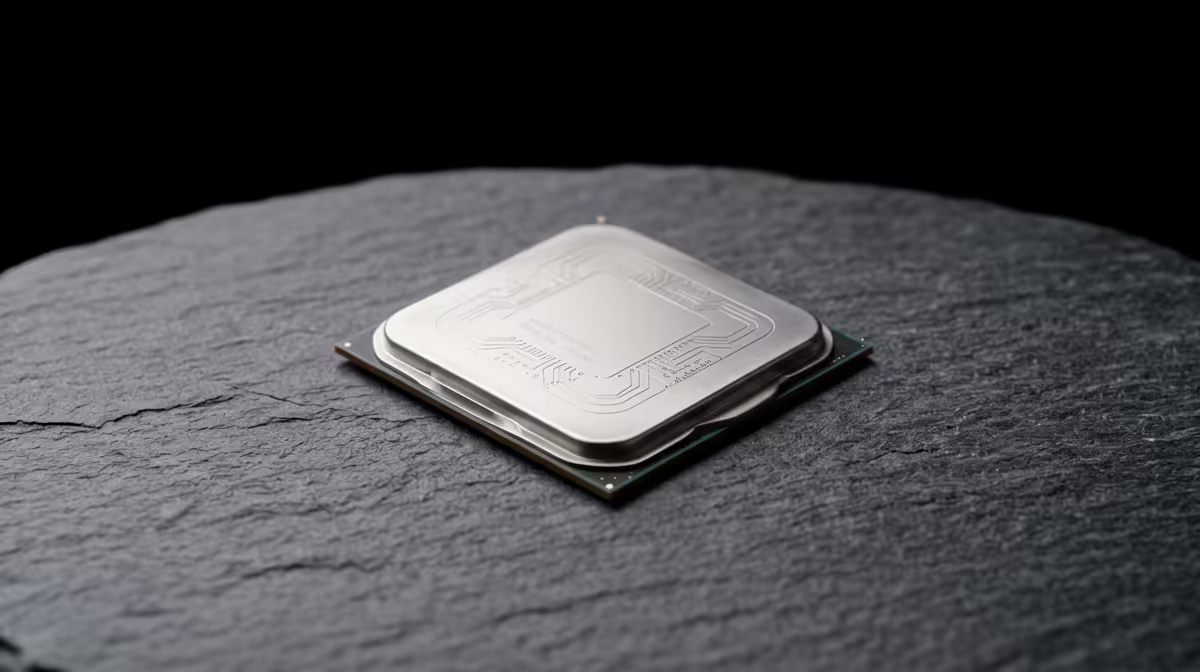
So, you’ve built your new rig. That shiny, powerful graphics card is ready to tear through the latest titles, but something feels… off. Your frames drop in the middle of a chaotic firefight in Apex Legends, and the world stutters just as you’re about to land a perfect headshot. What gives? Often, the culprit is hiding in plain sight: your processor. Understanding entry-level CPUs' gaming bottlenecks is the first step to unlocking your PC’s true potential.
What is a CPU Gaming Bottleneck?
Think of your PC as a production line. Your graphics card (GPU) is the artist, rendering beautiful, high-resolution frames. Your processor (CPU) is the factory manager, preparing all the data—game logic, physics, AI behaviour—for the artist to paint.
An entry-level CPU gaming bottleneck happens when the manager can't prep data fast enough for the artist. 🚦 Your beastly GPU sits there, waiting for instructions, unable to use its full power. The result? Lower frame rates, annoying stutters, and a gaming experience that feels less smooth than it should, even if you have a top-tier graphics card. Your system's performance is limited by its slowest component.
How to Spot Performance Limits from Your CPU
Not sure if your processor is holding you back? Don't stress, you don't need to be a tech guru to figure it out. Here are a few tell-tale signs that you're dealing with performance limits caused by your entry-level CPU:
- Check Your Usage Stats: Use a monitoring tool like MSI Afterburner while you game. If your CPU usage is consistently hitting 90-100% while your GPU usage is much lower (e.g., 60-70%), you've found your bottleneck. Your CPU is running flat-out, but your GPU is just cruising.
- In-Game Symptoms: Notice significant frame drops in moments with lots of action or many characters on screen? That's often the CPU struggling to process all the simultaneous events.
- Resolution Test: Try lowering your game's resolution from 1440p to 1080p. If your average frames-per-second (FPS) barely increase, your CPU is likely the limiting factor, as it can't prepare frames any faster regardless of the resolution.
Identifying the issue is the first step to fixing it, and sometimes the fix means upgrading to a processor that can keep up. Exploring a wide range of modern CPUs at Evetech can give you an idea of what your next step might look like.
Quick Performance Check
In Windows, press Ctrl+Shift+Esc to open Task Manager. Go to the "Performance" tab and click on "CPU". Keep this open on a second monitor while you game. If you see cores maxing out at 100% during stutters, you've confirmed your bottleneck.
Where Entry-Level CPUs Hit Their Limits 🚀
While budget CPUs are fantastic for getting a build off the ground, certain gaming scenarios push them past their breaking point. Entry-level CPUs' gaming bottlenecks are most common in these situations:
High-Refresh-Rate Gaming (144Hz+)
Playing competitive titles like Valorant or CS2 on a high-refresh-rate monitor? To hit 144 FPS or more, your CPU needs to prepare over 144 frames of data every single second. This is a massive workload that cheaper, lower-core-count processors often can't handle, leading to inconsistent frame times and a less responsive feel. Even powerful Intel processors with higher clock speeds make a massive difference here.
Strategy, Simulation, and Open-World Games
Games like Cities: Skylines, Total War: Warhammer III, or even the crowded streets of Cyberpunk 2077's Night City are notoriously CPU-intensive. They rely on the processor to manage complex AI, thousands of objects, and vast, dynamic worlds. An entry-level CPU will struggle to keep all those plates spinning, resulting in lower overall frame rates, especially when the action heats up.
Mitigating a Bottleneck Without Breaking the Bank 🔧
So, you have a CPU bottleneck. Does that mean you need to rush out and spend thousands of ZAR on an upgrade? Not necessarily. Before you upgrade, try these tweaks:
- Optimise In-Game Settings: Lower settings that are heavy on the CPU. These often include "Object Detail," "Physics Quality," "Shadows," and "Population Density."
- Close Background Apps: Your CPU has to manage everything running on your PC. Shut down Chrome tabs, Discord, Spotify, and any other non-essential apps before launching a game. Every little bit of processing power helps.
- Ensure Good Cooling: If your CPU is overheating, it will "throttle" (slow itself down) to prevent damage. Make sure your cooler is properly mounted and your case has good airflow.
If you've tried everything and still face performance limits, it might be time for an upgrade. A modern processor can completely transform your gaming experience. For many gamers, the performance uplift offered by the latest AMD Ryzen CPUs provides an incredible balance of price and power, making it a worthy investment for any serious rig.
Ready to Smash Your Bottleneck? Don't let a slow processor hold your gaming rig hostage. Find the perfect CPU to unlock your GPU's full potential and achieve the smooth, high-FPS experience you deserve. Shop our full range of CPUs at Evetech for performance that leaves lag in the dust.











