

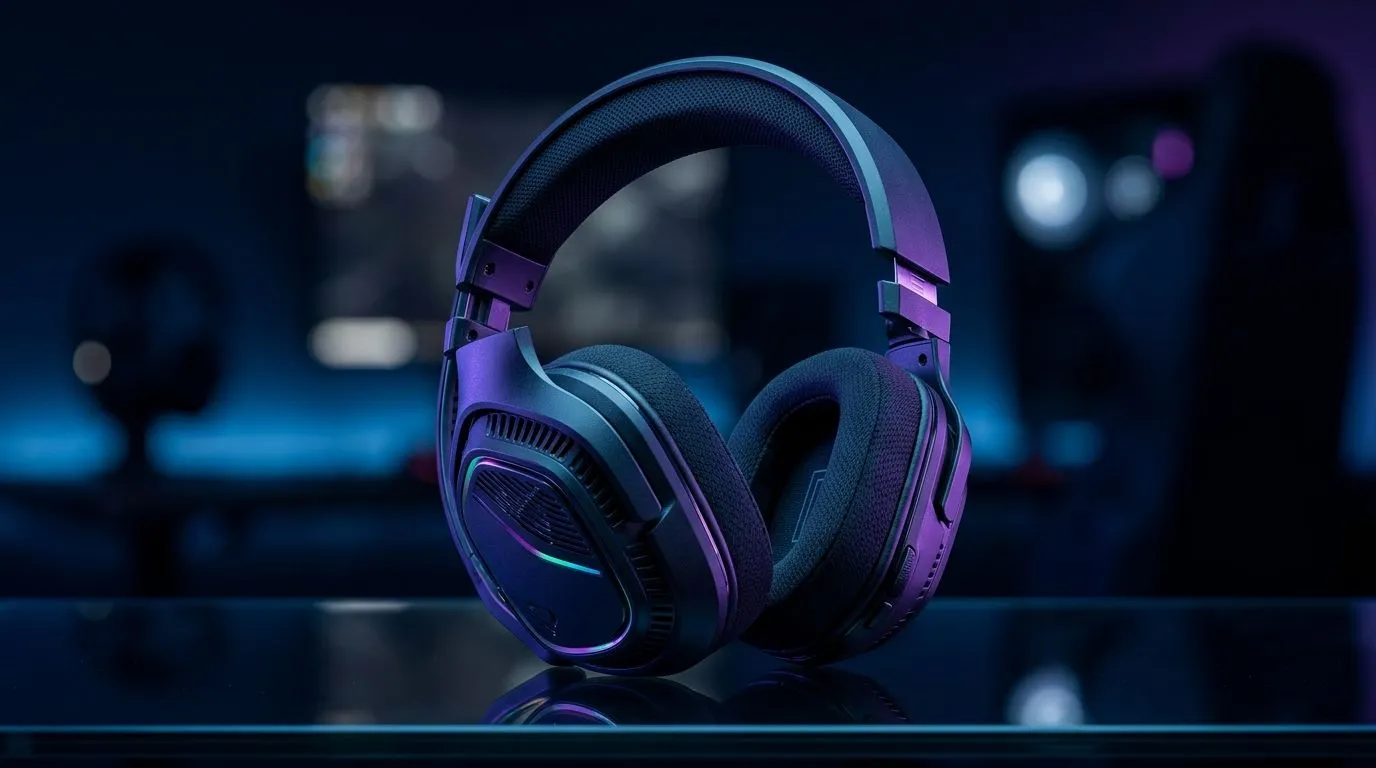
EQ Settings for Footsteps and Dialogue: Fine-Tune Audio Balance (That “Wait… was that behind me?” moment) 🎧
If your footsteps sound smeared or dialogue gets lost in explosions, you’re not “bad at hearing”... you just need better EQ. In South Africa, where loadshedding, noisy rooms, and mismatched audio gear are real, getting your headset mix right can change every match. 🔧 Whether you’re playing CS2, Warzone, Valorant, or story games, this guide will help you fine-tune EQ settings for footsteps and dialogue so you can hear intent, not just noise.
EQ is powerful because games mix sound differently. Footsteps often live in the mid-high range. Dialogue sits in the centre, but competes with gunfire and music. The goal is separation, not volume.
EQ Settings for Footsteps and Dialogue: Start with safe, practical levels ✨
Before you touch sliders, set a baseline. If your headset’s software supports profiles, start there. For wireless sets and drivers, extreme boosts can cause distortion and fatigue fast.
A solid starting approach for many FPS and narrative games:
- Lower sub-bass (so explosions don’t drown detail).
- Slightly raise “presence” (so footsteps cut through).
- Keep dialogue midrange clear (so you understand NPCs and comms).
Quick baseline for most setups (beginner-friendly)
Try these broad targets as a starting point, then adjust by ear:
- 60–100 Hz: -2 to -4 dB (reduces boom)
- 200–500 Hz: -1 to -2 dB (clears muddiness)
- 1 kHz: 0 to +1 dB (dialogue fundamentals)
- 2–4 kHz: +2 to +4 dB (presence and step articulation)
- 6–10 kHz: +1 to +3 dB (air cues, but watch harshness)
If your headset is bright already, go smaller on the 2–10 kHz boosts.
Productivity Pro Tip ⚡
If you’re on Windows, set up a dedicated “game audio” profile in your headset software and keep it fixed. Then use only in-game volume, not global Windows boosts. This prevents your EQ from fighting other enhancements and keeps footsteps consistent across sessions.
EQ Settings for Footsteps and Dialogue: Tune by listening tests (not guesses) 🔍
Here’s a simple tuning routine you can do in 5 minutes:
- Pick one map section with consistent surfaces (stairs or corridors).
- Stand still, listen for step cadence and direction cues.
- Trigger a dialogue-heavy scene right after gunfire.
Then adjust in this order:
- Dialogue first: If voices are unclear, reduce 200–500 Hz mud, then check 1 kHz.
- Footsteps second: If steps are there but distant, increase 2–4 kHz slightly.
- Harshness last: If cymbals or gun tails sound sharp, lower 6–10 kHz by 1–2 dB.
One trick many South African players learn the hard way... if you boost everything, you just amplify chaos. Separation is the win.
EQ Settings for Footsteps and Dialogue: Pair settings with the right headset 🎮
EQ can only do so much if the headset itself isn’t resolving detail. If you’re shopping, look for stable imaging and comfort. For instance, the Razer Barracuda X Chroma Wireless (Phantom White) is built for everyday gaming sessions with a wireless focus, making consistent listening easier between matches and work. Check it out here: Razer Barracuda X Chroma Wireless headset options.
If you’re comparing models and want to browse structured categories, start with: Razer headphones & headsets in Evetech’s range, or explore more broadly at: headphone & headset deals and gear.
EQ Settings for Footsteps and Dialogue: When to reset and when to commit 🔁
If your mix feels “better” for 10 minutes but gets tiring, reset and go gentler on the highs. Comfort matters for climbing ranks.
Also, update your EQ per game. A setting that helps footsteps in one FPS may hide dialogue in another. The best players treat EQ like a loadout.
Want a fast path to your ideal audio setup? Start with a clean baseline, tune in small steps, and verify with both footsteps and dialogue.
Ready to Find Your Perfect Match? The Mac vs Windows debate is complex, but for maximum power, choice, and value in South Africa, Windows is hard to beat. Explore our massive range of laptop specials and find the perfect machine to conquer your world.











