

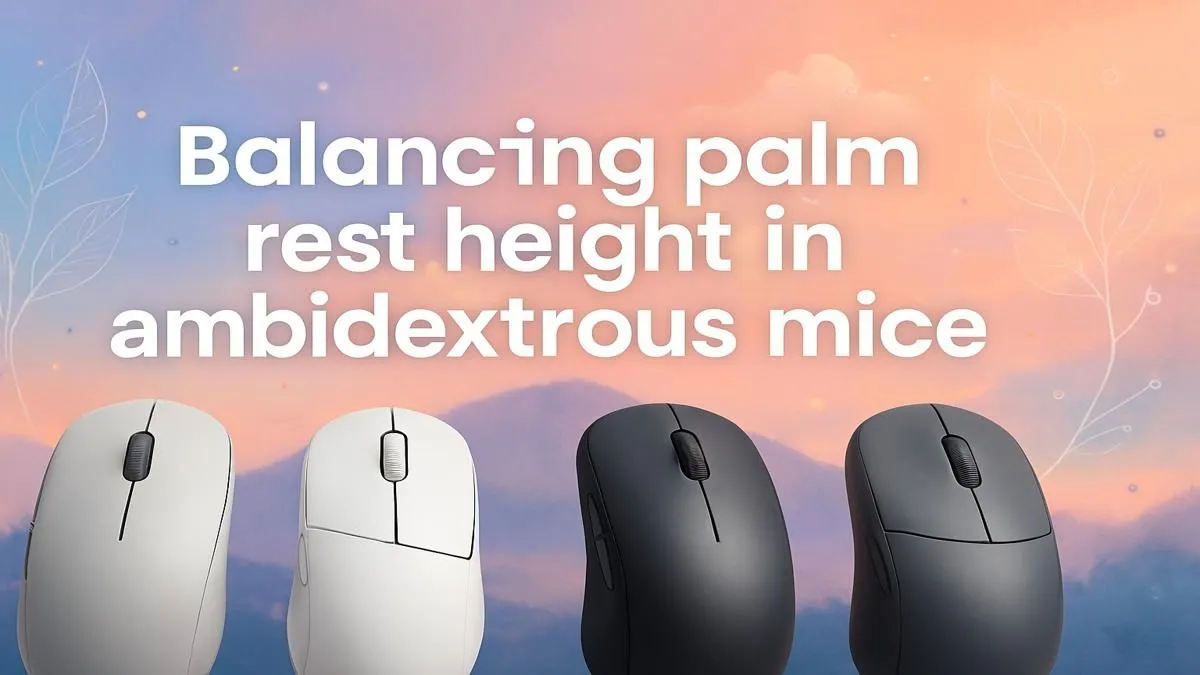
That nagging ache in your wrist after a marathon gaming session... we've all been there. For many South African gamers, especially left-handers or those in a shared household, an ambidextrous mouse seems like the perfect solution. But true comfort isn't plug-and-play. The secret to unlocking pain-free performance lies in a proper ergonomic mouse palm rest adjustment, ensuring your hand finds its natural, balanced position for hours of competitive play. Let's get it sorted.
Why Ambidextrous Mouse Ergonomics Matter
Unlike mice sculpted for a specific hand, ambidextrous models offer a symmetrical design. This flexibility is brilliant, but it places the responsibility of finding the perfect ergonomic fit squarely on you, the user. A poorly positioned hand can lead to wrist strain, cramping, and even a drop in your aiming precision. It’s not just about comfort; it's about performance.
Finding the right balance ensures your wrist remains in a neutral position, reducing stress on your tendons. The goal of any ergonomic mouse palm rest adjustment is to make the mouse feel like a natural extension of your arm, not a foreign object you're fighting against. This is true whether you're looking at entry-level options or browsing the full range of high-performance gaming mice available today.
Fine-Tuning Your Palm Rest for Peak Comfort 🔧
Getting your setup right is simpler than you think. It's a small investment in time that pays huge dividends in comfort and in-game results.
Step 1: Know Your Grip Style
How you hold your mouse is the foundation of your ergonomic setup.
- Palm Grip: Your entire palm rests on the mouse. You need solid support from the palm rest.
- Claw Grip: Your palm touches the back of the mouse, but your fingers are arched. The point of contact on the palm rest is crucial for stability.
- Fingertip Grip: Only your fingertips touch the mouse, with your palm hovering above it. Here, the palm rest's shape guides your hand without direct contact.
Step 2: Find Your Neutral Position
Sit comfortably at your desk and let your gaming arm rest on the table. Your hand and forearm should form a relatively straight line. This is your neutral position. Now, bring your mouse into your hand without changing that angle. Does it feel natural? If you have to bend your wrist up, down, or sideways, an adjustment is needed.
For those who prefer the zero-latency advantage for competitive shooters, many tournament-ready wired mice offer shapes that promote this neutral position right out of the box.
Test Your Setup Smartly
Once you think you've found the sweet spot, don't jump straight into a ranked match! Head to a practice range or play a few casual games. This lets you test your new ergonomic adjustment under low-pressure conditions, allowing for tiny tweaks to get it 100% right.
The Shared PC Solution ✨
An ambidextrous mouse is a lifesaver in homes with multiple gamers. Imagine a household where a right-handed parent and a left-handed teen share the same gaming rig. Instead of fumbling with different peripherals, a single, well-chosen ambidextrous mouse serves everyone. This is where the freedom of modern wireless mice truly shines, creating a clean, versatile setup that works for the whole family.
A proper ergonomic setup isn't just a solo advantage; it's about creating an inclusive and comfortable gaming space for everyone. And sometimes, the smallest tweaks, like adding custom grips or a high-quality mousepad from a selection of mouse accessories, can make all the difference in achieving that perfect feel.
End Wrist Pain, Elevate Your Game Stop letting an uncomfortable mouse dictate your performance. Explore our incredible gaming mouse deals and find the perfect partner for your palm, with top-tier options for every budget and grip style.











