

Master Your Hardware: Essential Driver Setup for a New PC
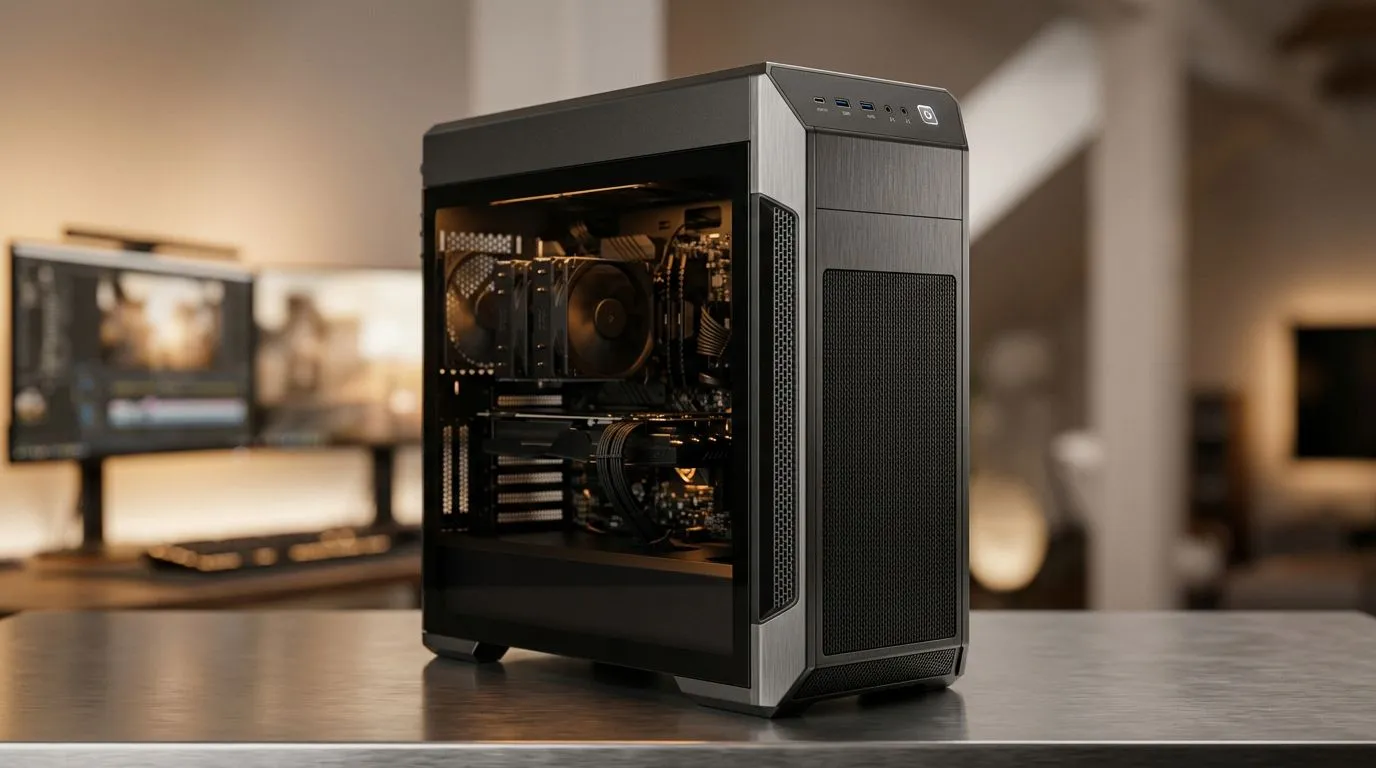
You finally unboxed that beast of a machine, peeled off the plastic, and powered it up for the first time. The fans are spinning, the RGB is dancing, but your work isn't done yet. Getting your essential driver setup for a new PC sorted is the difference between a sluggish experience and a rig that hits peak performance. Don't let your high-end hardware sit idle while outdated software holds it back.
Getting Started with the Right Foundation
Before you dive into your first gaming session, you need to ensure your operating system talks to your hardware correctly. If you opted for one of our pre-built PC deals, most of the heavy lifting is done, but updates are vital. Start by running Windows Update to ensure your chipset drivers are current.
For those pushing high frame rates, your GPU is the heartbeat of the system. Whether you are rocking the latest NVIDIA GeForce gaming PCs or prefer the raw value of all-AMD Ryzen PC deals, always download the latest drivers directly from the manufacturer's website. Avoid third-party "driver updater" tools; they often bloat your system with unnecessary software. 🚀
Precision Tuning for Every Architecture
Your CPU choice dictates how you manage your background tasks. If you went with all-Intel PC deals, ensure you have the Intel Driver & Support Assistant installed to keep your motherboard firmware and LAN drivers stable.
Performance Pro Tip ⚡
Always use the 'Clean Install' option when updating your GPU drivers. This wipes out old registry keys and corrupted files from previous versions, ensuring your frame rates stay consistent and your system remains stable during intense gaming marathons.
If your machine is built for the grind, like our workstation PCs, stability is your primary goal. Ensure your storage controller drivers are updated to prevent any bottlenecks during large file transfers or video rendering tasks. 🔧
Exploring Modern Graphics Options
The landscape is shifting, and if you are using all-Intel Arc gaming PCs, you will notice that frequent driver updates provide significant performance gains in newer titles. Keep the Intel Arc Control panel pinned to your taskbar to monitor your temperatures and update your drivers with one click. ✨
Remember, a well-configured PC doesn't just run faster; it lasts longer. By taking these thirty minutes to calibrate your drivers, you are protecting your investment and ensuring that every Rand spent on your components is working in your favour.
Ready to Find Your Perfect Match? The hardware landscape is evolving, but for maximum power, choice, and value in South Africa, a custom-configured rig is hard to beat. Explore our massive range of gaming PC deals and find the perfect machine to conquer your world.











