

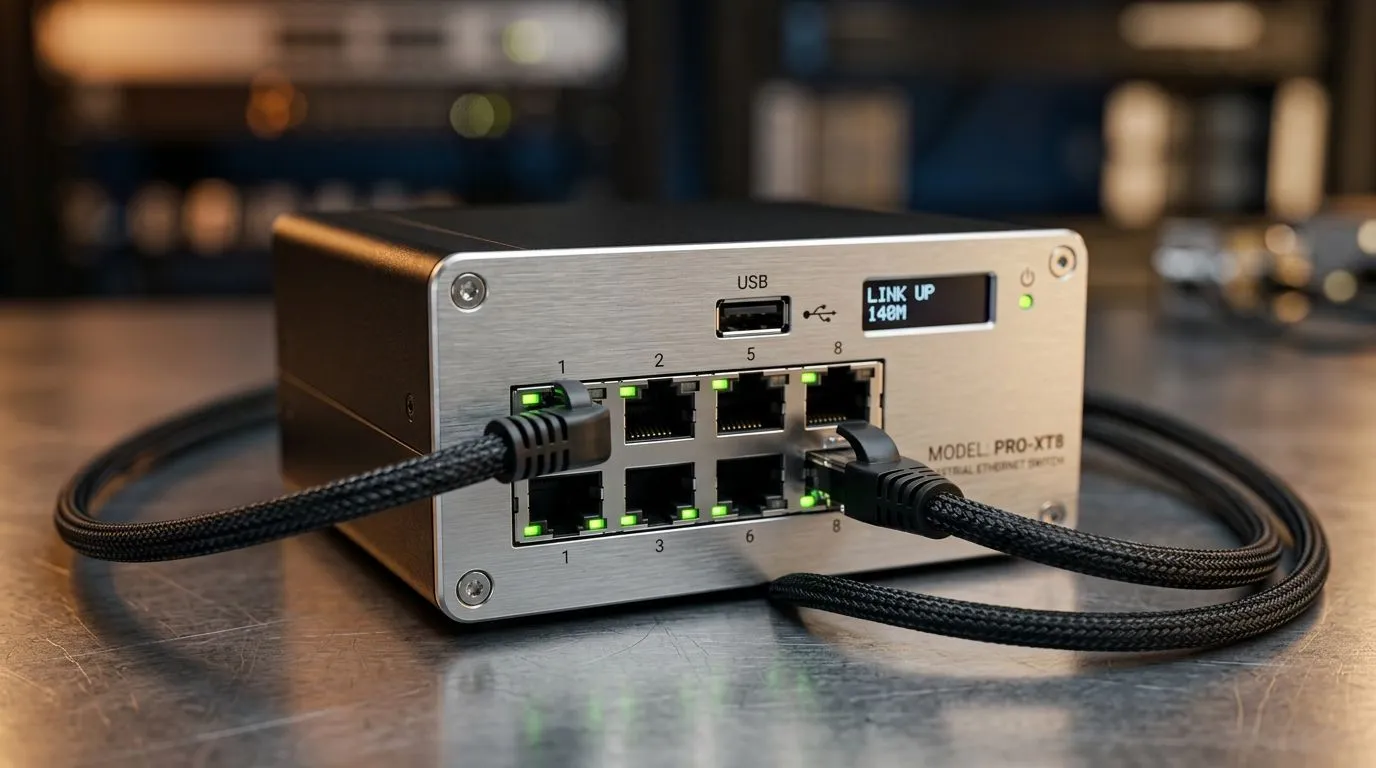
Ethernet 140m Range: Does 140m Cable Distance Matter?
If your router is in the lounge and your gaming room sits at the far end of the house, that extra cable run can feel like a small crisis. In South Africa, where homes vary wildly in layout, this question comes up a lot: does Ethernet 140m range actually matter, or is it just a spec on paper? For gamers, streamers, and home office users, the answer can decide whether you get rock-solid connectivity or frustrating drop-offs ⚡
Ethernet 140m Range: What the Distance Really Means
The short version is simple. Standard Ethernet cabling is usually specified for 100m runs in structured networking. That figure is widely accepted because signal quality and reliability start to suffer beyond it, depending on cable quality, interference, and equipment used. If you are pushing towards 140m, you are no longer in “normal home setup” territory. You are planning a longer, more deliberate network design.
That does not mean 140m is impossible. It means you need the right hardware. A longer run often works best with a switch, repeater, or another network segment in between. For a practical starting point, look at the range of network switches available at Evetech. A good switch can help extend your network cleanly, rather than forcing one cable to do too much.
Ethernet 140m Range: When It Matters in Real Homes
For many South African buyers, the real question is not “Can I run 140m?” but “Should I?” If you are wiring a double-storey house, a small office, or a gaming setup in a separate room, the distance matters because every metre adds potential loss.
A 140m cable run may lead to slower speeds, intermittent connection issues, or devices failing to negotiate at full gigabit speed. That risk rises if the cable is poor quality, runs near electrical wiring, or passes through walls with heavy interference. In other words, the cable length is only one part of the story.
If you are shopping with budget in mind, Evetech’s switch options from around R1,153 can be a sensible place to start comparing. Sometimes a modest hardware upgrade is cheaper than redoing a full cable path later.
Ethernet 140m Range: The Smarter Way to Extend a Network
The best approach is usually to break the problem into shorter sections. A switch placed halfway can refresh the signal and keep performance stable. That is especially useful if you are trying to support a gaming PC, TV, console, and work laptop from one network line 🔧
If you prefer a simple brand focus, Cudy switches on Evetech are worth a look for home and small-office networking. The key is not the logo. It is choosing the right port count, speed, and placement for your layout.
Home Networking Pro Tip ⚡
Use a switch to split long runs into shorter cable segments. It often gives you better stability than relying on one very long Ethernet cable, especially in larger homes or converted rooms.
Ethernet 140m Range: Buying for Stability, Not Hope
A long cable might seem like the easiest fix, but reliable networking is about planning. Measure the route. Avoid unnecessary bends. Keep Ethernet away from power cables where possible. And if the run is very long, consider whether a second access point or switch would serve you better.
For South African gamers, stability often matters more than raw theory. A clean ping in a match is worth more than a neat-looking but risky cable setup. If your goal is smoother play, fewer disconnects, and less frustration, think structure first. Distance second. 🚀
Ready to Find Your Perfect Match? The Mac vs Windows debate is complex, but for maximum power, choice, and value in South Africa, Windows is hard to beat. Explore our massive range of laptop specials and find the perfect machine to conquer your world.











