

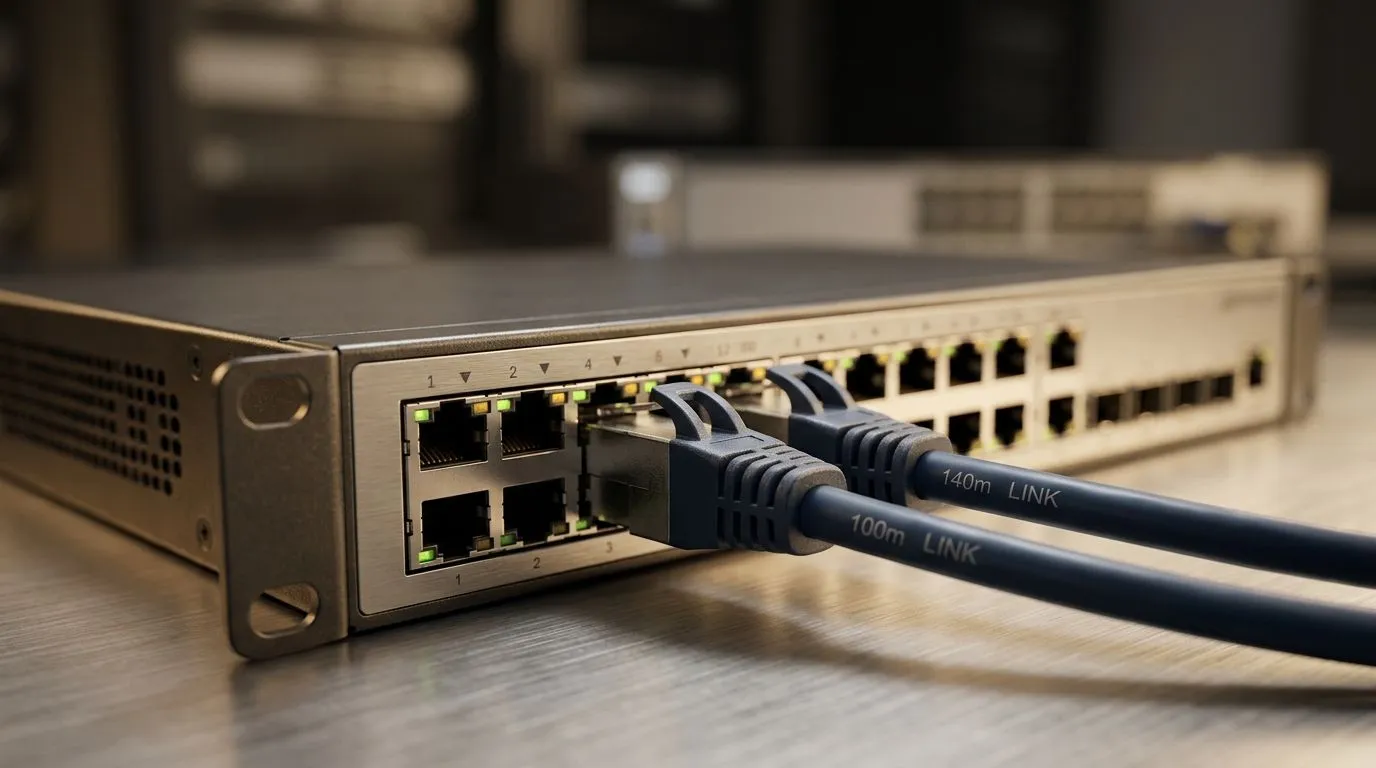
Ethernet Transmission Limits: What 100m Really Means
A long cable run can look harmless, then suddenly your ping spikes, your stream stutters, and the whole setup feels dodgy. For South African gamers, that usually means one thing... the Ethernet run is pushing its limits. The classic 100m cable performance rule is easy to quote, but the real story is more practical than that. It depends on cable quality, termination, interference, and whether the link is carrying gigabit traffic or something heavier.
Ethernet Transmission Limits in the Real World ⚡
The 100m figure is the well-known structured cabling benchmark for copper Ethernet, as used in common IEEE 802.3 deployments and cable standards guidance. In plain English, that gives you a safe target for reliable data transmission over twisted-pair cabling. Go beyond it, and the signal can still work... but margin drops fast.
That is where a 140m cable performance question becomes interesting. Some runs may appear stable at 140m, especially at lower speeds or with excellent cable and clean installation. But it is not the same as a guaranteed standard-compliant link. If you are wiring a home office, gaming room, or small business, treat 100m as the dependable ceiling and anything beyond it as a test case, not a promise.
Why Distance Hurts Ethernet Reliability
Longer runs increase attenuation. Crosstalk and noise can also creep in, especially near power lines or cheap patchwork installs. If your cable is bent sharply, crushed behind furniture, or joined with poor couplers, the problems get worse. That is why a neat install often beats an expensive but messy one.
For gamers, the impact shows up as jitter, packet loss, and inconsistent latency. For creators, it can mean dropped file transfers or unstable NAS access. In both cases, the issue is not just speed. It is consistency.
If you are building out a reliable network, it is worth browsing quality switching options like Evetech’s switch range and planning your topology before you start running cable. A smarter layout now can save a lot of headache later.
When 140m Might Still Seem Fine
A 140m run can sometimes pass basic connectivity tests, especially if the connected devices negotiate at 100Mbps instead of 1Gbps. That is the catch. A link that “works” is not always a link that performs well under load. If you are chasing stable multiplayer, low-latency voice chat, or quick local transfers, you want headroom... not barely-functioning copper.
Some users also mix in better-quality switches or shorter patch segments to compensate. If you are comparing options, check models like Cudy switches at Evetech for straightforward network expansion. And if budget matters, see the current switch deals starting from around ZAR 1 153. The right switch cannot fix bad cabling, but it can help you build a cleaner, more reliable setup.
Network Pro Tip 🔧
If your Ethernet run is near the limit, test it under load. Copy a large file while pinging your router and running a speed test. A link that looks stable at idle can still fall apart during real use.
Practical Advice for SA Home Networks
Keep runs under 100m where possible. Use quality Cat5e or Cat6 cable from a reputable source. Avoid tight bundles near mains wiring. Terminate carefully. Label both ends. If the room layout forces a longer route, consider moving the switch closer instead of stretching one cable too far.
For many South African homes, the best fix is not a stronger cable. It is a better network plan. Small changes can improve your experience more than another few metres ever will. ✨
Ready to Find Your Perfect Match? The Mac vs Windows debate is complex, but for maximum power, choice, and value in South Africa, Windows is hard to beat. Explore our massive range of laptop specials and find the perfect machine to conquer your world.











