

Understanding Ethernet Transmission Limits and Your Home Office
If your home office feels sluggish despite a fast fibre connection, the culprit might be hidden in your walls. Most South Africans assume a cable is just a cable, but physics says otherwise. Understanding Ethernet transmission limits is the first step toward a lag-free workspace. Whether you are routing through a ceiling or across the garden to a flatlet, distance is your biggest enemy... and it is time to optimise.
Why Distance Matters for Your Connection
Every copper Ethernet cable has a physical breaking point. For standard twisted-pair cables like Cat5e or Cat6, the magic number is 100 metres. Once you push past this limit, the electrical signals begin to degrade. This results in "attenuation," where data packets get lost or corrupted along the way. In a typical South African home with thick brick walls, you might not hit 100 metres in a straight line... but cable runs through conduits and ceilings add up quickly. ⚡
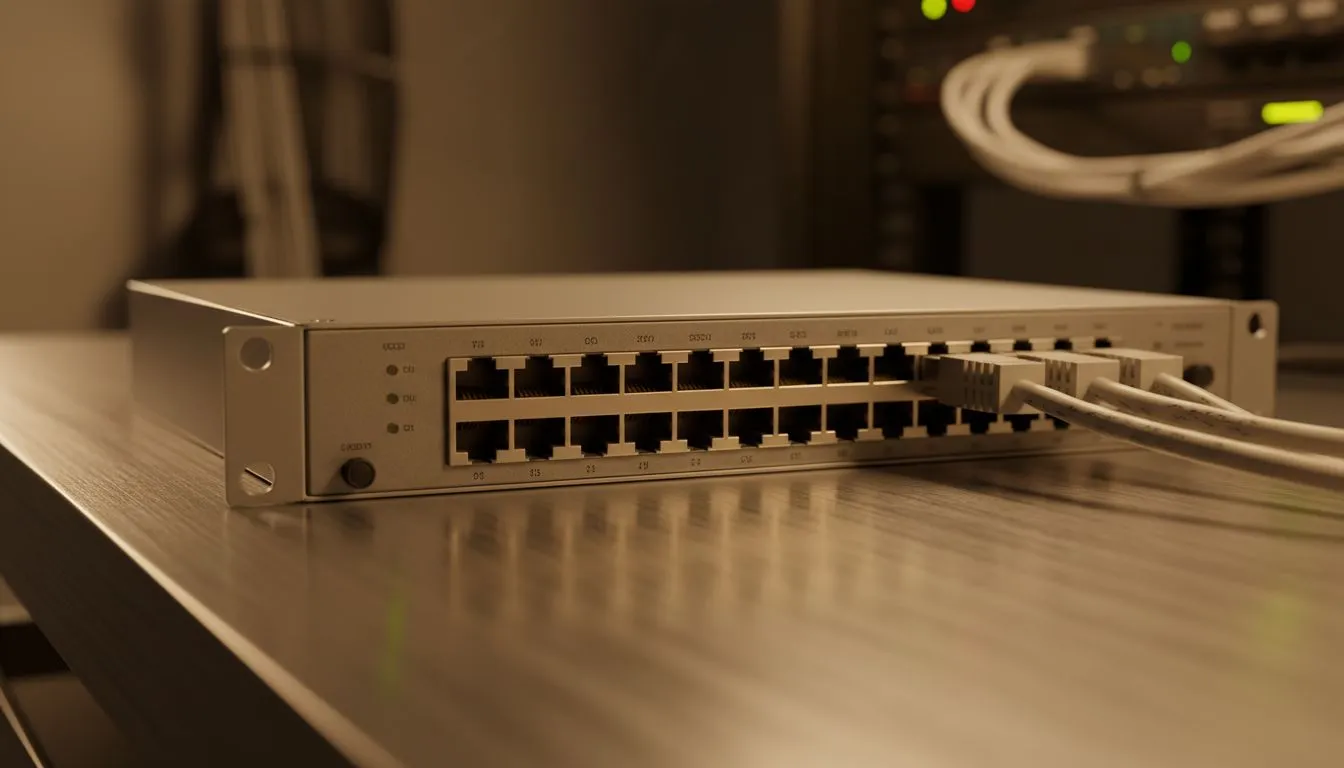
If you find your speeds dropping or your ping spiking during a local gaming session, you might be pushing your hardware too far. To maintain a stable link, you should browse our selection of network switches to act as signal repeaters. A switch refreshes the data signal, effectively resetting the 100-metre clock for the next leg of the journey.
Choosing the Right Hardware for Long Runs
Not all networking gear is built the same. When setting up a robust home office, reliability is key. For those looking to bridge the gap between rooms without losing throughput, Cudy’s range of networking hardware offers excellent performance for South African users. These devices are designed to handle the high-speed demands of modern work-from-home environments. 🔧
Signal Integrity Pro Tip ⚡
When running Ethernet cables near power lines, try to keep a distance of at least 20cm. Electrical interference from power cables can cause data errors. If you must cross a power line, do it at a 90-degree angle to minimise the impact on your Ethernet transmission limits.
Professional Solutions for Larger Homes
If you are managing a large property or a multi-storey office, a basic setup might not cut it. Investing in enterprise-grade switches starting from R1,153 ensures that your backend can handle the traffic of multiple users simultaneously. Higher-end switches often feature better shielding and smarter packet handling... which is vital when your cable runs are approaching the maximum Ethernet transmission limits. 🚀
Always remember to use high-quality Cat6 or Cat6a cabling for any run over 50 metres. While Cat5e is rated for 100 metres at 1Gbps, Cat6 provides better headroom against external noise. This ensures your home office remains a bastion of productivity... no matter how far you are from the router.
Ready to Boost Your Home Network? Understanding Ethernet transmission limits is only half the battle, but having the right gear makes the difference. Explore our massive range of networking switches and find the perfect hardware to keep your home office running at peak performance.











