

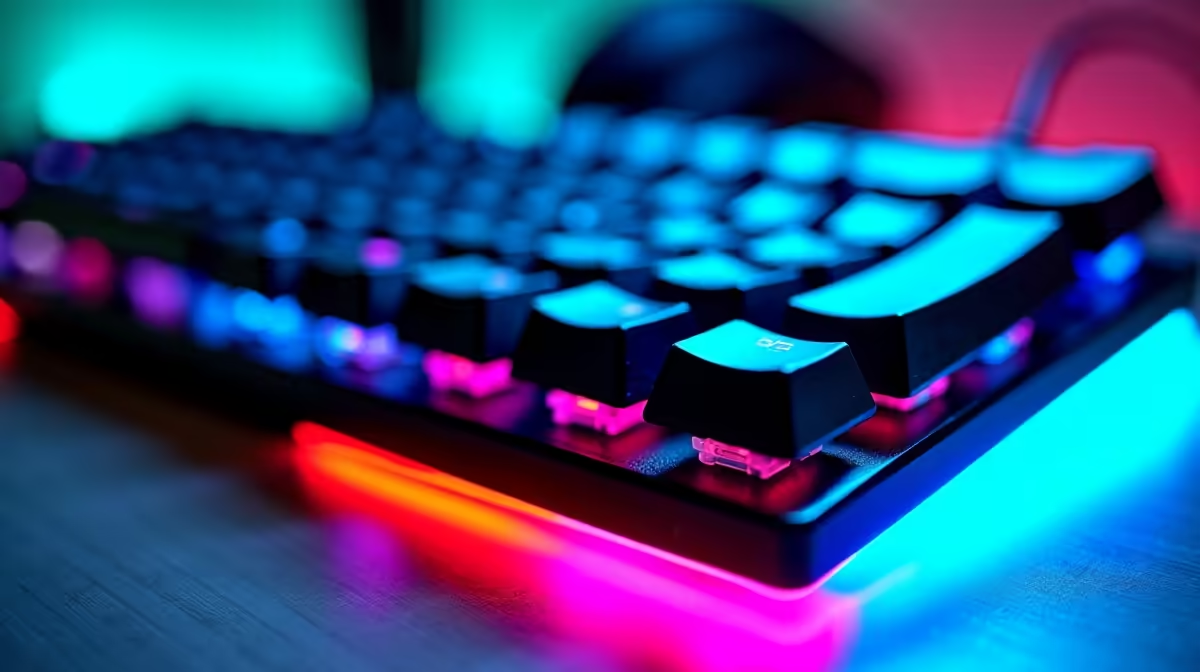
Eye strain during long gaming sessions is often blamed on the monitor, but your keyboard setup plays a surprisingly important role in the overall ergonomic equation. Poor keyboard positioning forces your neck, shoulders, and eyes into unnatural angles that compound screen fatigue - and South African gamers who spend four to eight hours daily at a desk are particularly vulnerable to cumulative strain. Getting your keyboard right is a low-cost, high-impact ergonomic fix.
Quick Answer
To reduce eye strain linked to keyboard use, position your keyboard so your wrists are neutral and forearms are parallel to the floor, reducing shoulder tension that contributes to neck stiffness and eye fatigue. Use a keyboard with appropriate key travel and avoid hunting and pecking - touch typing reduces the eye movements between screen and keyboard that cause strain.
⌨️ Keyboard Position and Eye Movement
The relationship between keyboard position and eye strain is indirect but real. When your keyboard is too high, your shoulders rise and your neck tightens, restricting blood flow and contributing to headaches and eye discomfort during long sessions. When it is too far away, you lean forward, moving your face closer to the screen and increasing the intensity of light entering your eyes.
The ideal position keeps your keyboard at or slightly below elbow height, with your screen at arm's length and the top of the monitor at or just below eye level. A tenkeyless (TKL) or 65% keyboard keeps the mouse closer to centre, reducing the arm extension that causes shoulder asymmetry - a common contributor to one-sided eye and neck fatigue. Browse the keyboard range at Evetech for TKL and compact options across all budget levels.
🔆 Backlighting and Ambient Light Balance
RGB backlighting, when poorly configured, contributes directly to eye strain. The contrast between a brightly backlit keyboard and a dark room forces your pupils to constantly adjust as your gaze moves between screen and keys. Set your keyboard backlight to match your desk's ambient light level - in a dark room, dim it significantly. In a well-lit workspace, brighter backlighting is acceptable.
Avoid blue-dominant RGB profiles during evening gaming sessions. Blue light from peripherals adds to the total blue light load on your eyes, which suppresses melatonin and disrupts sleep quality. Most gaming keyboards allow per-key colour customisation - warm whites and amber tones are preferable for late-night sessions.
❓ FAQ
Q: Does a mechanical keyboard reduce eye strain compared to membrane? Mechanical keyboards with tactile or clicky switches provide physical feedback that reduces the need to visually confirm each keystroke, which slightly reduces downward eye movement during typing. The primary eye strain benefit is ergonomic positioning rather than switch type.
Q: Should I use a wrist rest to reduce eye strain? A wrist rest supports neutral wrist positioning, which indirectly reduces shoulder tension and neck stiffness - both contributors to eye fatigue. Use a rest that keeps your wrists level with the keyboard, not elevated above it.
Q: How often should I take breaks from gaming to prevent eye strain? The 20-20-20 rule applies: every 20 minutes, look at something 20 feet away for 20 seconds. For heavy gaming sessions, a five-minute break every hour to move, stretch, and look away from all screens is more effective than no breaks at all.
Check out All Gaming Keyboards and Graphics Card Deals at Evetech — South Africa's home for gaming gear.











