

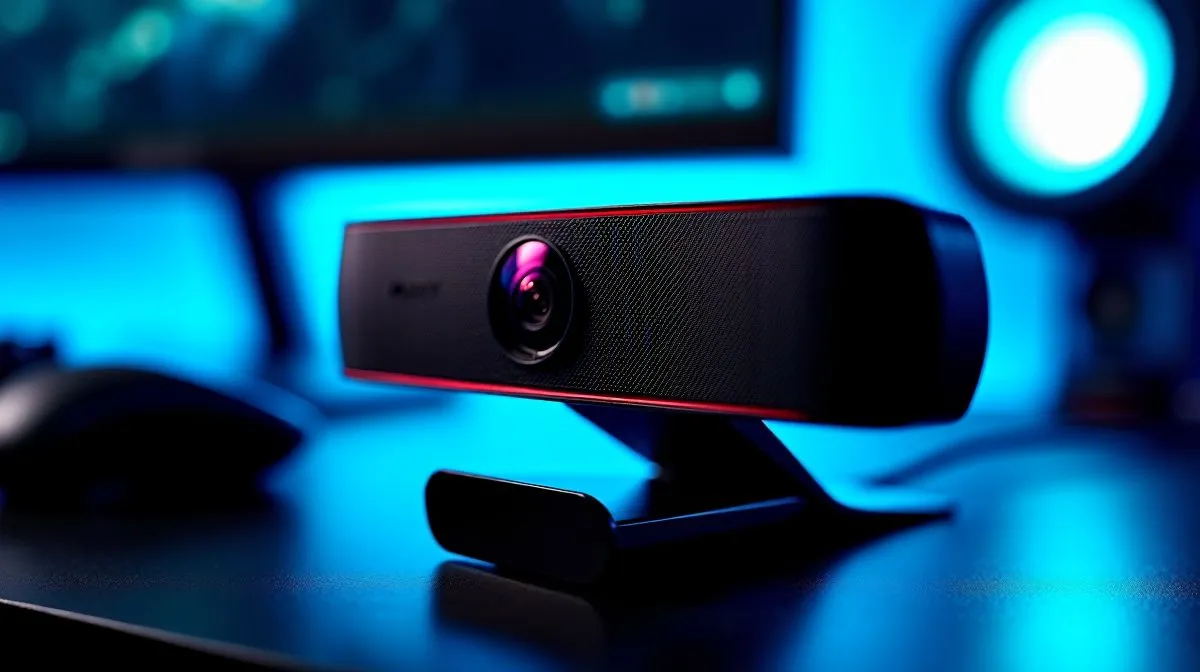
Fast Auto-Focus Webcam Settings for Sharper Video Clarity
If your webcam keeps hunting focus mid-call, you’re not alone. One minute your face is crisp… the next, your background steals the shot. For South African gamers, streamers, and remote workers, that wobble looks messy fast. The good news? A few smart tweaks can lock in cleaner video, reduce distractions, and make budget gear feel far more premium. ⚡
Fast Auto-Focus Webcam Settings That Improve Clarity
Auto-focus is meant to help, but default settings are not always ideal. Many webcams prioritise movement over stability, so they keep adjusting when you lean back, gesture, or sit in changing light. Start by checking your webcam software first. If it offers focus controls, lower sensitivity where possible. That usually reduces unnecessary hunting.
Lighting matters just as much. A bright, even light source helps the camera decide what matters most. Try placing a lamp behind your monitor or using soft daylight from the front. Harsh backlight from a window can confuse autofocus and make your face look soft. Keep your face the brightest subject in frame... not your room.
For clearer results, sit stiller than you think you need to. Small movements trigger constant refocusing on some models. If you game while chatting, position the webcam slightly above eye level and aim it at your face, not your chair. That keeps focus anchored where it belongs.
Auto-Focus Webcam Settings for South African Setups
A good webcam does not need to cost a fortune, but better optics and software can make a visible difference. If you are browsing options, Evetech’s webcam selection is a sensible place to compare what fits your setup and budget.
If your target is around entry-level pricing, this webcam range under R1,000 is worth a look for basic meetings and casual use. For a bit more flexibility, the webcams under R2,000 often give you a better balance of image quality and consistency. And if you want a more polished look for streaming or frequent calls, the R3,000 and under options can be a smarter long-term buy.
Webcam Focus Tip 🔧
Use manual framing and stable lighting before changing settings. A steady scene helps autofocus lock faster, especially on budget webcams and older laptops.
Fast Webcam Focus Tips for Sharper Video Clarity
Before you blame the camera, check your environment. Clean the lens with a microfibre cloth. Fingerprints and dust can mimic focus issues. Also close unnecessary apps that may be using your camera. Some software conflicts can interfere with frame rate and image processing.
If your webcam has face tracking or AI framing, test it on and off. These features can help, but they can also overcompensate in bright or noisy rooms. For most users, simple is better. Stable lighting, a fixed position, and reasonable resolution often beat flashy features you will never use.
One more practical tip... test your setup before a work meeting or raid night. A 30-second preview in your camera app can save you from looking blurry when it matters most.
Fast Auto-Focus Webcam Settings for Better Everyday Calls
Sharper video is usually the result of small, repeatable habits. Keep your lighting consistent. Sit within the camera’s best range. Reduce movement. Clean the lens. Then choose a webcam that suits your budget and use case.
For South African buyers, that means matching performance to price, not chasing specs you will never notice. If you are ready to upgrade, compare the options above and pick the one that fits your desk, your room, and your wallet.
Ready to Find Your Perfect Match? The Mac vs Windows debate is complex, but for maximum power, choice, and value in South Africa, Windows is hard to beat. Explore our massive range of laptop specials and find the perfect machine to conquer your world.











