

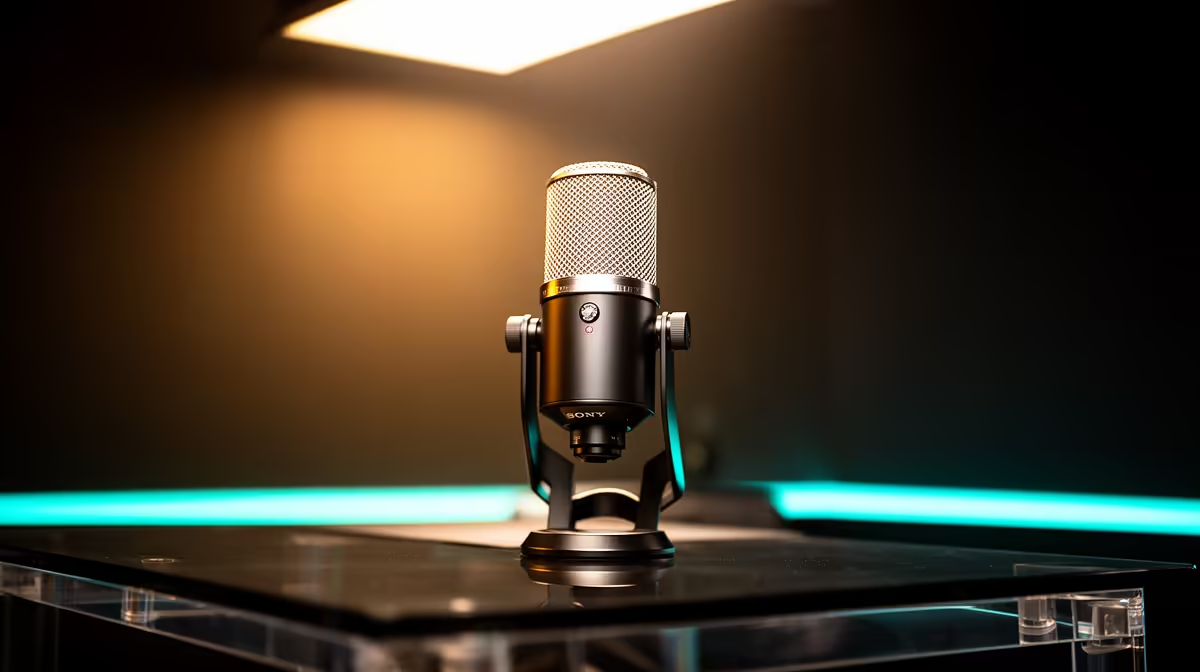
You've got the rig, the games, and the personality. You're ready to hit 'Go Live' and build your community. But hold on... have you listened to your microphone? Bad audio is the number one reason viewers click away, faster than a load-shedding blackout hits. Don't let your debut be remembered for muffled sound or a distracting buzz. Let's help you fix those audio mistakes before your first stream and start your journey on the right note. 🚀
Nail Your Mic Setup First
Before you even touch software, let's talk hardware. Your microphone is your direct line to your audience, and how you use it matters more than how much you spent. Getting this right is the first step in avoiding common streaming audio problems.
Position is Everything
Is your mic a metre away on your desk? That's a classic blunder. Your mic should be about 10-15 cm from your mouth, ideally off to the side to avoid breathy pops (plosives). A good boom arm is essential for this, allowing you to position the mic perfectly without it cluttering your view.
The Gear That Helps
A pop filter is a non-negotiable, cheap addition that stops those harsh 'P' and 'B' sounds. If your desk vibrates when you type or get hyped, a shock mount will isolate your mic from those bumps. You don't need to break the bank; you can find fantastic quality streaming mics under R6000 that deliver crystal-clear sound.
Conquer Your Room's Sound
Your room is an invisible character in your stream... and it can be a noisy one. Hard, flat surfaces like walls and wooden floors bounce sound waves around, creating echo and reverb that makes your audio sound hollow and unprofessional. 🔧
You can dampen this echo easily. Hang a blanket on the wall behind your monitor, lay a rug on the floor, or even use pillows. The goal is to add soft surfaces to absorb sound. While you're at it, ensuring your setup looks as good as it sounds is key. Adding some dynamic Cololight panels can elevate your background from a simple room to a proper studio.
The 30-Second Audio Test ✨
Record yourself talking normally for 30 seconds in OBS or your streaming software. Listen back with headphones. Can you hear your PC fans whirring, the air-con humming, or your chair creaking? Your viewers will hear it too. Identify and eliminate these background noises now.
Master Your Software Settings
Great hardware can be ruined by bad software settings. This is the final hurdle where many new streamers fall. Taking a few minutes here will save you from hours of audio headaches later.
The most critical setting is 'gain' – think of it as your mic's volume control. In your streaming software (like OBS or Streamlabs), watch the audio meter for your microphone. As you talk, the bar should consistently hit the yellow section, occasionally flicking into the red on loud peaks. If it's always in the red, you're 'clipping', which sounds distorted and harsh. If it's stuck in the green, you're too quiet.
A quality headset is also crucial for monitoring your own sound without it feeding back into the mic. A premium CORSAIR headset not only gives you immersive game audio but also a reliable way to check your output.
Ready to Sound Like a Pro? Now that you know how to fix common audio mistakes, gear up for success. Check out our full range of streaming essentials at Evetech and give your audience the crisp, clear audio they deserve.











