

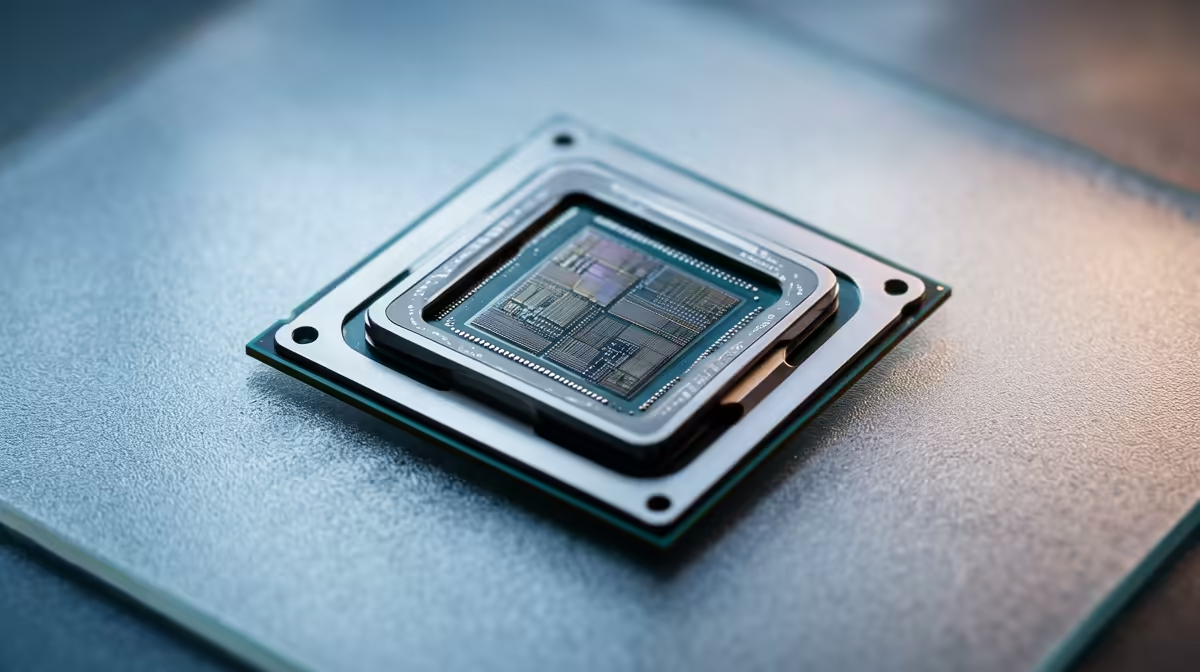
Stuttering in your favourite game even with a powerful graphics card? It’s a frustrating feeling many South African gamers know too well. That jarring lag is often a CPU bottleneck, where your processor can't keep up with your GPU. Don't stress… you don't always need a pricey upgrade. We’ll show you how to diagnose and fix CPU bottlenecks with simple tweaks that can boost your FPS and get your rig running smoothly again. 🚀
Understanding the CPU Bottleneck
So, what exactly is a CPU bottleneck? Think of it like a production line. Your CPU (Central Processing Unit) prepares all the data for a frame—like game logic, physics, and AI—and sends it to your GPU (Graphics Processing Unit) to render the visuals.
If your CPU is slower than your GPU, it can't prepare those frames fast enough. Your powerful GPU ends up waiting around, doing nothing. The result? Lower frame rates (FPS), stuttering, and an inconsistent gaming experience. This is especially common in CPU-intensive games like Cyberpunk 2077, Baldur's Gate 3, or large-scale battle royales.
Quick Software Fixes to Boost FPS ⚡
Before you even think about opening your PC case, let's try some simple software adjustments. These steps can often help fix a CPU bottleneck in just a few minutes.
1. Close Unnecessary Background Apps
This is the easiest fix in the book. That browser with 20 tabs open, Discord, and other background apps are all eating into your CPU's resources.
- Press
Ctrl + Shift + Escto open the Task Manager. - Click the "CPU" column to sort by usage.
- Right-click and end any non-essential tasks that are using a significant percentage of your CPU. Be careful not to close critical system processes!
2. Optimise Your In-Game Settings
Not all graphics settings are created equal. Some hit your GPU hard, while others hammer your CPU. To reduce a CPU bottleneck, you need to lower the CPU-intensive settings.
- Shadow Quality: Complex shadows require a lot of calculation.
- View Distance / Level of Detail (LOD): Drawing more objects in the distance is a heavy CPU task.
- Physics & Effects: More complex physics simulations mean more work for your processor.
- Population Density: In open-world games, rendering fewer NPCs can provide a massive FPS boost.
Pro Gamer's Tweak
Use a monitoring tool like MSI Afterburner to check your CPU and GPU usage in-game. If your CPU usage is consistently at 90-100% while your GPU usage is much lower, you've confirmed a CPU bottleneck.
When an Upgrade is the Only Answer 🔧
Sometimes, software tweaks just won't cut it. If you're running an older dual-core or quad-core processor with a brand-new RTX 40-series card, you have a severe hardware mismatch. At this point, the best way to permanently fix your CPU bottleneck is by upgrading your CPU to one that can keep pace with your graphics card.
Finding the right balance is key. For most modern gaming builds, a CPU from the latest generations will ensure your GPU can perform at its full potential. Whether you're looking for the raw single-core gaming power often found in the latest Intel Core processors or the excellent multi-core value from an AMD Ryzen CPU, a well-matched upgrade eliminates the bottleneck and unlocks silky-smooth frame rates.
Ready to Eliminate Lag for Good? A balanced PC is a happy PC. Explore our massive range of CPUs to find the perfect match for your GPU and finally unleash your rig's true power. Shop all processors now at Evetech for performance that leaves stuttering in the dust.











