

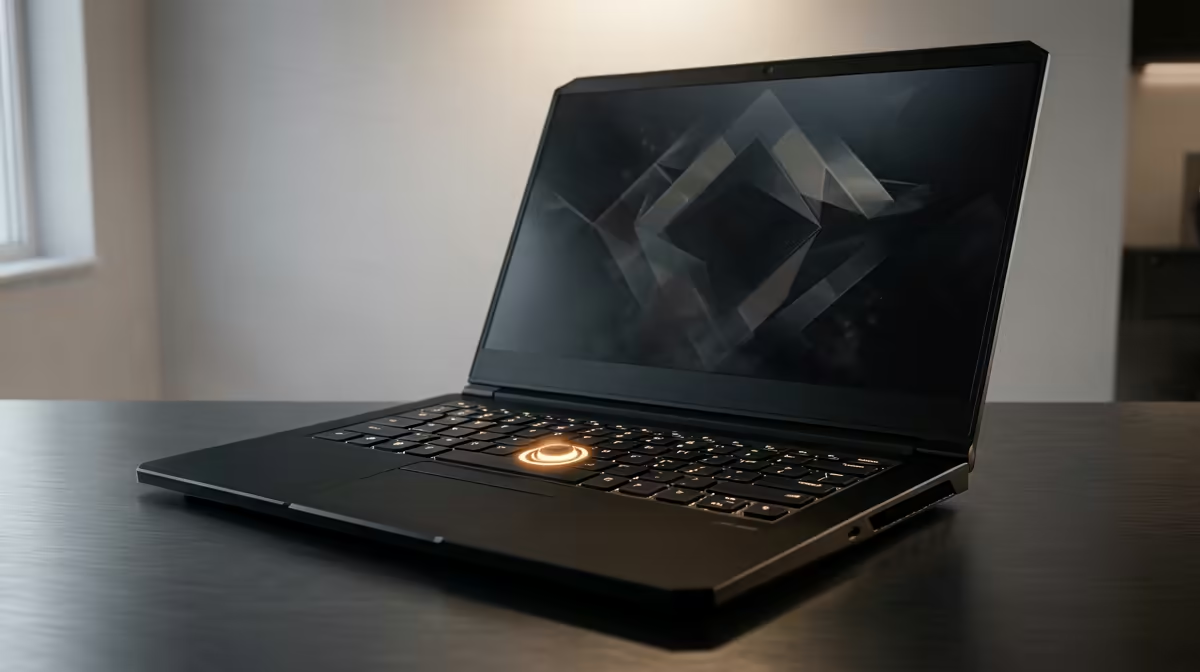
You’re in the final circle, the load shedding just kicked in, and your inverter is holding strong… but then it happens. Your screen freezes. Sound loops. Your laptop has crashed again. KAK! If you’re tired of performance that lets you down at the worst moments, you’ve come to the right place. This guide will show you exactly how to fix slow and crashing laptops, getting you back in the game without the frustration. 🚀
Why Your Laptop is Slowing Down and Crashing
Before we dive into the fixes, let's quickly diagnose the problem. A slow or crashing laptop usually points to one of four culprits: software bloat, overheating, outdated drivers, or failing hardware. Over time, your system gets clogged with unnecessary files and programs. Even the best gaming laptop deals aren't immune to software slowdowns after a year or two of heavy use. Understanding the cause is the first step to a reliable fix.
Quick Software Fixes for a Slow Laptop 🔧
Let's start with the easiest solutions. These software-based tips can often provide a massive performance boost and are a great starting point for anyone looking to fix a slow laptop.
Tame the Startup Beast
Does your laptop take ages to become usable after you log in? Too many programs launching at startup are likely to blame.
- Press
Ctrl + Shift + Escto open Task Manager. - Click on the "Startup" tab.
- Right-click and "Disable" any non-essential programs (e.g., Spotify, Discord, Steam) from launching automatically. They'll still work perfectly when you open them manually.
This simple tweak stops your laptop from doing heavy lifting the second it boots up, freeing up precious resources.
The Great Software Clean-up
Your laptop came with software you've never used, and you've installed apps you no longer need. It’s time for a clean-up. Go to "Apps & features" in your Windows settings and uninstall anything you don't recognise or use. This frees up disk space and removes background processes that could be slowing you down.
Pro Tip: Know Your Temps! 🔥
Download a free tool like HWMonitor or MSI Afterburner to check your CPU and GPU temperatures. If they're consistently hitting over 90°C during gaming, you've found a major cause of crashing and thermal throttling.
Keep Your Drivers and OS Updated
Outdated drivers are a classic cause of system instability and crashes. Ensure Windows is fully updated, and, most importantly, update your graphics drivers directly from the NVIDIA or AMD websites. Keeping your machine's software in top shape is essential, whether you're running one of the latest AMD laptops on special or a slightly older model.
Tackling Hardware to Stop Laptop Crashes ⚡
If software tweaks didn't solve the problem, it's time to look at the hardware. These steps are key to resolving persistent crashing issues.
Beat the Heat
Overheating is the number one enemy of performance. When components get too hot, your laptop automatically slows them down (throttles) to prevent damage, causing stuttering and eventually crashing.
- Clean Your Fans: Dust is a killer. Use a can of compressed air (in short bursts) to blow dust out of your laptop's vents.
- Elevate: Don't use your laptop on a bed or couch. Place it on a hard, flat surface or, even better, a laptop stand to improve airflow.
The RAM and SSD Upgrade Path
Is your laptop still using a mechanical hard drive (HDD)? If so, an upgrade to a Solid-State Drive (SSD) is the single biggest speed boost you can give it. An SSD makes everything from booting up to loading games feel infinitely faster. Likewise, if you only have 8GB of RAM, upgrading to 16GB can make a huge difference in modern games and multitasking. Many modern Intel laptops on special already come with these specs, showing how vital they are for today's performance standards.
When is it Time for an Upgrade?
You've tried everything, but your machine still struggles. Sometimes, the hardware is simply too old to keep up. If your processor is several generations old or your graphics card can't run new titles even on low settings, no amount of troubleshooting will help. If you've reached that point, it might be time to check out the latest laptop specials for sale in South Africa and invest in a machine that won't let you down.
Ready for a Real Performance Boost? Tired of troubleshooting? Sometimes the best fix for a slow and crashing laptop is a fresh start. Explore our massive range of high-performance machines and find a deal that gets you back in the game, lag-free. Shop now at Evetech for performance that leaves lag in the dust.











