

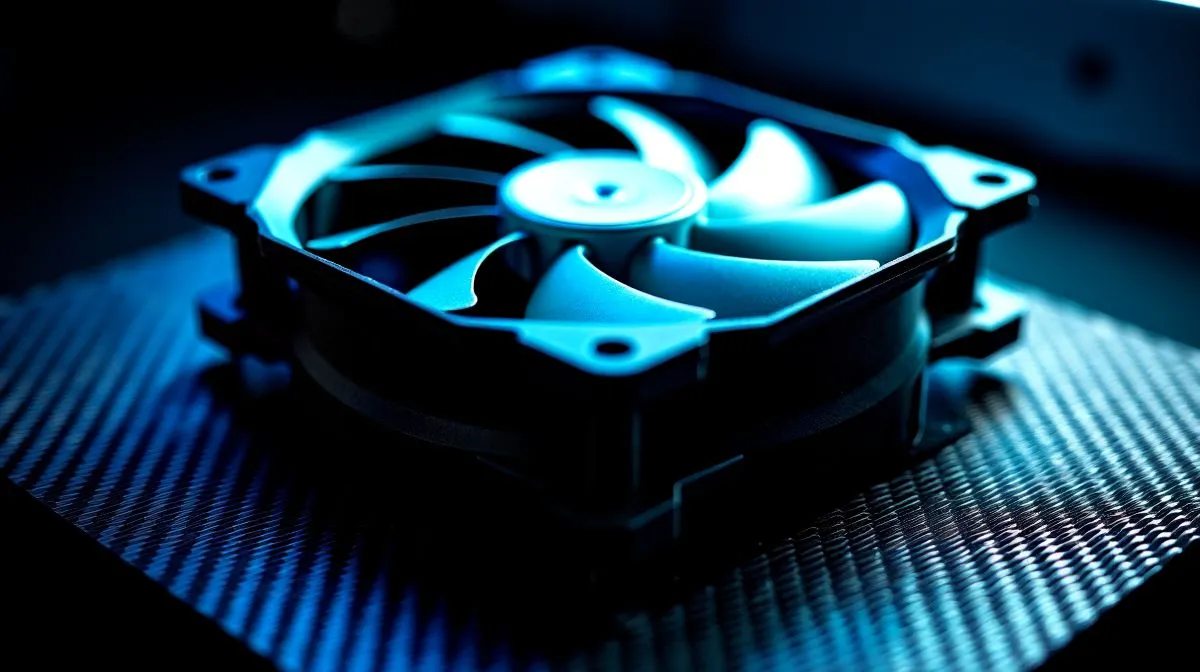
Fix Loud CPU Fan Noise ... fast wins 🔧
Annoyed by a whirring rig during raids or rendering? Fix loud CPU fan noise fast by knowing whether you’re fighting turbulence, resonance or loose panels. In South Africa’s overheated summers a noisy PC ruins immersion and concentration. Read quick, practical fixes you can do in 10–30 minutes, and learn when a new cooler makes more sense.✨
Turbulence vs resonance: how to diagnose
Start with simple tests. Reduce fan speed in BIOS or with software and listen: turbulence usually drops smoothly as RPM falls; resonance often peaks at a specific speed. If the pitch shifts when you gently press the case, a vibrating bracket or fan bearing is likely. For replacements and prices in ZAR, visit Evetech’s CPU coolers page.
Quick fixes for turbulence and resonance
Turn off power and check fan screws, brackets and rubber mounts. Clean dust from blades, imbalance creates turbulence. Swap the fan to confirm bearing noise. Apply rubber anti‑vibration pads or silicone washers between fan and case to dampen resonance. Balance fans by marking the lightest blade and adding a tiny drop of nail polish opposite it. Tweak PWM curves so idle RPM sits low but the fan ramps early under load 🚀
Noise Fix Tip ⚡
Replace one fan temporarily with a known‑quiet 120mm fan to isolate the noise source. If replacing stops the howl, change bearings or the whole fan. This simple swap saves time and confirms whether the cooler or case is at fault.
Panels, airflow and case mods
Loose side panels and front filters can amplify sound. Tighten panel screws, secure thumbscrews with a finger‑turn then a quarter turn with a screwdriver. Use cable ties to clear airflow paths; obstructed flow creates turbulence. If you want quieter intake, consider Evetech’s range of 120mm fans with fluid dynamic bearings, which run smoother and quieter.
When to upgrade: choosing the right cooler
If bearings are rattling or noise persists after mounting and balancing, it’s time to upgrade. Air coolers still offer the best value for many South African builders; browse Evetech’s air cooler selection for models that match your socket and case. For brand choices, Deepcool has proven quiet designs at mainstream prices, compare Deepcool models on Evetech. If you prefer alternatives, check the EINAREX air cooler options to see specs and compatibility.
Final checks before you finish
After any change, run a stress test for 10 minutes while logging RPM and temperature. Quiet is good, but not at cost of thermal throttling. Keep screws snug, fans clean, and your fan curves sensible. Small tweaks often turn a noisy gaming PC into a calm workstation. If uncertain, record the noise and compare before buying replacements locally first.
Ready to Find Your Perfect Match? The Mac vs Windows debate is complex, but for maximum power, choice, and value in South Africa, Windows is hard to beat. Explore our massive range of laptop specials and find the perfect machine to conquer your world.











