

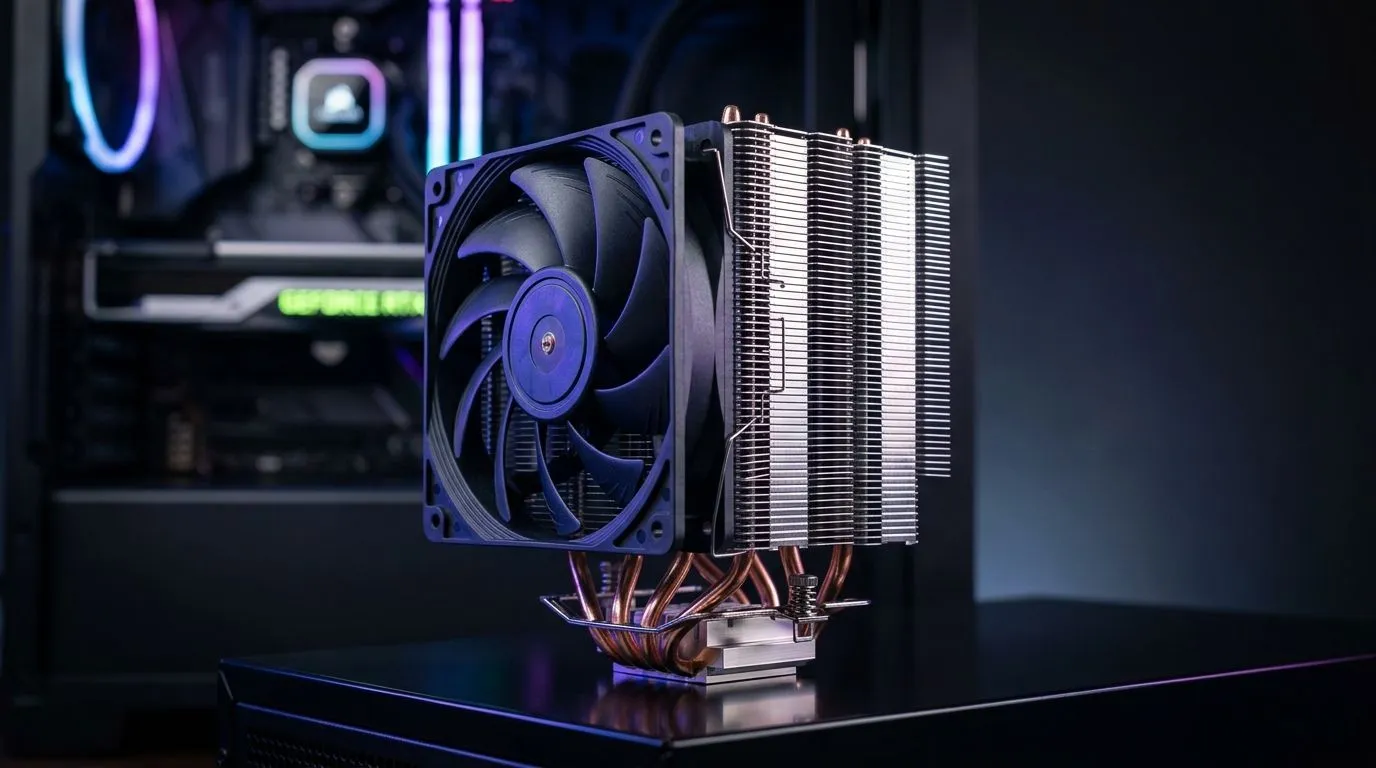
Fix Poor Airflow in Your PC Case With a Tower Air Cooler: Start With the Symptoms
If your PC sounds like it’s training for a marathon, poor airflow might be the culprit. You might see higher CPU temps during gaming, stutters in demanding titles, or your fans ramping up constantly… even when nothing heavy is running. In South Africa, where power flickers and dust builds up fast, airflow is one of the easiest wins you can make 🔧
This guide walks you through fixing poor airflow in your PC case using a tower air cooler. You’ll learn what to check, how to orient the cooler for better airflow, and when upgrading your CPU cooling actually makes a measurable difference.
Fix Poor Airflow in Your PC Case With a Tower Air Cooler: Choose the Right Tower Cooler
Tower coolers move heat more efficiently by using larger heatsinks and fans, which helps as case temps rise. Before you buy, match the cooler to your case and motherboard layout.
For a quick start, browse Evetech’s CPU air cooling options here: Air coolers at Evetech.
If you want to narrow it down by cooling type, use this filtered view: Air cooler CPU cooling options.
And if your case supports larger setups, you can go fan-size specific. For 120mm fan towers, check: Air coolers with 120mm fans.
Brand preferences are also useful, especially if you’re chasing a known fit and style. Examples:
Fix Poor Airflow in Your PC Case With a Tower Air Cooler: Measure Before You Mount
Tower coolers can be tall. Before installing, compare:
- cooler height vs. case cooler clearance
- fan size vs. RAM clearance
- motherboard orientation so the cooler doesn’t fight your GPU
If you skip this step, you may end up reworking fans or removing RAM… not fun after a long gaming session.
Fix Poor Airflow in Your PC Case With a Tower Air Cooler: Tune Intake and Exhaust for Real Cooling
A tower cooler helps, but it’s only part of the airflow story. Many cases have restrictive front panels, so your intake fans may be starved for fresh air. The solution is to create a simple pressure flow:
- Front/Bottom: intake (cooler air)
- Top/Back: exhaust (hot air leaves)
Aim for balanced airflow, not just “more fans”. If your exhaust is weaker than intake, hot air can get trapped around the CPU socket and GPU.
Fix Poor Airflow in Your PC Case With a Tower Air Cooler: Cable Management and Fan Curves
Dust filters and blocked intakes make airflow worse over time ✨. Clear obstructions, route cables behind the motherboard tray where possible, and re-seat the cooler if you suspect it wasn’t tightened evenly.
Also consider fan curves:
- Set intake fans slightly higher at lower CPU temps.
- Let exhaust ramp up when CPU load increases.
This reduces the “fan ramp-up panic” during matches.
Productivity Pro Tip 🔧
On Windows, run a quick health check before and after your cooler install. Use the built-in Task Manager to watch CPU usage during a short gaming or benchmark session, then compare fan noise and temperature behaviour. If temps spike only during load, your airflow and fan curve tuning are usually the fix, not just thermal paste.
Fix Poor Airflow in Your PC Case With a Tower Air Cooler: Quick Install Checklist (So It Actually Works)
Before you power on again:
- Clean the old thermal paste properly.
- Reapply fresh thermal paste in a sensible amount.
- Mount the tower cooler firmly and evenly.
- Confirm fan direction: intake blows in, exhaust blows out.
- Reseat any cables that could block the cooler’s fan.
If you recently upgraded parts but didn’t touch cooling, this is the moment to align everything. Your CPU will feel it during heavy loads, and your system will sound calmer over time.
Fix Poor Airflow in Your PC Case With a Tower Air Cooler: Ready to Upgrade and Stop the Heat Creep?
If you’re chasing stable frame times and cooler hardware temps, a tower air cooler plus correct intake and exhaust can be a straightforward upgrade. And if you’re buying in South Africa on a budget, it helps to start with Evetech’s range and pick based on your case fit and fan setup.
Ready to Find Your Perfect Match? The Mac vs Windows debate is complex, but for maximum power, choice, and value in South Africa, Windows is hard to beat. Explore our massive range of laptop specials and find the perfect machine to conquer your world.











