

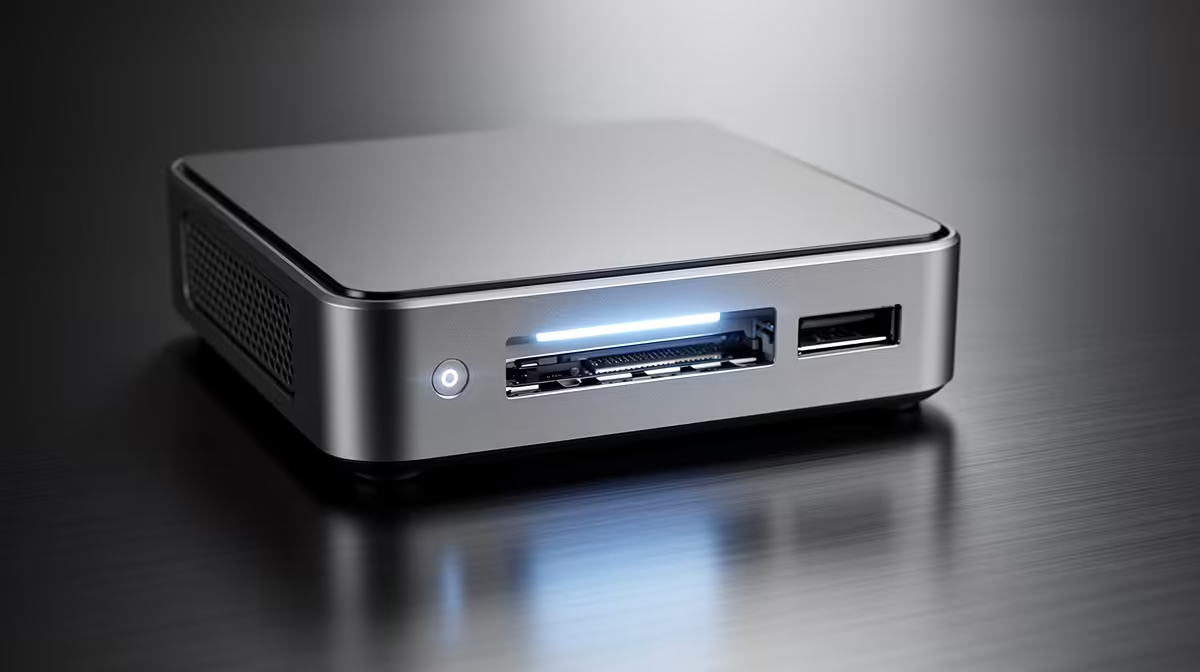
Exploring Flexible Mini PC Upgrades
In the fast-paced world of South African tech enthusiasts, mini PCs are gaining traction for their compact power. Whether you're a gamer in Joburg or a remote worker in Cape Town, upgrading storage later offers flexibility without breaking the bank. This deep dive, sparked by common queries on Evetech's forums in 2023, explains how to expand your setup affordably 🔧.
Your Burning Questions on Mini PC Storage Upgrades
Q: What makes mini PCs flexible for storage upgrades?
A: Mini PCs often come with modular designs, allowing you to add SSDs or HDDs post-purchase. This means you start small and scale as needs grow, perfect for budget-conscious South Africans facing rising tech costs.
Q: Can I really expand storage later without voiding the warranty?
A: Absolutely, most models support user upgrades. Check the manufacturer's guide; for instance, Minisforum units are designed for easy access. Just ensure you follow official steps to keep your warranty intact.
Q: What types of storage can I add to a mini PC?
A: Options include NVMe SSDs for speed or larger SATA drives for capacity. A 1TB NVMe upgrade might cost around R1,500, boosting your rig for gaming or content creation.
Q: How do I know if my mini PC supports expansions?
A: Look for specs like available M.2 slots or 2.5-inch bays. Reputable sources like Evetech's product pages detail this; always verify before buying.
Q: What's the cost implication of upgrading storage later?
A: It's often cheaper than buying pre-upgraded. For example, adding a 512GB SSD yourself could save you R500 compared to factory options, based on current ZAR pricing trends.
Q: Are there any tools or skills needed for these upgrades?
A: Basic screwdriver and anti-static precautions suffice. No advanced skills required, making it accessible for most users. Tutorials from Evetech can guide you step by step.
Q: How does this compare to upgrading a full desktop?
A: Mini PCs are more space-efficient but might have fewer slots. Still, they're ideal for portable setups, with similar performance gains from storage boosts.
Q: Any risks involved in delaying storage upgrades?
A: Minimal, as long as your initial config meets current needs. Over time, adding storage prevents slowdowns, keeping your system future-proof ⚡.
Quick Upgrade Tip
Opt for an NVMe SSD over HDD for mini PCs... it delivers faster load times, often shaving seconds off game boots while staying under R2,000.
If you're eyeing Minisforum models for their upgrade-friendly builds, check out the Minisforum mini PCs range. For a broader selection, explore all mini PCs to find the perfect base.
Key Takeaways
- Mini PCs offer modular storage, letting you expand affordably later 🚀.
- Upgrades like NVMe SSDs can save money and boost performance without warranty issues.
- Always reference specs from sources like Evetech's mini PC components for compatibility.
- Basic tools make DIY upgrades straightforward for South African tech fans.
Upgrade Your Mini PC Today Don't settle for limited storage when flexible upgrades are at your fingertips. Shop now at Evetech for performance that leaves lag in the dust.











