

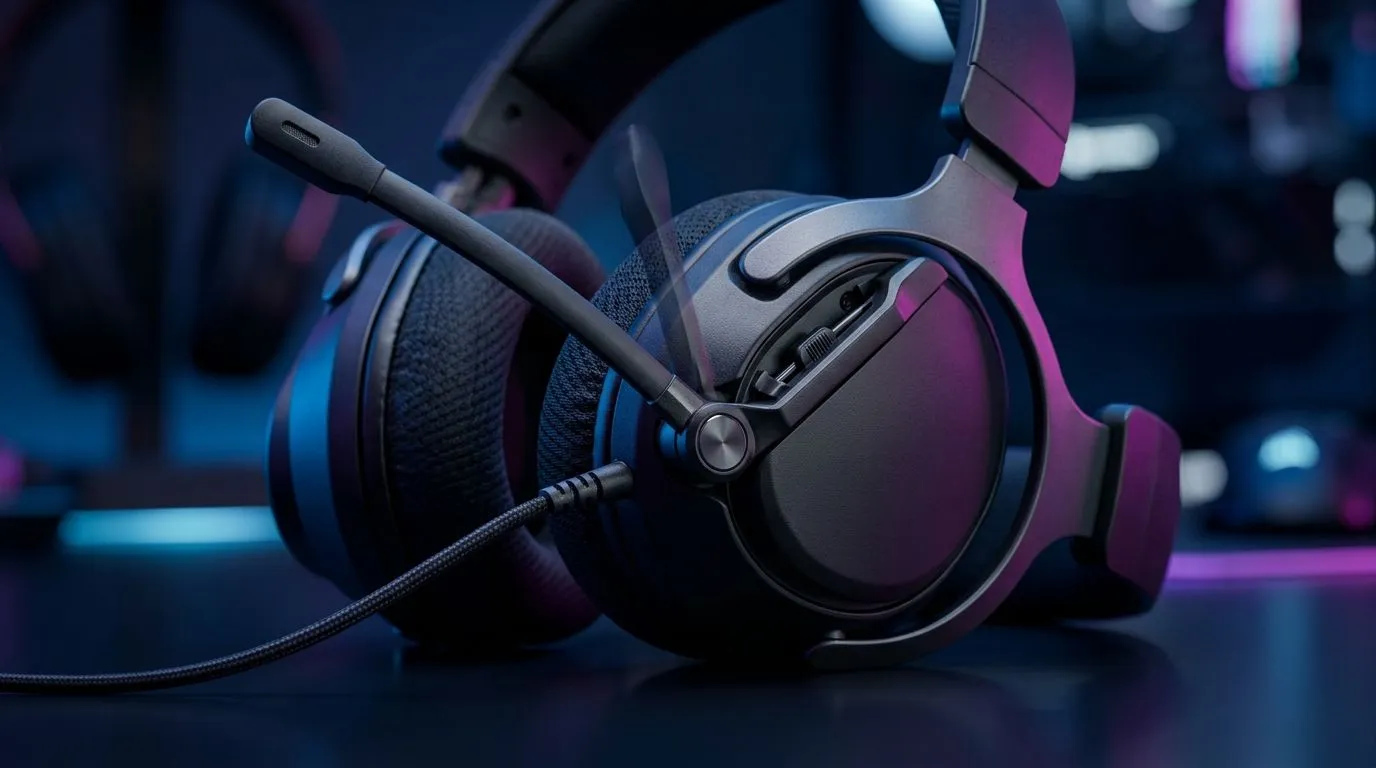
Flip-to-mute vs in-line mute for gaming: why SA players care (and how it affects your clutch moments) 🎧
If you’ve ever muted mid-fight, then realised your mic is still hot… you know the pain. In South Africa, where load shedding and noisy set-ups are real, every control should be quick, reliable, and easy to reach with sweaty hands.
That’s why the choice between Flip-to-Mute Mic vs In-Line Mute for Gaming: Which Is Better? isn’t just spec talk. It’s comfort, consistency, and whether your team hears you when it matters most.
Flip-to-mute mic vs in-line mute for gaming: the core difference (simple, practical) ✨
Both options mute your microphone, but they do it in different ways:
Flip-to-Mute Mic
A hinged mic boom flips up or down to mute. It’s common on many gaming headsets because it feels fast… like closing a laptop screen.
Pros
- Easy to notice visually (mic is physically flipped).
- Often requires fewer fine motor movements.
Cons
- The mic position can affect audio pickup if you don’t seat it correctly.
- You may accidentally unmute or re-position the mic when adjusting the headset.
In-line Mute
A mute button is built into the cable or inline controller. You press it to mute/unmute.
Pros
- You control mute without moving the mic.
- Less chance of misaligning the mic head.
Cons
- In combat, a small button can be harder to find.
- Some controllers sit lower on the desk, so you might need to reach for it.
Flip-to-mute mic vs in-line mute for gaming: which is better for your setup? 🔧
Let’s translate this into real South African gaming habits.
FPS and “push-to-talk” style players
If your comms are constant and you mute briefly during reloads, in-line mute can be faster because your mic stays in the same position. Your team gets stable audio, and you avoid the “mic drift” that sometimes happens after flipping.
Streamers and Discord-heavy players
Flip-to-mute can be reassuring because it’s visible. If your camera is rolling, the physical state can help you remember whether you’re muted. That peace of mind matters during interviews, giveaways, or late-night raids.
Console, couch play, and controller-free setups
In-line mute can win if your headset cable runs to a controller or console adapter. But if the inline module swings on your lap, you’ll need to test button placement for muscle memory.
Quick Pro Tip 🔧
your first match, do a 10-second routine: set your mic distance, then test mute unmute without looking. If you can’t hit it reliably in under 2 seconds, adjust cable length or choose a headset with a more accessible control. This prevents “talking over your own comms” during ranked.
Flip-to-mute mic vs in-line mute for gaming: what to buy (so you don’t regret it) 🚀
When you’re shopping in SA, the safest move is to pick a headset family you can compare side-by-side. Start with a known gaming headset line and then decide based on how you use comms.
If you want wireless convenience with strong mic performance features, browse options like the Razer Barracuda X Chroma Wireless:
If you’d rather compare multiple headset styles in one place (including different mic designs), Evetech’s category pages are ideal:
- https://www.evetech.co.za/PC-Components/razer-headphones-headsets-105
- https://www.evetech.co.za/components/headphone-headsets-100
Flip-to-mute mic vs in-line mute for gaming: final recommendation
Here’s the simplest rule:
- Choose flip-to-mute if you like a visible, tactile mute state and you don’t constantly adjust your mic boom.
- Choose in-line mute if you want stable mic positioning and you prefer a button you can press without moving the mic.
Either way, test it in your actual environment. SA gamers don’t game in a lab… you game at a desk, on a sofa, sometimes with one ear cup slightly crooked. Controls should match that reality.
Ready to Find Your Perfect Match? The Mac vs Windows debate is complex, but for maximum power, choice, and value in South Africa, Windows is hard to beat. Explore our massive range of laptop specials and find the perfect machine to conquer your world.











