

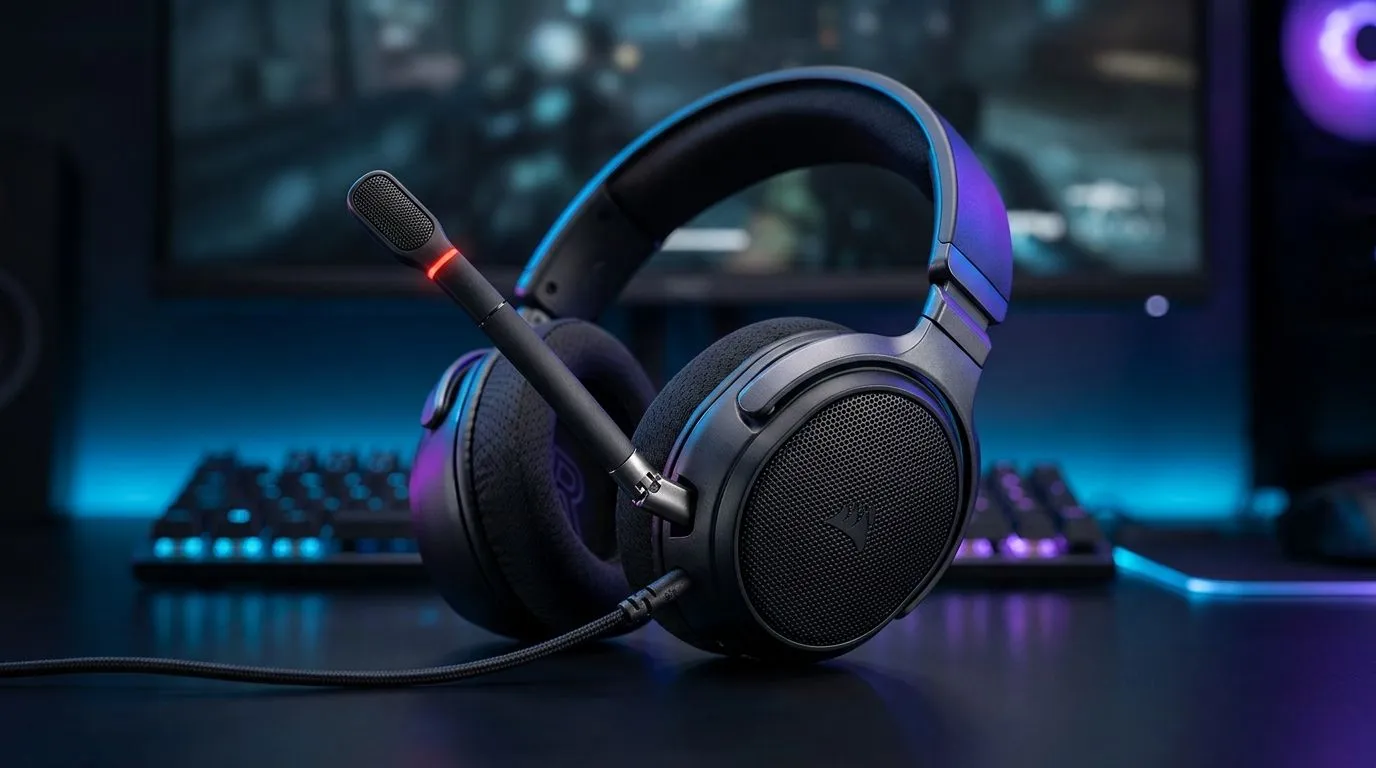
Flip-to-Mute Microphones for Clearer Voice Chat in Games: Stop the “can you hear me?” panic 🎮
Ever queued for ranked, only to realise your mic is picking up everything… keyboard clacks, AC hum, even the neighbour’s radio? In South African lobbies, clear comms aren’t a luxury. They’re the difference between a coordinated push and a “hold on, what did you say?” moment.
Flip-to-mute microphones help by letting you mute instantly when you’re not talking. No digging for a tiny button mid-clutch. But do they actually work for games? Let’s break it down, how to set it up properly, and what to look for when buying.
What “Flip-to-Mute” really does (and why it matters) ✨
A flip-to-mute mic is designed to silence your voice when you physically move the microphone boom into a blocked or muted position. The key benefit is speed and consistency. You mute the same way every time, even under stress.
In voice chat, that matters because:
- Noise gets picked up between your sentences… and teammates hear it.
- Accidental unmute happens when buttons are fiddled with.
- Side conversations (or your pets…) become audible.
If you often use Discord, in-game chat, or team comms, this is one of those “small design choices” that improves the whole experience. 🔧
Quick setup checklist for better voice chat (within 10 minutes) ⚡
Before you judge any headset mic, tune your settings:
- Set your input device to your headset mic in Windows Sound settings.
- Lower microphone gain if your voice sounds distorted.
- Enable push-to-talk only if flip-to-mute still leaves noise leaks.
- Test in a private channel with friends. Ask them to rate clarity and noise.
If your friends sound “far away,” boost gain slightly… but stop when background noise starts creeping back in.
Productivity Pro Tip ⚡
On Windows, open Windows Voice Access or Windows microphone settings to verify your input level. Then run a short test recording and adjust the input volume until your voice is clear without clipping or constant hiss.
Buying guidance: choosing flip-to-mute headsets that stay crisp 🕹️
Not all flip-to-mute designs perform the same. Here’s what to prioritise:
- Mic position and distance: A mic that sits too far from your mouth can sound thin.
- Toggle feel: The mute action should be obvious and quick, not fiddly.
- Background noise handling: Look for headsets with a focus on communication audio.
- Comfort for long sessions: If your headset hurts after 45 minutes, you’ll remove it mid-raid.
If you’re shopping in-store style at online speeds, start with a known brand range and then compare models by mic design and comfort. For example, check out the Razer Barracuda X Chroma Wireless (Phantom White) deal at Evetech here: Razer Barracuda X Chroma Wireless Headset - Phantom White. Deals matter in ZAR because you want clear comms without blowing your monthly budget.
For more options across the lineup, browse Evetech’s headset categories:
Real-world comms: a micro story from the weekend 🚀
Last weekend, one of our regulars joined with a “good mic” headset… but the group kept laughing at background noises. The fix wasn’t a new headset. It was a better routine: flip-to-mute when not speaking, then quick settings adjustments. Suddenly, callouts landed clean. Even the late-game team rotations sounded tighter.
That’s the real win here. Flip-to-mute isn’t magic. It’s control, at the exact moment you need it.
Ready to Find Your Perfect Match? Flip-to-mute microphones can make voice chat smoother, but the best results come from choosing the right headset for your setup and budget. Take a look at Evetech’s deals and match your comms needs with a headset that fits. Explore our massive range of laptop specials and gear up for your next mission.











