

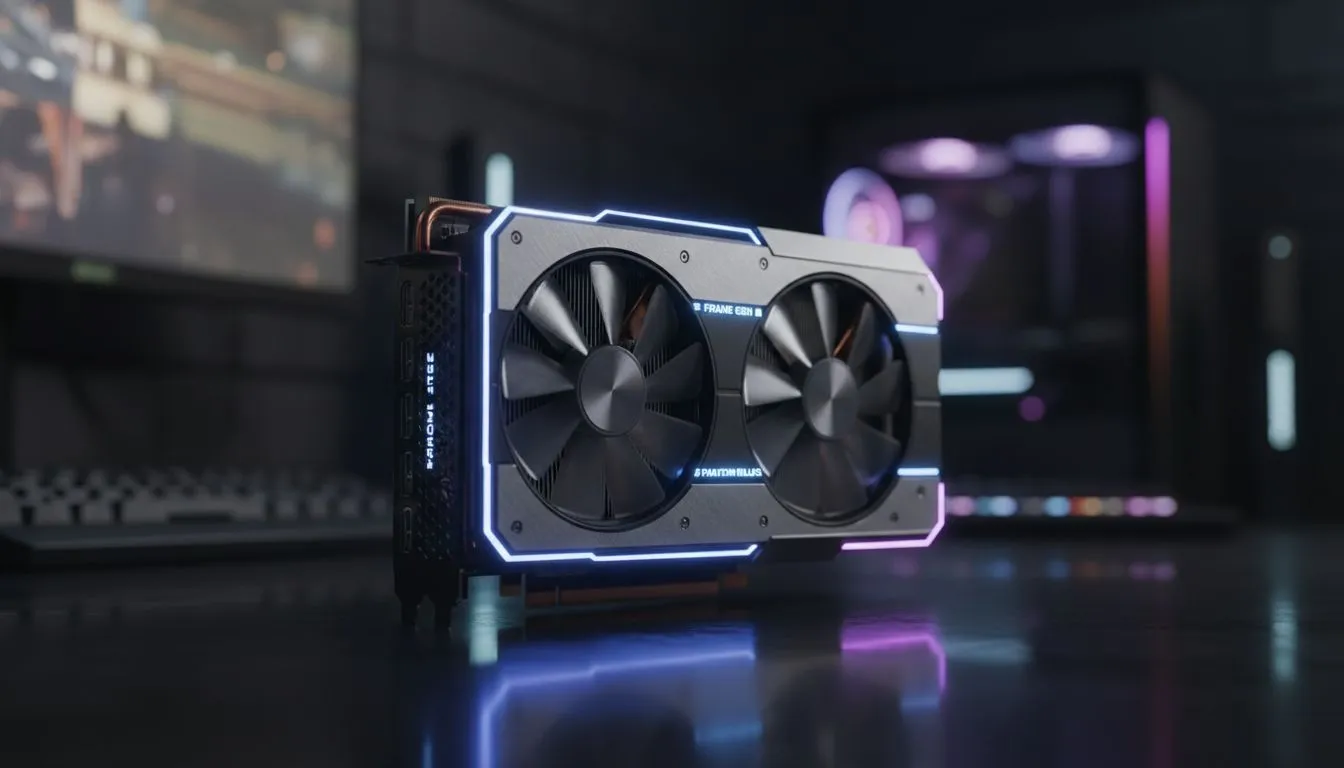
When you are staring down a relentless boss in a fast-paced action RPG, every millisecond counts. In South Africa, where gamers often battle high latency in online matches, the last thing you want is extra delay in a single-player epic. As we look at the Frame Gen Phantom Blade experience, a vital question arises for every enthusiast... does frame generation actually break your combo timing or is it the secret to buttery smooth combat? ⚡
Understanding Frame Gen Phantom Blade Latency
The mechanics behind frame generation are fascinating. By using AI to interpolate frames between those rendered by the GPU, you get a much higher visual frame rate. However, because the system must wait for the next frame to calculate the "middle" one, a slight delay is introduced. When playing the Frame Gen Phantom Blade demo or similar high-action titles, this delay can feel like your character is moving through water. To combat this, you need the right hardware. Many players are looking at the latest NVIDIA and ATI graphics cards to find that perfect balance between visual fidelity and responsiveness.
Latency Pro Tip ⚡
Always enable "NVIDIA Reflex" or "AMD Anti-Lag" when using frame generation. These technologies synchronise the CPU and GPU to minimise the render queue, effectively cancelling out the majority of the input lag introduced by generated frames. It is the best way to keep your parry windows tight while enjoying 144Hz smoothness.
Does High FPS Help or Hurt Your Combos?
In a game where parrying and precise strikes are the core loop, visual clarity is king. If you are using MSI graphics cards with robust cooling, you can push higher clock speeds to reduce the base frame time. A higher base frame rate before applying frame gen is the key. If your base performance is only 30 FPS, doubling it to 60 FPS via AI will likely feel "floaty." But if you start at a solid 60 FPS and boost to 120 FPS, the Frame Gen Phantom Blade experience becomes incredibly fluid without sacrificing your ability to hit those critical combo chains. 🚀
For those on a stricter budget, exploring Intel Arc graphics cards has become a viable path. Their XeSS technology offers a similar uplift, though the "feel" of the input lag varies by architecture. It is all about how the software handles the input buffer... a few extra milliseconds might not ruin a casual playthrough, but for the "No-Hit" runners in Jo'burg and Cape Town, it is everything.
The Professional Choice for Smooth Gameplay
While most focus on gaming, even workstation graphics cards are being tested by developers to optimise these AI algorithms. The goal is to make the Frame Gen Phantom Blade transition seamless for every user. If you prefer the Red Team, the latest AMD Radeon graphics cards utilise FSR 3 to achieve similar results. AMD has made massive strides in ensuring their "Fluid Motion Frames" do not interfere with the tight windows required for high-level play. 🔧
Ultimately, frame generation does not "break" combo timing... it simply changes the rhythm. Once you adjust to the slight shift in responsiveness, the added clarity makes it easier to read enemy animations. In the world of high-stakes combat, being able to see a sword swing a few frames earlier is often worth the trade-off. ✨
Ready to Perfect Your Timing? Whether you are chasing the highest frame rates or the lowest latency for your next boss fight, we have the hardware to get you there. Explore our massive range of GPU specials and find the perfect card to conquer Phantom Blade and beyond.











