

You’ve spent weeks planning your build. The GPU is a beast, the CPU is a monster, and your RAM is lightning-fast. You fire up your favourite game, ready for ultra settings and silky-smooth frame rates… but something’s wrong. Your fans are screaming, and you’re seeing stutters. Your rig is overheating. Before you blame your components, look at the box they live in. That stylish, solid front panel might be the culprit, silently sabotaging your performance.
Understanding Front Panel Airflow
At its core, PC cooling is simple: get cool air in, get hot air out. Front panel airflow is the "get cool air in" part of that equation. Think of your PC case as a wind tunnel. Your front intake fans are designed to pull fresh, cool air from the room and pass it over your hottest components—the CPU and GPU.
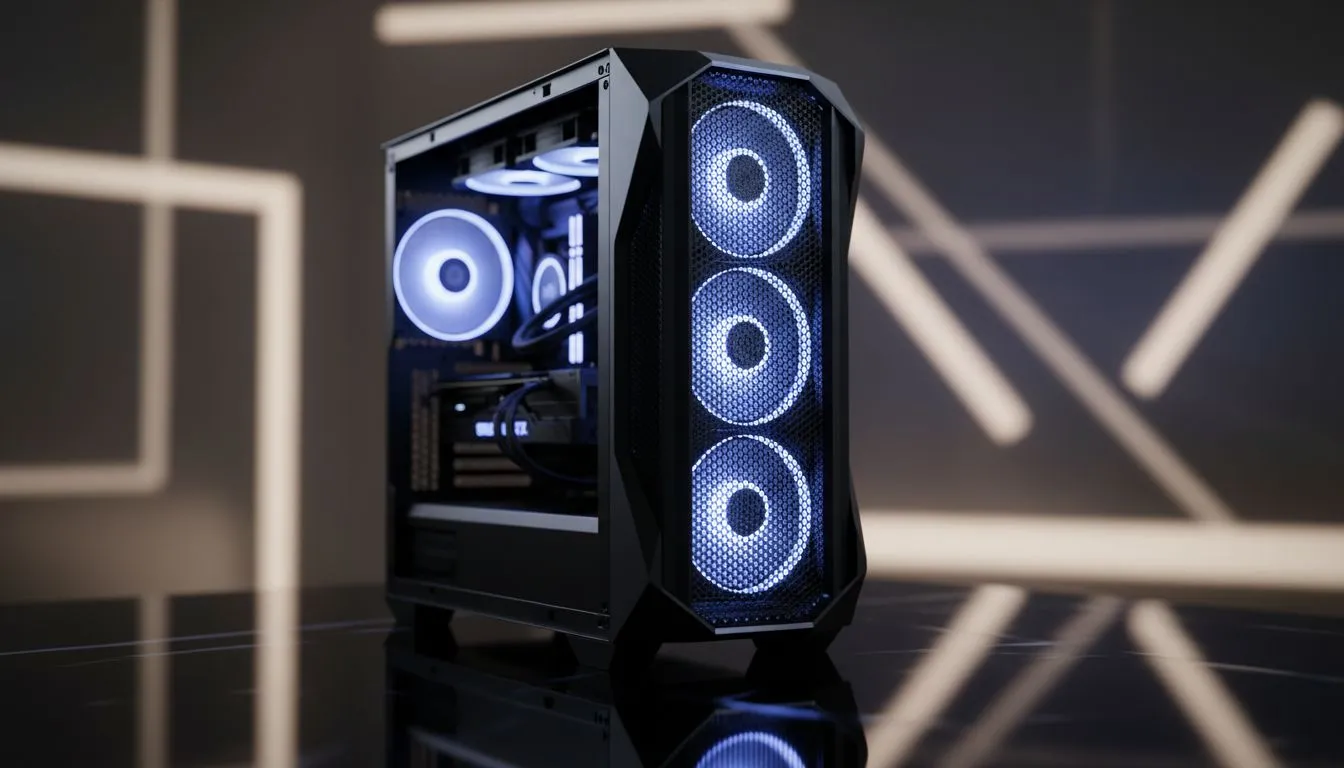
But what happens when the front panel is a solid piece of tempered glass or plastic? It’s like trying to drink a thick milkshake through a coffee stirrer. The fans struggle to pull in enough air, creating negative pressure and starving your components. In contrast, a mesh front panel acts like a massive vent, allowing for unrestricted airflow. This simple design difference is often the biggest factor determining your PC's internal temperatures. It's why so many modern Gamdias gaming cases now prioritise mesh fronts.
How Poor Airflow Affects Your GPU and CPU Temps
When your GPU and CPU don't get enough cool air, they can't effectively dissipate the heat they generate under load. This trapped hot air raises the ambient temperature inside the case, forcing your component coolers to work with pre-heated air. The result? Thermal throttling. throttling.
Imagine you're running a new RTX 4070 in a case with poor front panel airflow. During an intense firefight in Warzone, your GPU temperature spikes to 85°C. To protect itself from damage, the card automatically reduces its clock speed. Suddenly, your smooth 144 FPS drops to a choppy 90 FPS right when you need it most. This isn't a faulty GPU; it's a cooling problem. A case with excellent airflow, like those from premium brands like Fractal Design, could keep that same GPU running closer to 70°C, maintaining its peak performance indefinitely. 🚀
Quick Cooling Check 🔧
buying a new case, try this: temporarily remove your current case's front panel and run a demanding game for 15 minutes. Monitor your GPU and CPU temperatures. If they drop by 5°C or more, you have an airflow bottleneck. This simple test confirms that a high-airflow case will be a significant upgrade.
Choosing a Case with Better Front Panel Airflow
So, how do you ensure your next build doesn't suffocate? It's easier than you think. When choosing a case, prioritise function over flashy but restrictive designs.
Key Things to Look For:
- Mesh, Mesh, Mesh: Look for cases with a fine mesh front panel. This is the number one indicator of good airflow potential. Perforations, slats, or vents are also good signs.
- Fan Support: Ensure the front panel can support at least two (ideally three) 120mm or 140mm fans to maximise air intake.
- Read the Reviews: Don't just look at pictures. Search for reviews that specifically test and compare thermal performance. A few degrees can make a huge difference.
You don't need to spend a fortune to get great cooling. While solid glass panels might look sleek, they often come with a performance penalty. Thankfully, the market has shifted, and you can find great airflow options under R1500 that will outperform sealed cases costing double. ✨
Your PC case isn't just a box; it's the foundation of your system's health and performance. Choosing a chassis with excellent front panel airflow is one of the smartest investments you can make, ensuring your powerful components can actually run at their full potential. Before you finalise your next build, take a moment to browse our full range of computer cases and find one that lets your hardware breathe.
Ready to Drop Your Temps? A high-airflow case isn't a luxury... it's a necessity for peak gaming performance. Stop thermal throttling from stealing your frames. Explore our massive range of computer cases and find the perfect chassis to keep your rig cool and fast.











