Full-Key Anti-Ghosting: Does It Improve Gaming Accuracy? 🔧
If you have ever hit WASD, sprint, crouch, and a skill key at the same time only to watch one input disappear, you have already met the problem anti-ghosting tries to solve. For South African gamers, that matters in more moments than you might think... from clutch FPS peeks to awkward MMO combos on a budget keyboard. But does full-key anti-ghosting actually improve gaming accuracy, or is it mostly marketing?
Full-Key Anti-Ghosting Explained for Gaming Accuracy
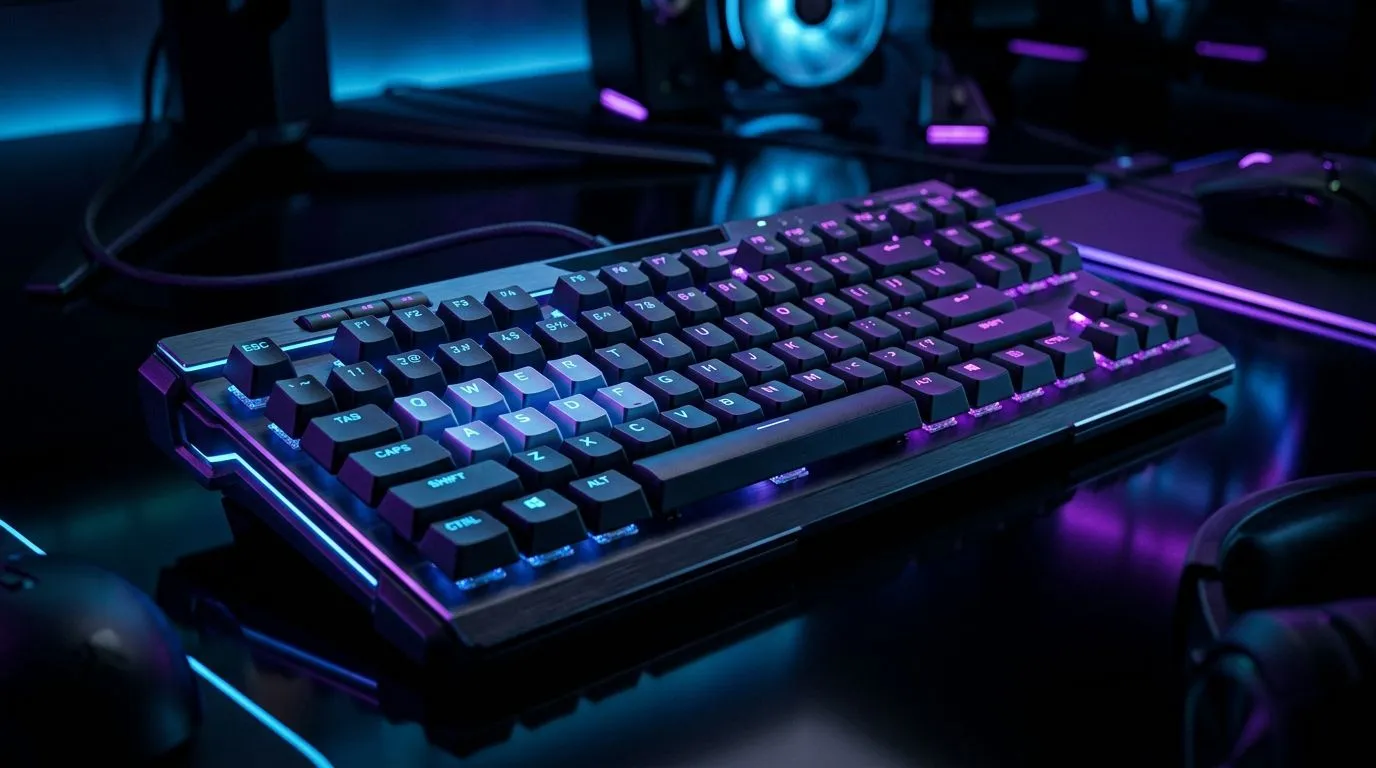
Anti-ghosting is the keyboard’s ability to recognise several keys pressed together without dropping inputs or creating false ones. Full-key anti-ghosting takes that idea further. In simple terms, it aims to register every key press, no matter where it happens on the board.
That sounds ideal, but context matters. If you mainly play slower strategy titles, you may never notice a difference. If you play fast shooters, rhythm games, or titles with heavy key chaining, you probably will.
The key point is this... anti-ghosting does not make your aim better by itself. It helps prevent missed commands. That can reduce mistakes, especially when your fingers are flying under pressure. In competitive gaming, fewer missed inputs often feels like better accuracy because your character does exactly what you asked.
For a quick look at current options, Evetech’s best gaming keyboard deals are a good place to compare features before you spend a rand.
Does Full-Key Anti-Ghosting Improve Accuracy in Real Play?
Yes, but only in the right situations. Accuracy in gaming is not just mouse tracking or raw hand-eye skill. It also includes input reliability. If a keyboard drops a keystroke during a fast movement or a complex combo, your action chain breaks.
Where you are most likely to notice it
- FPS movement while strafing, crouching, and jumping
- MMO rotations with multiple skill keys
- Fighting games with rapid directional and attack inputs
- Rhythm games where missed inputs ruin timing
Where it matters less
- Casual single-player gaming
- Turn-based strategy
- Browsing and productivity
A useful way to think about it is this... anti-ghosting protects performance, but it does not create performance. If your mouse sensor is poor, or your settings are off, keyboard features will not fix that. But if you already play fast and clean, the extra input reliability can help you stay consistent.
Full-Key Anti-Ghosting vs Cheap Keyboard Basics
Not every keyboard needs full-key anti-ghosting. Many affordable boards use a limited form of rollover that works fine for everyday use. The difference shows up when more keys are pressed together.
If you are shopping on a tighter budget, Evetech’s cheapest gaming keyboard options in South Africa can help you compare what you actually get for the price. That matters because some models look “gaming” on the box, but lack the input handling serious players want.
For gamers building a neat desk setup, a keyboard and mouse combo can be practical too. Just check whether the keyboard supports enough simultaneous key presses for your play style.
Wired or Wireless for Gaming Accuracy? ⚡
Connection type can matter as much as key rollover. Wired keyboards are often the safer choice for low-latency, worry-free gaming. Wireless keyboards have improved a lot, but battery life and signal stability still matter if you play long sessions.
If you want to compare by connection type, start with wired gaming keyboard options and then look at wireless gaming keyboard options. In practice, wired is often the safer pick for competitive play, while wireless suits cleaner desks and lighter use.
Practical buying advice
- Choose wired if you play ranked or fast-paced titles
- Choose wireless if convenience and desk clutter matter more
- Prioritise key rollover and response consistency over flashy lighting
- Don’t overspend on features you will never use
Quick Buyer Tip ⚡
If you play FPS or action games, test common key combos before buying. Hold W, A, Shift, Space, and a number key together. If any input drops, that keyboard may not suit fast-paced play.
What South African Gamers Should Actually Look For
In South Africa, value matters. So does reliability. A premium feature only makes sense if it improves how you play, not just how the product looks in a thumbnail.
When comparing keyboards, focus on:
- Simultaneous key registration
- Build quality
- Switch feel
- Wired or wireless preference
- Price in ZAR and local availability
If you can, read product details carefully rather than assuming all “gaming” keyboards behave the same. Two boards with similar pricing can perform very differently under real gaming pressure. That is where anti-ghosting earns its keep.
So... Is Full-Key Anti-Ghosting Worth It? 🚀
For many gamers, yes. Especially if you play fast genres, use complex keybinds, or simply hate dropped inputs. It will not magically improve your aim, but it can remove a small barrier between your intention and the game’s response.
That is the real value. More consistency. Fewer missed commands. Less frustration.
If your current keyboard already keeps up with your play, you may not need full-key anti-ghosting. But if you have ever lost a fight because one input vanished, upgrading could feel immediately better.
Ready to Find Your Perfect Match?
The Mac vs Windows debate is complex, but for maximum power, choice, and value in South Africa, Windows is hard to beat. Explore our massive range of laptop specials and find the perfect machine to conquer your world.