

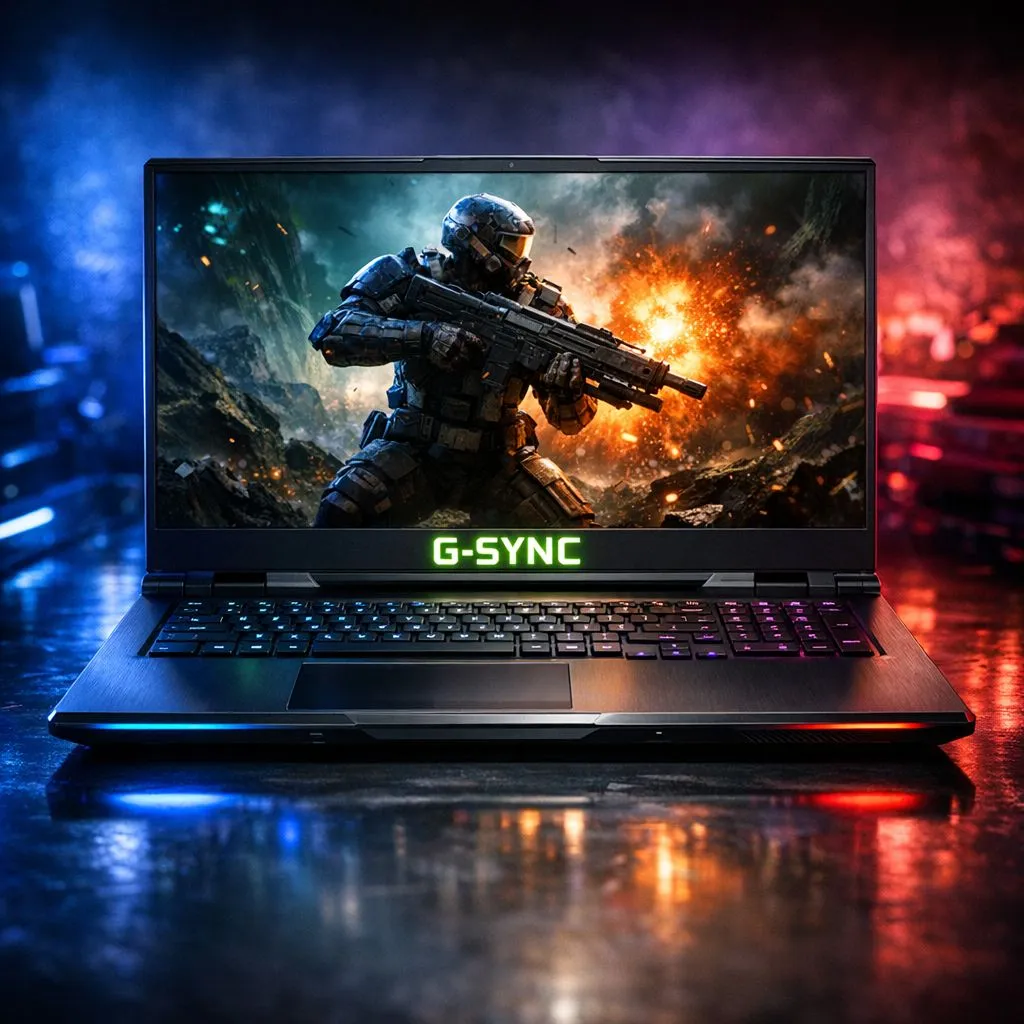
Eliminate Screen Tearing with G-SYNC Technology
Ever felt your heart sink when a screen tear ruins a perfect headshot in CS2? It is a common frustration for local players. G-SYNC laptops are designed to fix this exact problem. By synchronising your display to your GPU, you get buttery smooth visuals. No more jagged lines. No more stuttering. Just pure performance in every frame. ⚡
How G-SYNC Fixes Your Gaming Experience
Screen tearing happens when your graphics card sends frames faster than your screen can display them. This mismatch creates those ugly horizontal lines that break your immersion. NVIDIA’s G-SYNC technology forces the monitor to wait for the GPU... creating a perfect handshake between hardware. This is why many enthusiasts hunt for GeForce RTX gaming laptops on special to ensure their display keeps up with their power.
Input lag is another silent killer in competitive gaming. Traditional V-Sync often introduces a slight delay that feels like moving through mud. G-SYNC eliminates this lag while keeping the image stable. Whether you are raiding in WoW or surviving the final circle in Apex Legends, that responsiveness is vital.
Choosing the Right Processor for Your Setup
A great display needs a strong engine behind it. If you prefer the blue team, you can find high-performance Intel laptops on special that pair perfectly with G-SYNC panels. These machines handle high frame rates with ease... ensuring your variable refresh rate stays in the optimal zone.
Alternatively, Team Red offers incredible efficiency and multi-core power. Many local gamers are currently eyeing Ryzen laptop deals for their excellent price-to-performance ratio. Both platforms offer the bandwidth needed to drive modern G-SYNC displays without breaking a sweat. 🚀
Optimisation Pro Tip ⚡
To get the most out of your G-SYNC laptop, always enable G-SYNC in the NVIDIA Control Panel for both windowed and full-screen modes. Additionally, set a frame rate limit slightly below your monitor's maximum refresh rate. This keeps you within the G-SYNC range and prevents traditional V-Sync from kicking in and adding unwanted lag.
Finding Quality Within Your Budget
You do not always need to spend a fortune to get a smooth experience. There are fantastic options if you want to buy gaming laptops under R20k that still feature high refresh rate screens. While the most premium G-SYNC Ultimate features might be in higher tiers, entry-level "G-SYNC Compatible" laptops still offer a massive upgrade over standard office displays.
If you are looking for the absolute peak of mobile hardware, keep an eye on the best gaming laptop deals available in South Africa. Look for IPS panels with 144Hz or higher. These screens offer the best colour accuracy and viewing angles... making your games look as good as they play. ✨
Ready to Find Your Perfect Match? Screen tearing should be a thing of the past. For maximum power, choice, and value in South Africa, a G-SYNC enabled machine is hard to beat. Explore our massive range of laptop specials and find the perfect machine to conquer your world.











