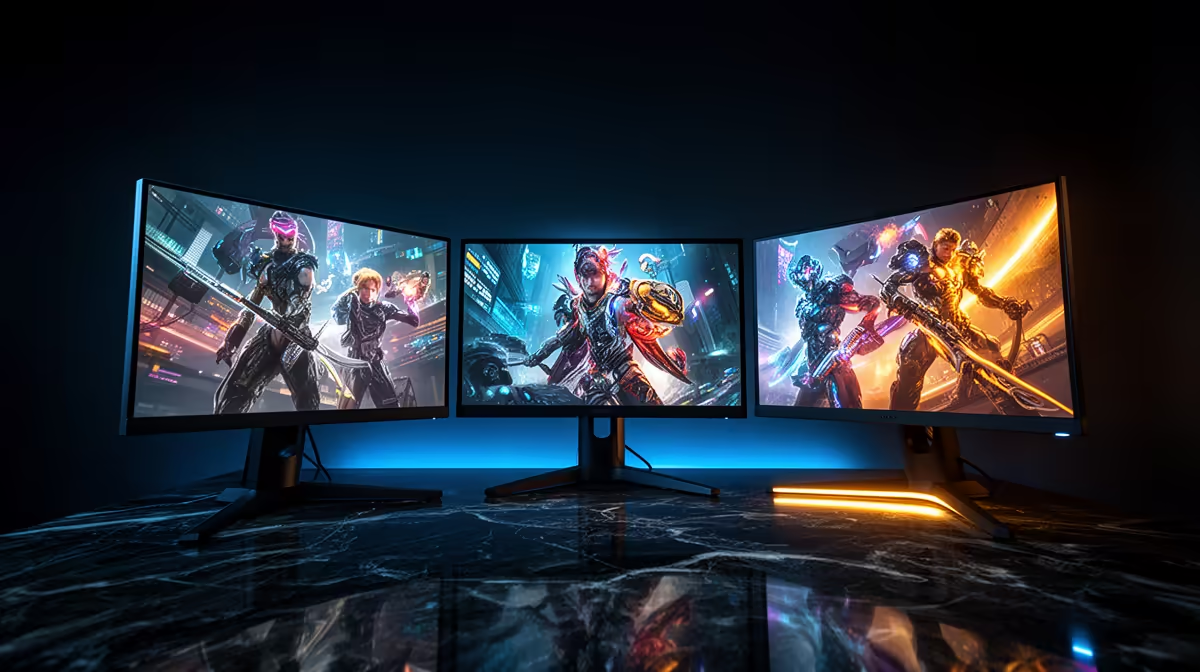
So you’ve built the perfect dual-monitor setup. Your main screen is a high-refresh-rate beast for Warzone, and the second is for Discord and Spotify. But when you fire up a game, you’re hit with stuttering and tearing. What gives? Welcome to the great G-Sync vs FreeSync South Africa debate, where getting it right means buttery-smooth gameplay, and getting it wrong... well, it’s just frustrating. Let's demystify this for your multi-monitor reality. ✨
G-Sync vs FreeSync: The Core Tech Explained
Before we tackle multiple screens, let's quickly break down the basics. Both G-Sync (from NVIDIA) and FreeSync (from AMD) are types of Variable Refresh Rate (VRR) technology. Their one job is to synchronise your monitor's refresh rate with the frames-per-second (FPS) your graphics card is producing. This eliminates screen tearing and stutter, creating a much smoother visual experience.
NVIDIA G-Sync
G-Sync typically requires a special hardware module inside the monitor, which historically made these screens more expensive. NVIDIA has a strict certification process, ensuring a premium, consistent experience. There are three tiers:
- G-Sync Ultimate: The best of the best, with HDR support and top-tier performance.
- G-Sync: The classic standard, offering a full refresh rate range.
- G-Sync Compatible: These are actually FreeSync monitors that NVIDIA has tested and certified to work well with their GPUs, offering a great balance of price and performance.
AMD FreeSync
FreeSync is an open standard built into the DisplayPort specification. This means manufacturers can implement it without paying licensing fees to AMD, making FreeSync PC monitors generally more affordable. The trade-off? Performance can vary. AMD also has tiers to help buyers:
- FreeSync: The basic level, preventing tearing.
- FreeSync Premium: Adds mandatory low framerate compensation (LFC) and at least a 120Hz refresh rate at 1080p.
- FreeSync Premium Pro: Includes all the above plus HDR support.
The Multi-Monitor Challenge: Mixing and Matching in SA
Here’s where the G-Sync vs FreeSync South Africa question gets spicy for gamers. What happens when you mix monitors with different VRR technologies, or even one with VRR and one without?
The good news is that modern graphics drivers from both NVIDIA and AMD have improved dramatically. In most cases, you can run a G-Sync gaming monitor alongside a standard 60Hz or even a FreeSync monitor without major issues. Your primary gaming display will use its VRR technology, while the secondary screen just... displays.
However, potential gremlins can appear. 🔧 Sometimes, having video content (like a YouTube stream) playing on a second monitor can cause stuttering or flickering on the primary gaming monitor. This is less common now, but it's a known quirk. The key is ensuring your main gaming display is set as the primary monitor in Windows display settings.
Multi-Monitor Pro Tip 💡
If you're running an NVIDIA GPU with mixed monitors (e.g., one G-Sync, one standard), go to the NVIDIA Control Panel > "Set up G-SYNC". Ensure it's enabled for your primary gaming screen and select "Enable for windowed and full screen mode". This often fixes stutter when you're playing a game in a borderless window while interacting with another app on your second screen.
When planning your setup, consider how you'll use each screen. If your goal is maximum immersion, pairing two identical curved monitors is fantastic. If one screen is just for productivity and chat, you can save some money by pairing a high-end gaming panel with a more basic second screen. You can often find some of the best monitor deals on these secondary displays.
So, Which is Right For Your Dual-Screen Dream?
The verdict on G-Sync vs FreeSync in South Africa for a multi-monitor setup comes down to two things: your GPU and your budget.
- If you have an NVIDIA GeForce GPU (RTX 30-series, 40-series, etc.): Your best bet is a certified G-Sync or G-Sync Compatible monitor as your primary display. This guarantees a seamless experience. Your second monitor can be almost anything, from a basic 1080p panel to one of the crisp high-resolution 4K monitors for watching content.
- If you have an AMD Radeon GPU (RX 6000-series, 7000-series, etc.): Stick with a FreeSync Premium or Premium Pro monitor. It’s the most cost-effective and is designed to work perfectly with your card. You could even use one of the new portable monitors as a slick, minimalist second screen for Discord.
Ultimately, don't overthink it. Focus on getting the best primary gaming monitor you can afford that matches your GPU's technology. Your secondary monitor is far more flexible. And don't forget that a solid dual-monitor stand is one of the best monitor accessories you can buy to keep your desk clean and your screens perfectly aligned. 🎮
Ready to Find Your Perfect Panel?
The G-Sync vs FreeSync South Africa debate is all about finding the smoothest setup for your budget and GPU. Whether you need a primary beast or a secondary screen, we've got you covered. Explore our huge range of gaming monitors and build the battlestation you deserve.