

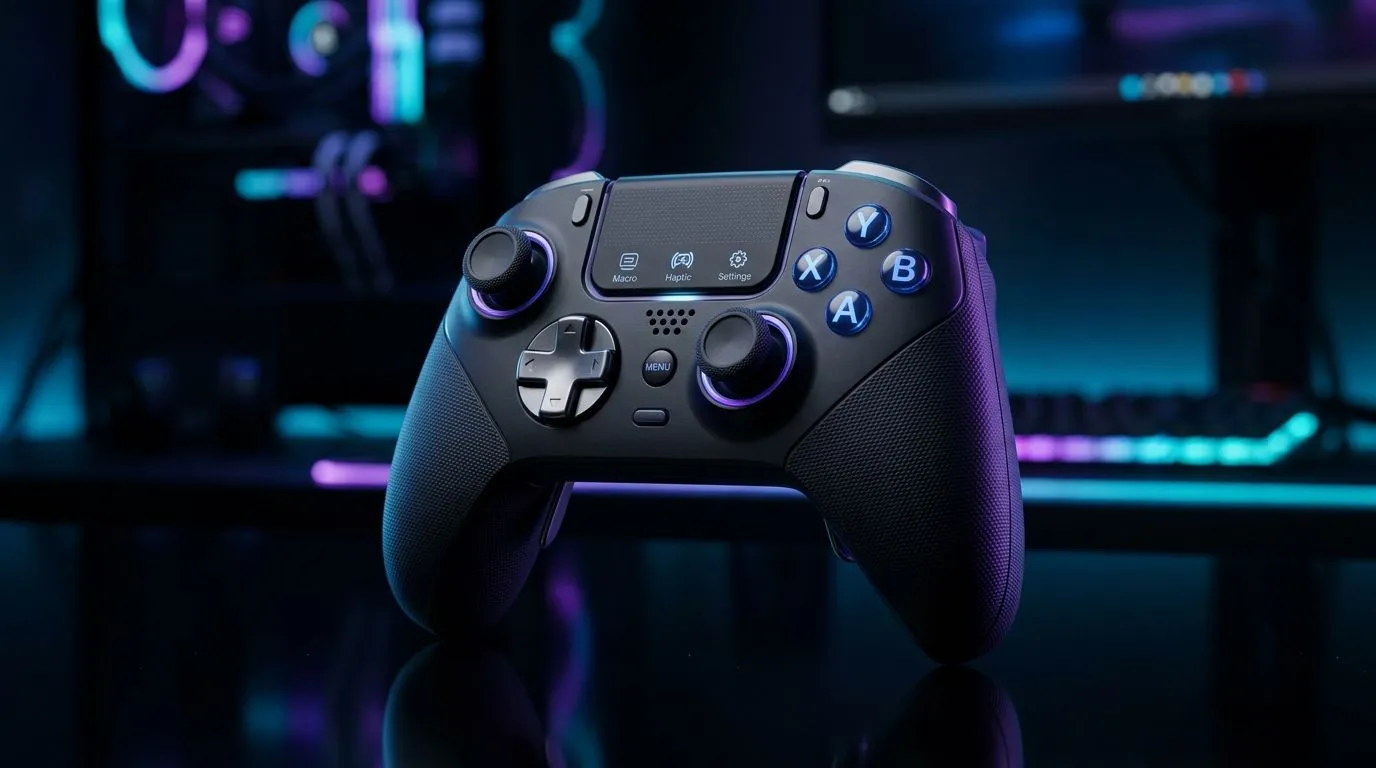
Gamepad Feature Sets: Macros, Touch Panels, and Haptics matter more than you think 🎮
Ever mapped “jump” to the wrong button mid-raid and thought, “I need better control… now”? In South Africa’s gaming cafés, lounge setups, and LAN nights, the details make a real difference. Macros help you repeat actions without strain. Touch panels can turn your controller into a mini command centre. And haptics? They add feel, timing, and immersion… especially when you’re dialling in aim and movement.
In this deep dive, we break down Gamepad Feature Sets: Macros, Touch Panels, and Haptics in plain terms, so you can choose a controller that matches how you play.
Gamepad Feature Sets: Macros that actually improve your muscle memory 🔧
Macros are best when they reduce “mental load”, not when they automate everything. A good macro lets you perform a combo consistently, triggers a utility action, or switches weapon modes without hunting menus.
Practical macro setups (no cheating… just convenience)
- One-button reload cancel: Some players bind weapon swap to minimise downtime.
- Ability cycling: Fire, stance, or item swap can be grouped so you keep moving.
- Sensitivity modes: If your game supports it, macros can switch profiles between hip-fire and precision.
Before you buy, check whether the controller supports onboard macro programming and what software is required. For tournament-style play, look at models built for mapping and repeatable control.
If you want a controller that’s marketed for competitive use, consider the Razer Wolverine V3 Tournament Edition (8K). It’s designed around fast, consistent inputs for people who care about reaction time.
When macros become a trap
If your macro hides too many steps, you might forget the original timing. That’s why the best macros are short: one trigger, one or two actions. Keep it learnable. Your hands should feel confident, not confused.
Gamepad Feature Sets: Touch panels for fast navigation and quick weapon control ✨
Touch panels on controllers can replace repetitive button presses with swipe gestures. Think weapon wheel navigation, quick emote selection, radial menus, or map markers.
Where touch panels shine
- Strategy games: You can pan, tag, or select options quickly.
- Shooter loadouts: Swipe to cycle weapons or gear slots.
- MMOs and RPGs: Touch for inventory navigation can reduce D-pad spam.
However, touch input quality varies. Some panels feel clicky; others are more “analog”. If your thumb movement is already precise, you’ll benefit. If you often play with relaxed hand positioning, you may need to adjust settings to avoid accidental gestures.
Productivity Pro Tip ⚡
On Windows, use the PowerToys FancyZones utility to create custom snap layouts for your windows. It's a lifesaver for managing multiple apps on an ultrawide monitor, letting you organise your timeline, preview window, and asset folders perfectly for video editing.
Gamepad Feature Sets: Haptics that improve timing and immersion ⚡
Haptic feedback is not just “vibration for vibes”. The best haptics match in-game events: recoil pulses, directional cues, surface texture, or impact timing.
What to look for
- Consistency: Does the rumble feel the same across sessions?
- Detail level: Are effects distinguishable, or just “buzz”?
- Control: Can you adjust intensity so it doesn’t mask audio cues?
If haptics are strong but not adjustable, they can become distracting. You want haptics to support your awareness, not fight it.
For a broader view of controller options and feature differences, start with our guide on buying gaming controllers. You can then narrow down by brand and find the settings that match your playstyle.
If you’re specifically considering Razer controllers, check this Razer-focused controller range to compare feature sets side by side.
How to choose the right feature mix (Macros + Touch + Haptics) 🚀
Here’s a quick decision rule:
- Competitive shooters: Prioritise macros that reduce downtime, plus haptics that clearly signal recoil.
- RPGs and MMOs: Touch panels can speed up inventory and menu tasks. Use macros to trigger compact combos.
- Story-driven games: Haptics are your immersion win. Still, ensure mapping is comfortable.
If you’re unsure, balance one “comfort” feature with one “speed” feature. Too many changes at once can slow you down. Start small, practise for a week, then refine.
Ready to upgrade without regret? Start comparing controllers with your real use case, not just the spec sheet.
Ready to Find Your Perfect Match? Gamepad feature sets can feel confusing, but choosing the right mix of macros, touch control, and haptics becomes easy when you shop with confidence. Explore our range of gaming controllers and build a setup that suits your style. Browse controllers here and get the best value in South Africa.











