

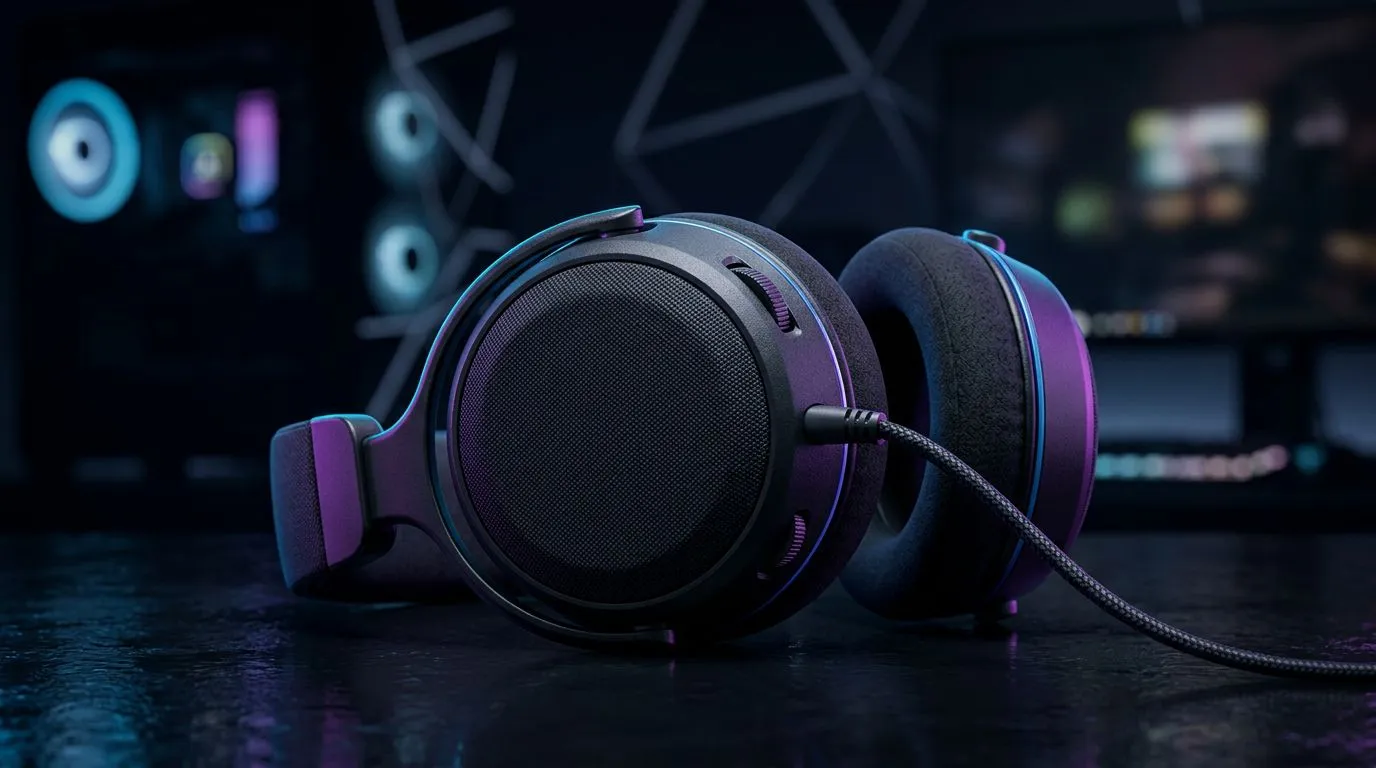
Gaming audio specs: why sound should be your next upgrade 🔧🔊
If your headset makes footsteps sound like whispers, you might be missing wins. This guide cuts through jargon so South African gamers and builders get clearer audio, lower latency, and better positional cues — without overspending. Read fast... act smart. We'll point to local ZAR listings so you can compare and buy with confidence. 🚀
Gaming audio specs: core components that shape sound and performance
Drivers, frequency response, sensitivity and impedance are the building blocks of any headset or DAC. Drivers decide detail and punch; larger dynamic drivers usually give fuller bass, while planar drivers offer tighter transient response. For product-specific specs, check manufacturer listings on Evetech to confirm exact numbers — for example, the Razer Barracuda X Chroma product page lists wireless features and compatibility details clearly: Razer Barracuda X Chroma (best deal) on Evetech.
When you compare models, match the headset's impedance and sensitivity to your source. Low-impedance headsets pair well with phones and consoles; higher impedance often benefits from a dedicated amp or a better onboard sound card. For verified spec sheets and supported platforms, browse Evetech’s Razer headphones category to compare across models and confirm claims.
Gaming audio specs: latency, drivers and wireless trade‑offs
Latency kills immersion... and can lose rounds. USB and low‑latency RF dongles tend to outperform standard Bluetooth for gaming. Many gaming headsets advertise sub‑40ms latency using proprietary wireless tech — always verify latency claims on the product page before buying. For South African shoppers, check Evetech’s comprehensive headphones section where platform compatibility and connection types are listed in ZAR pricing and specs.
If you need multi‑platform wireless for PC, PlayStation and mobile, look for dongle-based systems or multi‑codecs. Wired USB-C and 3.5mm connections remain the lowest-latency options.
Gaming audio specs: surround, virtualisation and microphone clarity
Surround sound can aid positional awareness. True multi-driver solutions and dedicated soundcards provide accurate imaging; virtual surround on headsets uses DSP to emulate that space. Whether you choose Dolby Atmos or DTS:X, test locally — what works for one game or ear shape may not for another.
Microphone specs matter for team comms. Look for good SNR (signal-to-noise ratio) and clear pickup patterns; noise-cancelling mics help in crowded homes. When comparing headset mics, verify the mic gain and noise cancellation features on the product pages — Evetech’s headset category pages make this straightforward.
Audio Setup Pro Tip ⚡
Use a short 3.5mm test cable between your PC and headset to A B latency and clarity. If your headset sounds thin on PC but fine on console, try a DAC or high-quality USB sound card to lift dynamic range and reduce noise.
Gaming audio specs: tuning, EQ and practical tips for South African setups
EQ and tuning let you prioritise footsteps or explosions. If you play shooters, boost upper‑mid frequencies slightly for clearer footsteps. Racing or cinematic games benefit from tightened bass. Many headsets include companion apps with EQ presets; check whether the model you like offers software customisation on its Evetech product page.
Micro‑story: I once swapped a cheap gaming headset for a well‑tuned mid‑range pair and immediately started hearing replays I’d missed. The difference wasn’t only clarity; my in-game decisions improved. That’s why specs matter, but so does personal testing.
For hands-on buyers, Evetech's headphone & headset category lists models to audition and compare specs in ZAR — a quick way to see what fits your budget and platform.
Gaming audio specs: buying checklist for SA buyers
- Confirm connection type and latency for your primary device.
- Match impedance to your source; consider a DAC/AMP if needed.
- Check mic SNR and any noise-cancelling claims on the product page.
- Look for software EQ and updateable firmware.
Want a ready option? If you’re after a wireless combo with multi‑platform support and good value, take a look at the Razer Barracuda X Chroma product page for full specs and ZAR pricing. For a broader browse of Razer’s headset lineup, visit the Razer headphones range on Evetech. And if you prefer to scan every headphone and headset listing at Evetech, the main headphone & headset category is a good place to compare features and deals.
Gaming audio specs: final thoughts and next steps ✨
Sound is as strategic as your mouse and monitor. Understand drivers, latency and mic clarity before you buy. Try before you commit when possible, and use Evetech listings to confirm every spec in ZAR and platform compatibility. Curious which model fits your playstyle and budget? Keep the checklist above with you while you shop.
Ready to Find Your Perfect Match? The Mac vs Windows debate is complex, but for maximum power, choice, and value in South Africa, Windows is hard to beat. Explore our massive range of laptop specials and find the perfect machine to conquer your world.











