

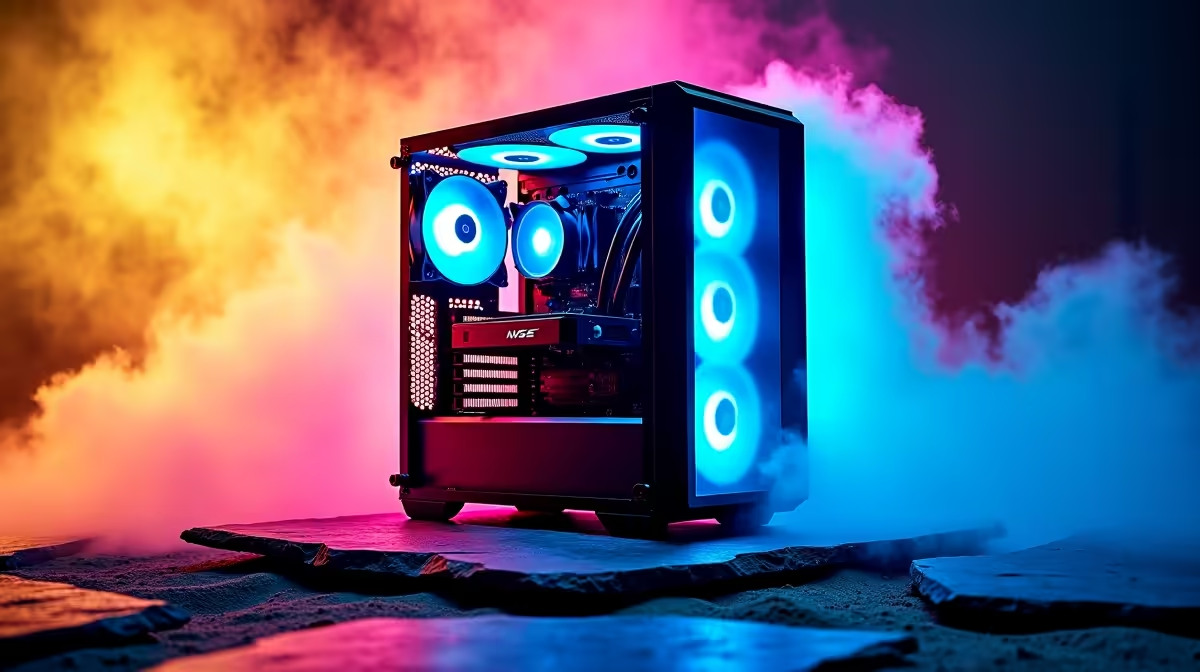
Is your gaming PC sounding more like a jet engine during a heated Warzone match? You're not alone. In the South African heat, keeping your rig cool and quiet is a real challenge. Poor gaming desktop heat and noise management doesn't just ruin the immersion; it throttles your performance when you need it most. Let's dive into some practical tips to reclaim your peace... and your FPS. 🚀
Why Effective Heat and Noise Management Matters
At its core, the relationship is simple: your powerful components generate heat, and your fans spin up to move that heat away. The hotter your CPU and GPU get, the harder your fans work, creating that distracting whirring sound. If they can't keep up, your PC will automatically slow itself down (a process called thermal throttling) to prevent damage.
This means lower frame rates and potential stuttering right when you need peak performance. Proper heat and noise management isn't just about comfort; it's about unlocking the full potential of your hardware. Even high-performance workstation PCs are designed with thermal efficiency in mind for sustained, quiet operation.
Mastering Your PC's Airflow and Cooling 🔧
Your computer case isn't just a box; it's a wind tunnel. Getting the air to flow correctly is the most critical step in managing heat.
The Foundation: Case and Fan Placement
The goal is to create a clear path for air: cool air in, hot air out. A standard, effective setup is "positive pressure," where you have more intake fans than exhaust fans. This helps push air out of every crevice and minimises dust buildup.
- Intake: Place fans at the front or bottom of your case to pull cool air in.
- Exhaust: Place fans at the back or top of your case to push hot air out (since heat naturally rises).
Many of our pre-built PC deals come with airflow configurations optimised right out of the box, taking the guesswork out of your build.
Cable Management is More Than Just Looks
A "rat's nest" of cables inside your PC can severely obstruct airflow, creating pockets of hot, stagnant air. Tucking and tying cables behind the motherboard tray or using cable channels clears the path for air to move freely from your intake fans, across your hot components, and out the exhaust. Builds like you'll find in our PCs above R20k section often showcase meticulous cable management for this very reason.
Choosing the Right Cooler
The stock coolers that come with CPUs are often just... adequate. Upgrading your CPU cooler is a huge step towards better desktop heat management. Whether you stick with a large air tower or move to an All-in-One (AIO) liquid cooler, you'll see a significant drop in temperatures and noise. This is true for both our all Intel PC deals and the latest AMD Ryzen PC deals, as both platforms benefit immensely from superior cooling. Remember, even cutting-edge components found in modern DDR5 gaming PCs perform best when given thermal headroom.
Fine-Tuning for Silent Performance ✨
Once your hardware is sorted, you can use software to achieve near-silent operation during everyday tasks.
The Silent Assassin Fan Curve 🤫
Use a free tool like MSI Afterburner to set a custom fan curve for your GPU. Keep fans at a low, inaudible RPM (around 20-30%) until your card hits 60°C, then have them ramp up gradually. This gives you total silence for browsing and work, with the cooling power kicking in only when you're actually gaming.
This level of control is fantastic for getting the most out of powerful NVIDIA GeForce gaming PCs. Similarly, the Adrenalin software for AMD Radeon gaming PCs offers robust tools for fine-tuning fan speeds and performance profiles.
Cooling Solutions That Won't Break the Bank
Excellent gaming desktop heat and noise management tips don't always require spending a lot of money. Sometimes, the best fixes are free:
- Clean Your PC: Dust is a great insulator, which is terrible for your components. Clean your dust filters and blow out your heatsinks with compressed air every few months.
- Give It Space: Don't shove your PC into a tight cabinet or against a wall. It needs room to breathe, especially around the intake and exhaust vents.
- Check Your Room Temperature: A cooler room means a cooler PC. On hot summer days, even a simple desk fan pointed near your PC's intake can help.
These simple habits can make a massive difference, especially for carefully selected budget gaming PCs and rigs from our popular PCs under R20k category, helping you squeeze every drop of performance from your investment.
Ready for a Cool and Quiet Upgrade? If tweaking isn't your thing, a professionally built PC is the ultimate solution for optimal heat and noise management. Explore our best gaming PC deals for performance that's seen, not heard.











