

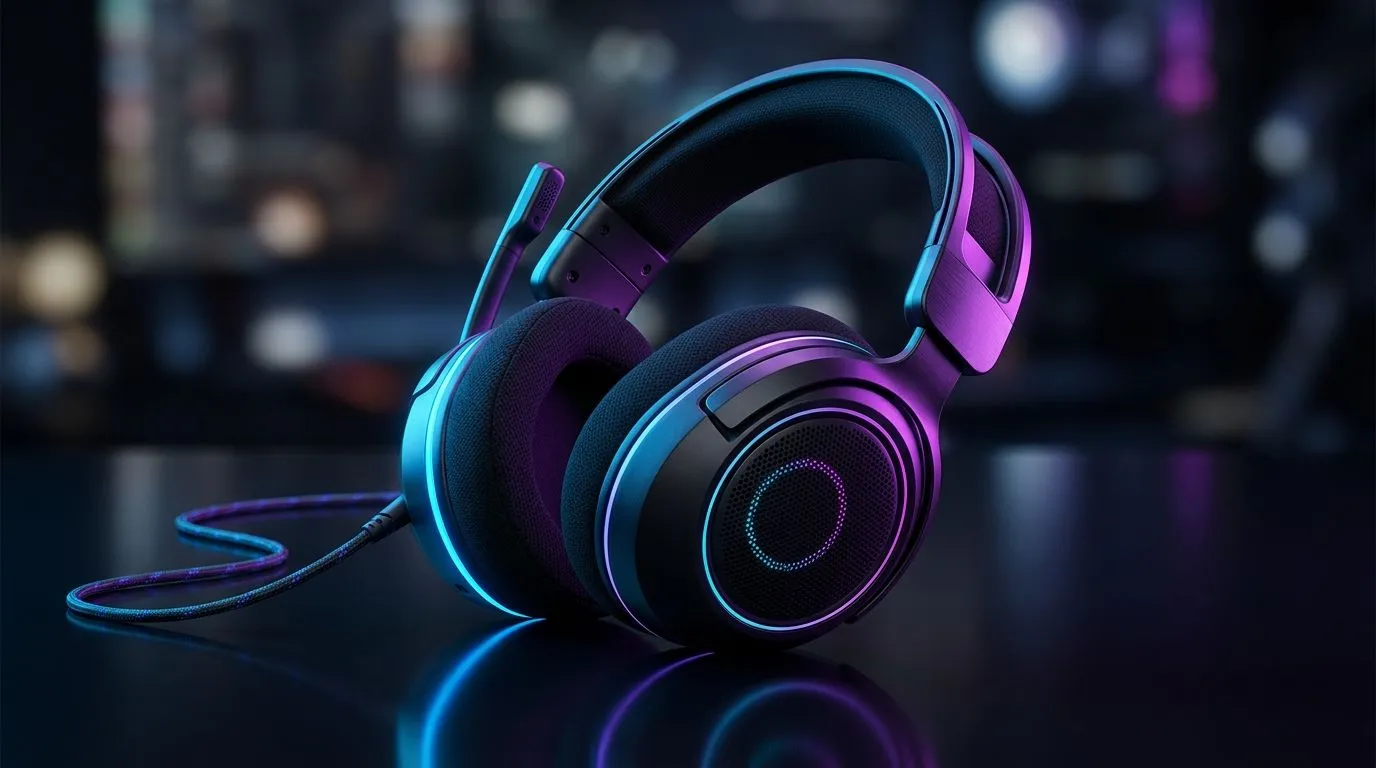
Gaming Headset Driver Size Guide: 50mm Sound Explained
If you’ve ever wondered why one headset sounds “full” and another sounds thin… you’re not alone. In South Africa, where Wi‑Fi, budget, and load shedding realities shape every upgrade, choosing the right headset matters. 🎧 This guide breaks down one of the most common specs you’ll see: Gaming Headset Driver Size Guide: 50mm Sound Explained. We’ll keep it practical, so you can pick better for FPS, story games, and music.
Gaming Headset Driver Size Guide: 50mm Sound Explained
What a “50mm driver” actually is
A driver is the speaker unit that moves air to create sound. A 50mm driver simply describes the approximate diameter of that moving system. In basic terms, a larger driver can sometimes produce more low-frequency output and a broader “feel” at volume… but size alone doesn’t guarantee better audio.
So, what should you trust instead? Look at the headset’s tuning (how frequencies are balanced), the enclosure design, and whether the model supports surround formats that match your setup.
Evetech stocks multiple headset lines and models you can compare side-by-side, which helps because “spec chasing” often misses the bigger picture. ✨
Why bigger isn’t automatically better
Many gamers assume 50mm means “better footsteps” every time. But positional audio depends on how the sound is processed, the headset’s frequency response, and the game’s mix. If a headset boosts bass too much, footsteps can get masked.
That’s why it helps to think in scenarios:
- Competitive FPS: clearer midrange and controlled bass usually work best.
- Story games: a wider soundstage and pleasing tuning matter more than raw low-end punch.
- Music & movies: sub-bass response can be the difference between “okay” and “wow”.
Gaming Headset Driver Size Guide: 50mm Sound Explained
How to choose the right driver size for your use
Instead of focusing only on “50mm vs 40mm”, narrow it down by your priorities:
- If you’re mostly FPS on PC or console: aim for balanced tuning and good imaging.
- If you play story games with cinematic soundtracks: listen for separation between vocals, gunshots, and ambience.
- If you hate fiddly settings: pick a headset with reliable software profiles or a well-known out-of-box sound signature.
Evetech’s product categories make this easier because you can filter across models and audio types rather than guessing. 🔧 Start by browsing:
Real-world comparison: a wireless “feel” vs a wired “detail”
In daily use, wireless comfort and connection stability are part of the audio experience. A headset that’s comfortable and stable keeps you playing. That matters for long ranked sessions.
If you want an example of a premium wireless option worth comparing in-store or at home, check:
And if you’re comparing across Razer’s current line-up, you’ll often find consistent design choices that affect sound tuning:
Note on surround specs (Stereo vs 7.1)
“7.1” is not magic. It usually means software processing to simulate additional channels. Some games benefit. Others already provide their own spatial mix. If you want classic channel positioning without extra processing, start with Stereo.
- Browse Stereo headset options
Productivity Pro Tip ⚡
Gaming Headset Driver Size Guide: 50mm Sound Explained
A quick checklist before you buy
Before you commit, ask yourself:
- Do I prefer tight bass or full lows?
- Are my gaming sessions mostly competitive, or mixed with music?
- Do I need wireless freedom or is wired reliability fine?
- Do I have a decent audio profile on PC?
If you want the safest path, pick a headset where the tuning matches your favourite games. A well-tuned 40mm or 50mm driver can beat a mismatched “bigger driver” every time. 🙂
Ready to Find Your Perfect Match? The Mac vs Windows debate is complex, but for maximum power, choice, and value in South Africa, Windows is hard to beat. Explore our massive range of laptop specials and find the perfect machine to conquer your world.











