

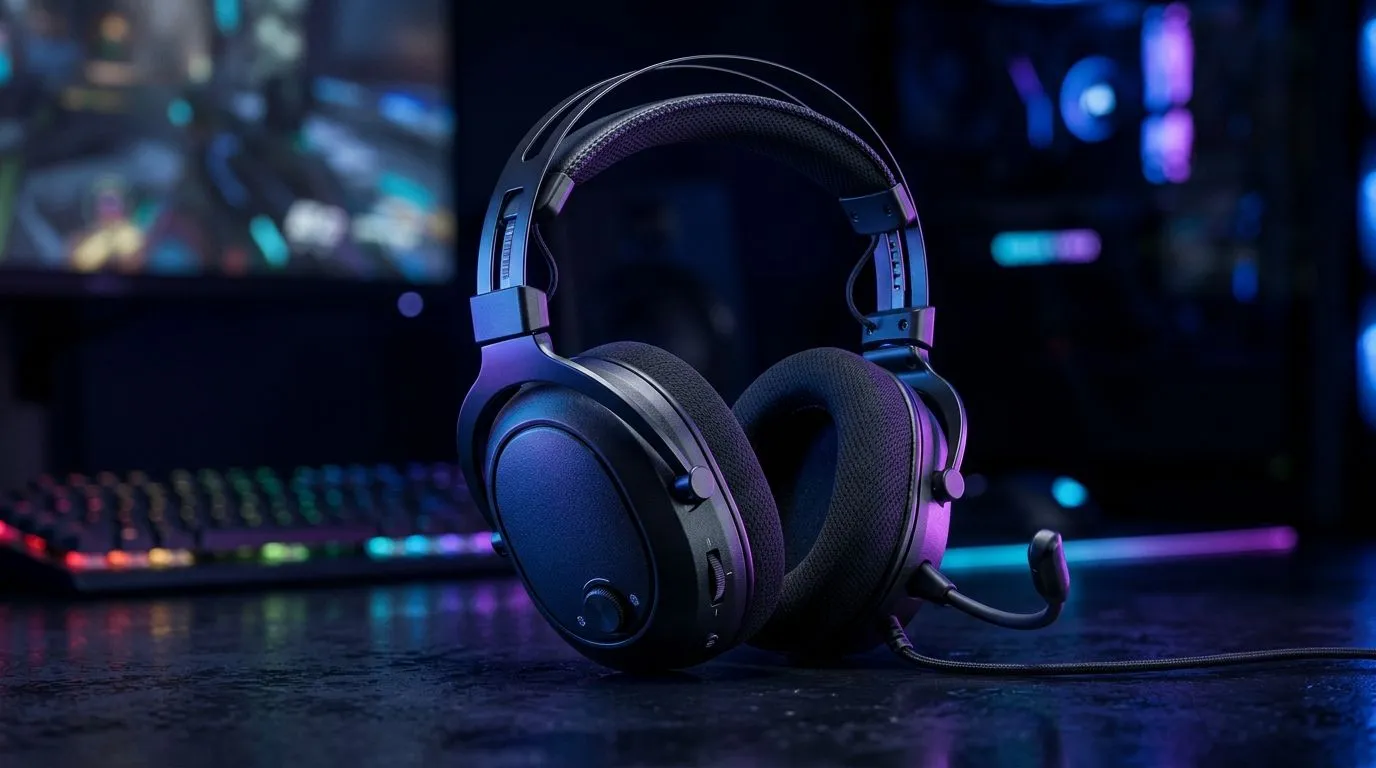
Why Your Gaming Headset Sound Flat (And How to Fix Weak Audio)
So your headset is on… but footsteps sound muffled, explosions lose punch, and voices sit “too far back”? In South Africa, that usually means one of three things: weak audio, the wrong sound profile, or a connection that is not fully doing its job. 🔧
The most common question we hear is: “Why does my gaming headset sound flat?” The answer often comes down to weak audio signals and mismatched settings. Let’s fix it fast, without guessing.
Start With the Basics: Check the Connection and Output
First, confirm your headset is actually selected as the output device. Sounds obvious, but it’s the #1 cause of “flat” audio.
Windows quick checks
- Right-click the speaker icon → Sound settings.
- Under Output, choose your headset (not “Speakers” or “Realtek”).
- Click Device properties and set the volume for the headset itself.
If you’re using a wired headset, wiggle-test the plug gently (no violence). If you’re on wireless, re-pair or check the battery level. Weak signal and low power can reduce clarity.
Productivity Pro Tip ✨
On Windows, open Settings → System → Sound. Then set the correct headset as Output, and disable any “Enhancements” you don’t recognise. Many audio effects stack together and accidentally flatten voice and bass.
Finally, test in the same game scene you always use. That way you’ll know if it’s actually improved, not just placebo.>
Why “Flat” Happens: EQ, Spatial Modes, and Game Audio
Even a great headset can sound disappointing if EQ and spatial effects clash.
Try this order:
- Set Windows/EQ to default (or “Off” for enhancements).
- In-game, use a neutral EQ or stereo mode.
- Then enable spatial/audio effects one at a time and listen for changes.
If your headset is marketed with strong immersive audio, don’t assume every setting is beneficial for every game. Competitive shooters usually benefit from clearer midrange (for footsteps and callouts). Story games often benefit from boosted highs and wider imaging.
Fix Weak Audio Fast: Practical Settings That Work
Here’s a reliable workflow:
- Disable communication boosts temporarily. These can duck the rest of your audio.
- Turn on headset volume to a comfortable level, then adjust game volume to match.
- If your headset has a bass boost slider, keep it moderate. Too much low-end can make everything else sound thin.
If you want a clean upgrade path, consider a headset known for consistent wireless or wired clarity. For example, you can compare popular options on Evetech’s range, like the Razer Barracuda X Chroma Wireless here: Razer Barracuda X Chroma Wireless Headset (Phantom White).
And if you’re browsing by brand, their broader lineup makes it easier to match features to your setup: Razer headphones and headsets.
Prefer to shop by category first? Start here and narrow down from there: Headphone headsets.
The “Real Fix” Story: When Settings Aren’t Enough
We’ve seen players blame their headset… then discover their chat app or Discord profile had taken control of audio levels. Once the correct output device was selected and enhancements were turned off, the headset suddenly sounded “full” again. 🎧
If your audio still sounds flat after the steps above, the next suspect is the headset itself. Worn cables, weak wireless pairing, or a damaged driver can reduce clarity. At that point, it’s worth choosing a replacement that fits your use case.
Why Does My Gaming Headset Sound Flat? Fix Weak Audio With the Right Hardware
Your ears can only do so much with a weak or incorrectly routed signal. When you get the output device right, remove conflicting audio effects, and tune EQ carefully, your headset stops sounding “stale” and starts sounding accurate.
If you’d rather not fight settings every time, pick a headset designed for the audio you care about (competitive clarity, chat intelligibility, or immersive spatial sound). Then you’ll spend more time gaming, less time troubleshooting. 🚀
Ready to Find Your Perfect Match? The Mac vs Windows debate is complex, but for maximum power, choice, and value in South Africa, Windows is hard to beat. Explore our massive range of laptop specials and find the perfect machine to conquer your world.











