

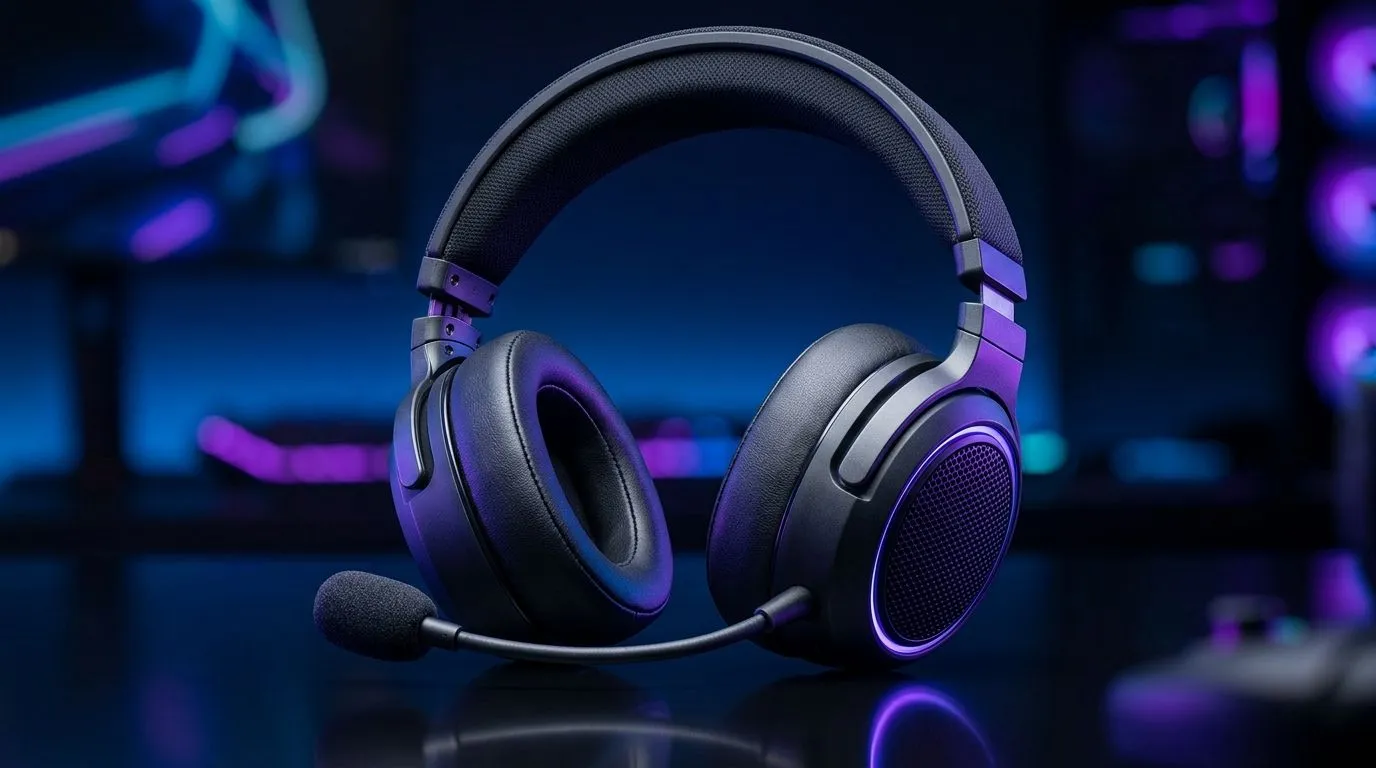
Gaming Headset Frequency Response: Why 20Hz–20kHz Matters for Your Mix 🔊
If your game sounds “off” even after you crank the volume, the culprit is often your headset’s audio range. As South African gamers, we live for clean footsteps, tight bass, and crisp comms… especially on LAN nights and weekend ranked grinds. So when you see Gaming Headset Frequency Response: What 20Hz–20kHz Means on a spec sheet, don’t glaze over. Let’s decode it in plain language, then help you pick a headset that actually fits how you play. ✨
Gaming Headset Frequency Response: What 20Hz–20kHz Means in Practice ⚡
A headset frequency response (usually shown as 20Hz–20kHz) describes the range of audible sound it can reproduce. The “20Hz” end is the deep low bass region. The “20kHz” end is the high treble region where sibilance and detail live.
What does that mean for gaming?
- Low end (around 20–100Hz): explosions, rumble, and bass-heavy effects.
- Mid range (around 200Hz–2kHz): voices, most footsteps body, and general clarity.
- High end (around 2kHz–20kHz): detail, spatters of sound, and the “edge” in gunfire and footsteps.
Important nuance: “20Hz–20kHz” is a range, not a guarantee of accuracy across that entire span. Two headsets can list the same numbers, but still sound different because of drivers, tuning, and how the headset handles volume at each frequency.
A quick reality check (so you don’t get fooled by numbers) 🎧
Most consumer headphones aim to cover the human hearing range, roughly 20Hz to 20kHz. But the tuning matters more than the printed span. If a set boosts bass heavily, footsteps can blur. If treble is too sharp, comms can become harsh, especially during long sessions.
Productivity Pro Tip ⚡
On Windows, use the Windows Sonic or Dolby Access spatial settings carefully. Start with the default EQ preset, then test footsteps in a consistent area (same map, same angle). When you find the setting where dialogue stays clear and positional cues improve, lock it in and don’t keep switching mid-match.
Gaming Headset Frequency Response: How to Judge Sound for Your Genre 🎮
Different games reward different parts of the spectrum:
- FPS / tactical shooters: You want balanced mids and controlled highs so footsteps and ability sounds don’t mask each other.
- Battle royale: Bass helps explosions feel punchy, but too much low-end can smear subtle cues.
- RPG / story games: Detail in treble makes ambience and narration sound more natural.
A simple test you can do at home:
- Queue a training range (or any area with consistent sound).
- Listen for footsteps first, then switch to voices.
- If voices sound “thin” or hissy, the treble may be overemphasised.
- If footsteps sound muffled, bass may be dominating the mids.
For wireless models, also consider compression and latency. Frequency response won’t fix poor wireless tuning or inconsistent connection.
Gaming Headset Frequency Response: What to Look for When Shopping in South Africa ✅
When you’re comparing options, use the spec sheet as a starting point, not the finish line. Prioritise:
- Driver type and tuning: look for reviews and build quality notes.
- Comfort for long sessions: clamp force matters as much as audio.
- EQ controls (if available): gives you flexibility for your library and your room.
If you’re shopping right now, you’ll find strong wireless and wired options in Evetech’s headphone categories. Start here if you want to browse quickly:
- The Razer Barracuda X Chroma Wireless lineup is worth a look if you want a gaming-focused wireless experience: Razer Barracuda X Chroma Wireless Headset (Phantom White)
- For a broader selection of Razer headphones and headsets, check: Razer Headphones & Headsets
- Or filter across many styles here: Headphone Headsets
CALLTOACTION
Ready to Find Your Perfect Match? The Mac vs Windows debate is complex, but for maximum power, choice, and value in South Africa, Windows is hard to beat. Explore our massive range of laptop specials and find the perfect machine to conquer your world.











