

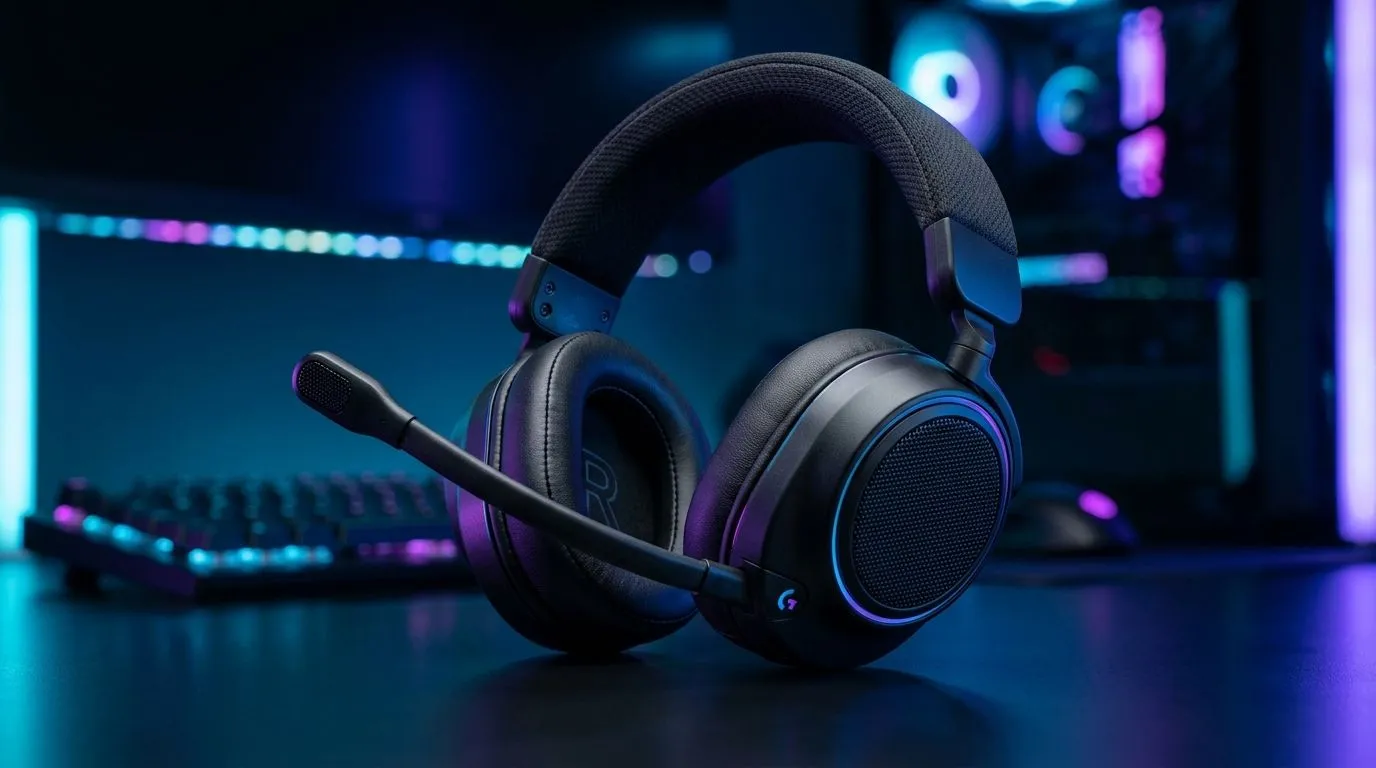
Gaming Headset Mic Sound Muffled? First Fixes That Work (Fast) 🎧
Hey, South African gamer… if your mates say your mic sounds like you’re underwater, don’t panic. This is one of the most common headset issues on Discord, TeamSpeak, and in-game chat. And the good news? You can often fix it in minutes without buying anything. 🔧 Most “muffled” reports come from low pickup sensitivity, wrong microphone input settings, or an accidental audio “enhancement” that squashes your voice.
Gaming Headset Mic Sound Muffled? Check Pickup Sensitivity (Not Volume) ⚡
“Low pickup sensitivity” is usually the real culprit. If your mic gain is too low, you’ll sound distant, thin, and muffled. Start with these steps:
Windows quick setup
- Right-click the speaker icon → Sound settings.
- Under Input, select the correct headset mic.
- Click Device properties.
- If you see Microphone volume, raise it gradually (small steps).
- Turn off anything like Noise suppression if it makes your voice smaller. (Some systems over-correct voice noise.)
In Discord
- User Settings → Voice & Video.
- Set the input device to your headset mic.
- Increase Input Volume slowly.
- Run Let’s Check and watch the green bars. You want consistent movement while speaking, not occasional spikes.
If you boost volume too high, you’ll swing into distortion. Aim for “clear and steady”, not “loud and clipped”.
Productivity Pro Tip ✨
On Windows, open Sound settings → Device properties for your mic and enable a quick test recording. Speak at normal distance, then adjust Microphone volume by 5–10% increments. This prevents overcorrecting and keeps your voice natural on Discord.
Gaming Headset Mic Sound Muffled? Eliminate Cable and Port Problems 🚀
Before software tweaks, do the simple checks. A loose 3.5mm connection, damaged cable, or the wrong port can muffle your voice.
- Reseat the plug firmly (especially if you use a headset splitter).
- Try a different USB port if it’s a USB headset.
- If the mic is detachable, re-seat it until it clicks or sits fully aligned.
- If you have a separate mic and headset, verify you’re not selecting the wrong input device.
A quick reality check
If your mic sounds muffled only in one game, your in-game voice settings might be set to a low input level. Check each game’s voice input slider.
Gaming Headset Mic Sound Muffled? Test With Known-Good Headsets
Sometimes the fastest way to fix a communication problem is to compare with a headset you know performs well.
If you’re shopping for a headset and want a dependable upgrade path, Evetech stocks models across price tiers and comfort needs. For example, the Razer Barracuda X Chroma Wireless is listed in Evetech’s range and can be a solid option if you’re tired of finicky mic setups:
- Shop the Razer Barracuda X Chroma Wireless headset here: Razer Barracuda X Chroma Wireless Headset (Phantom White)
If you want to browse by category and find something that matches your rig and budget, start wide then narrow:
- Explore Evetech’s Razer headphones & headsets selection: Razer headphones & headsets
- Or compare across headsets directly: Headphone headsets
Even great headsets can sound “muffled” when the wrong input device or sensitivity setting is selected. But if you’ve tried the basics and results stay poor, it’s fair to suspect the mic hardware.
Gaming Headset Mic Sound Muffled? Why It Happens (And How to Prevent It) ✨
Muffled voice is often a combo of:
- Input device mismatch (PC selects a different mic)
- Too-low pickup sensitivity (your voice doesn’t register clearly)
- Over-aggressive noise reduction (it dampens your speech)
- Physical issues (port, cable, mic position)
Once it’s fixed, keep a routine: update Discord/game voice settings after reinstalling, and check input devices if you switch between USB audio, Bluetooth, or a wired setup.
Ready to Find Your Perfect Match? The Mac vs Windows debate is complex, but for maximum power, choice, and value in South Africa, Windows is hard to beat. Explore our massive range of laptop specials and find the perfect machine to conquer your world.











