

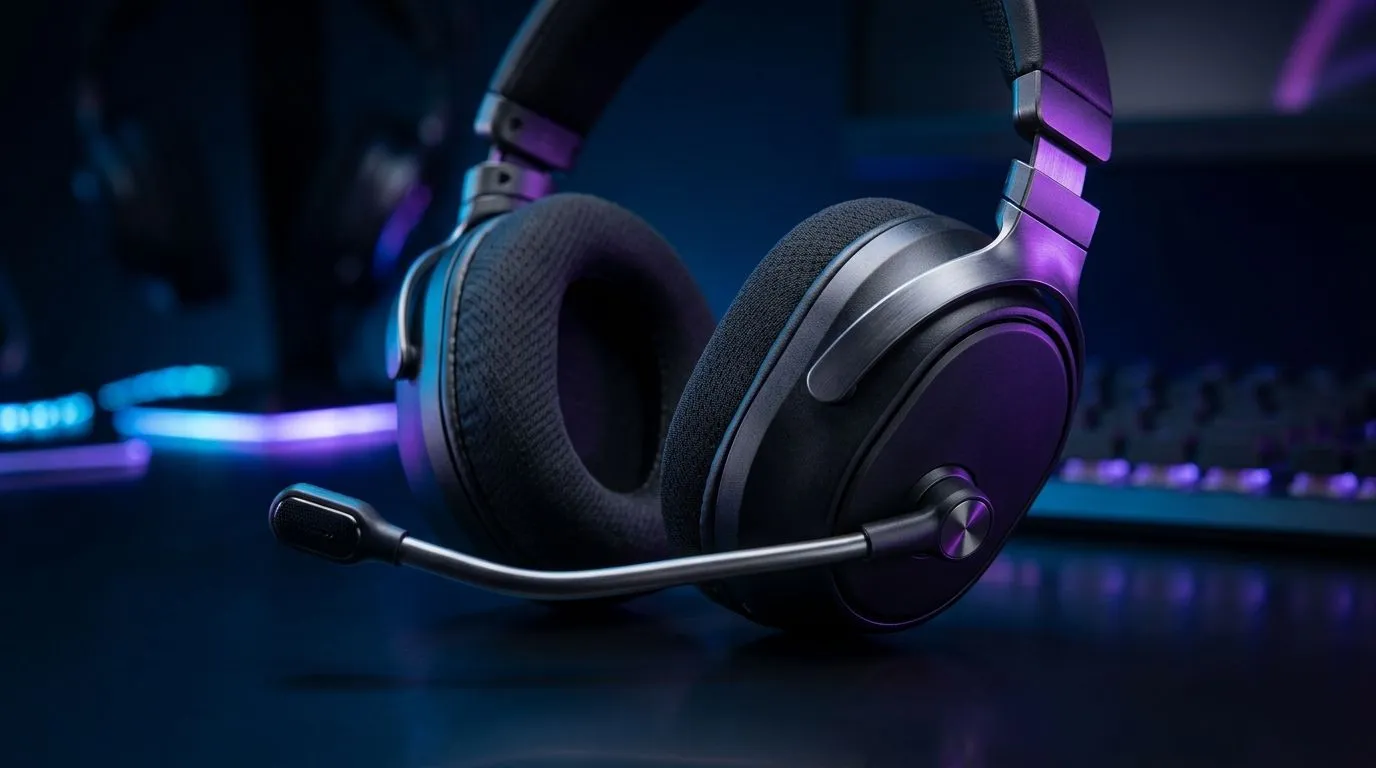
Gaming Headset Mic Sounds Bad? Fix It With Flip-to-Mute: Quick Reality Check
Ever heard your team say, “Yo… your mic sounds like it’s underwater”? 😬 In South Africa’s late-night lobbies, that awkward silence can cost you clutch comms. The good news? Most “bad mic” moments are fixable fast, without buying a whole new headset. 🔧 If your headset has a flip-to-mute (or similar) feature, it can also be a clue: the mic isn’t just picking up audio… it’s picking up the wrong stuff.
Gaming Headset Mic Sounds Bad? Fix It With Flip-to-Mute: The Real Causes
Let’s break down what’s usually happening:
- Mic too close or too far: plosives (“p” bursts) and distant, thin audio both happen.
- AGC and noise reduction fighting your voice: some headsets amplify room noise.
- Wrong input selected: your PC might be using a controller mic or monitor mic.
- Mute-position hardware switch triggered: “flip-to-mute” designs often physically affect the mic element. If it’s slightly engaged, your voice can sound muffled.
If your mic “only sounds bad sometimes”, that’s often the hardware position or a software device mismatch.
Flip-to-Mute: Why It Can Improve (or ruin) your sound
Flip-to-mute isn’t just convenience. Many headsets use a mechanical movement or switch to change mic state. When the arm is not fully in the “open” position, your mic may:
- reduce gain,
- alter the angle,
- or partially block airflow around the capsule.
So yes… “flip-to-mute” can be the difference between clear callouts and everyone asking you to repeat yourself.
Gaming Headset Mic Sounds Bad? Fix It With Flip-to-Mute: Fixes You Can Do in 3 Minutes
Here’s a practical order of operations:
- Flip fully to unmute Flip the mic arm down until it clicks or sits firmly in its working position. Then do a quick voice test.
- Select the correct microphone in Windows In Windows sound settings, make sure your headset mic is the active input. If you have more than one audio device plugged in, Windows loves picking the wrong one.
- Set a sensible gain level Too high can cause distortion and hissing. Too low sounds like you’re speaking from another room.
- Reposition the mic angle Aim the mic slightly toward your mouth, not directly at it. A small change reduces harsh consonants.
- Check in your game voice settings Some games apply extra noise suppression or voice filters. Disable them temporarily to isolate the issue.
Productivity Pro Tip 🔧
On Windows, test your mic in the built-in Sound settings by speaking for 10 seconds while watching the input level meter. If the meter spikes when you move your headset boom mic, you likely have a “not fully open” flip-to-mute position or a loose headset fit.
Gaming Headset Mic Sounds Bad? Fix It With Flip-to-Mute: Pick the Right Headset Mic System
Not every headset treats the mic the same way. If you want consistent comms, look for models with a clear boom mic design and reliable mute control.
If you’re shopping in Evetech’s range of Razer audio gear, the Razer Barracuda X Chroma is a popular wireless option many South African gamers choose for everyday chat quality. Check it here: Razer Barracuda X Chroma Wireless Headset (Phantom White).
For broader headset options, browse the collection and compare styles of boom mic controls and mute behaviour: Razer Headphones & Headsets category. Or if you’re exploring different mic designs, start with: Headphone Headsets on Evetech.
Gaming Headset Mic Sounds Bad? Fix It With Flip-to-Mute: Don’t Get Stuck in a Loop
Try this quick “diagnosis ladder”:
- If the mic sounds bad only when the boom is flipped, it’s a hardware position issue.
- If it sounds bad even when unmuted, it’s usually gain, input selection, or filtering.
- If others hear you fine in Discord but not in-game, the in-game voice settings are the culprit.
Once you fix the basics, you’ll hear the difference immediately… and you’ll stop chasing “new settings” every match.
Ready to Find Your Perfect Match? The Mac vs Windows debate is complex, but for maximum power, choice, and value in South Africa, Windows is hard to beat. Explore our massive range of laptop specials and find the perfect machine to conquer your world.











