

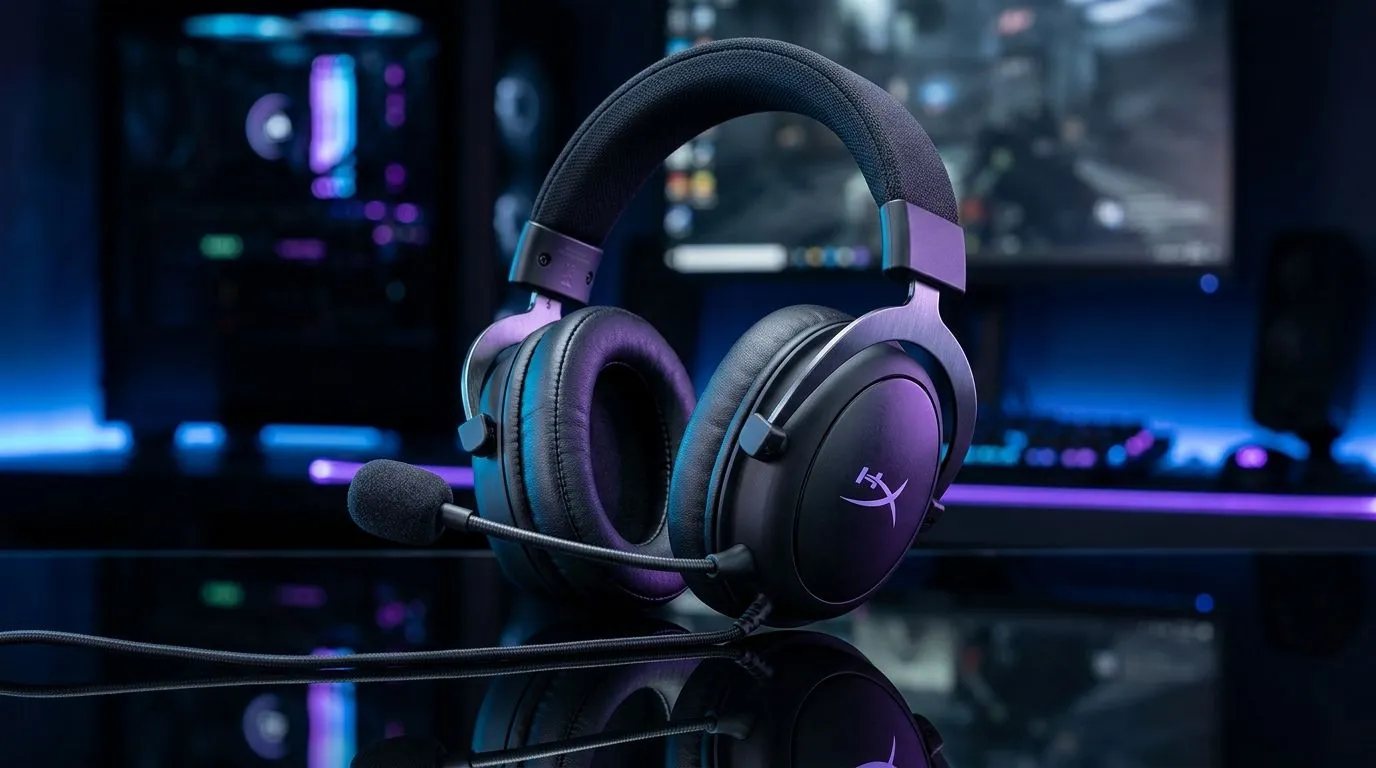
Gaming Headset for Work From Home and Play: One Setup, Two Worlds
Job calls by day, ranked by night… that’s the South African reality for a lot of us. But if your headset sounds thin on Zoom and screams “echo” in Discord, you’re not just uncomfortable. You’re losing focus.
A proper Gaming Headset for Work From Home and Play should give you clear mic audio, comfy padding, and surround or at least spatial tuning. Let’s get your desk and your squad ready… properly. 🎧
Gaming Headset for Work From Home and Play: What Matters Most (And Why)
When you’re buying one headset for both work and gaming, prioritise features that affect communication first:
Clear Voice, Not Just Loud Audio
In meetings, your mic must reject noise and stay intelligible. In-game, teammates need to hear callouts without distortion when you get excited. Look for headsets that describe mic clarity and noise management in their product specs on Evetech. That’s usually the difference between “usable” and “reliable”.
Comfort You Can Live With
Long sessions mean pressure points matter. Leatherette vs fabric, weight distribution, and ear-cup seal affect fatigue. A headset that’s fine for 30 minutes can become painful by hour two.
Gaming Sound With Work-Friendly Balance
“Immersive” should not mean “tinny.” Many gamers prefer boosted highs for footsteps, but that can sound harsh in calls. A headset that offers tuning controls or an EQ that’s easy to adjust will help you keep voices natural.
Productivity Pro Tip ⚡
On Windows, set up separate audio profiles in your sound settings for Teams Zoom vs Discord your game. Then save a different EQ or volume level per profile. When you switch apps, you stop battling the same bass boost or harsh treble that wrecks call clarity. It’s a small habit that saves your sanity daily. "
Gaming Headset for Work From Home and Play: A Practical Pick for South African Buyers
If you want one headset that looks clean on your desk and performs across calls and gaming, start with models designed for both wired stability and daily comfort. For example, the Razer Barracuda X Chroma Wireless Headset (Phantom White) is a strong choice when you care about wireless freedom and long sessions. You can check the specifics and current pricing here: Razer Barracuda X Chroma Wireless Headset (Phantom White). ✨
If you’d rather browse options broadly, Evetech’s category pages are useful for comparing families of headsets (fit, connection type, and feature set) without going tab-crazy:
Gaming Headset for Work From Home and Play: Setup Tips That Improve Everything
A great headset can still sound bad if it’s configured wrong. Try this before blaming the hardware 🔧:
- Pick the right mic input in Windows or your meeting app. Switching devices is common when you connect USB audio or Bluetooth.
- Lower mic gain slightly. Over-gain causes clipping during laughs and keyboard taps.
- Position matters: keep the mic a few fingers from your mouth, angled slightly downward.
- Test with a friend: one call to validate voice clarity beats guessing.
Want to go deeper? Focus on the “signal chain” (mic placement → gain → monitoring volume). Your brain adjusts faster than your hardware.
Gaming Headset for Work From Home and Play: Don’t Buy by Aesthetics Alone
Looks matter. But for South African buyers, reliability matters more. Power cuts happen, schedules change, and you still need your mic to work when it’s time to speak. A headset that’s comfy, easy to set up, and built for communication will serve you longer than flashy specs.
Before you commit, review the product details on Evetech for connectivity type, controls, and any listed mic performance notes. That’s how you make a smart purchase without regret. ✅
Ready to Find Your Perfect Match? The Mac vs Windows debate is complex, but for maximum power, choice, and value in South Africa, Windows is hard to beat. Explore our massive range of laptop specials and find the perfect machine to conquer your world.











