

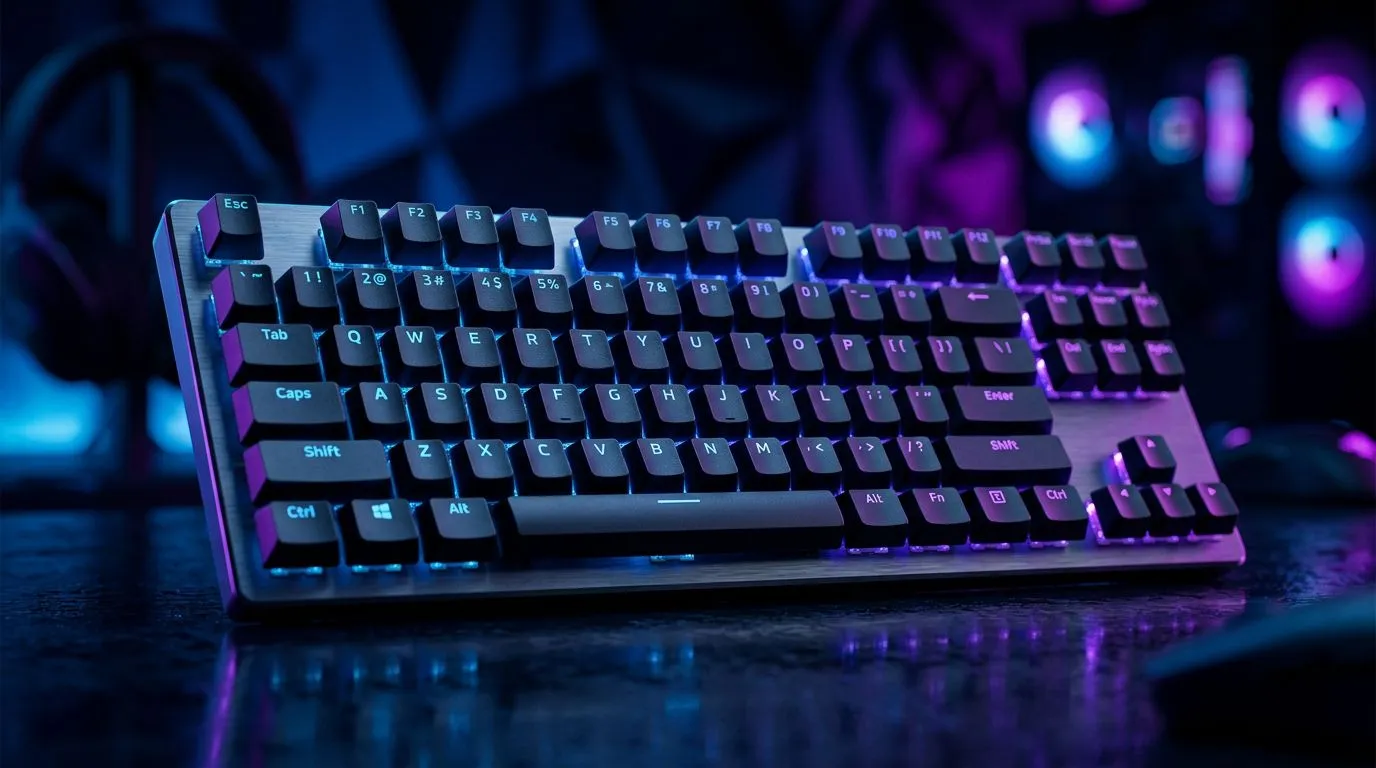
Gaming Keyboard Features South African Buyers Must Prioritise: Don’t Buy on Looks Alone 🔥
Buying a gaming keyboard in South Africa should feel exciting… not like guesswork. If you’ve ever bought “the cheapest RGB” and then wondered why your key presses felt mushy or inconsistent, you’re not alone. Whether you play Valorant on weekdays or grind through Apex on weekends, the right keyboard features can improve accuracy, comfort, and even long-term reliability. Let’s cover the gaming keyboard features South African buyers must prioritise before you spend your next ZAR.
Gaming Keyboard Features South African Buyers Must Prioritise: The Switches That Control Your Aim
Switch type affects feel, noise, and how quickly keys register. If your keyboard has inconsistent actuation, your muscle memory will suffer.
Mechanical vs membrane (and why it matters)
Mechanical keyboards use individual switches under each key. That usually means better response consistency than most membrane boards. Membrane can be fine for casual play, but competitive players often prefer mechanical for predictable typing and gaming rhythm.
Actuation and travel: what to look for
You’ll typically see terms like “actuation point” and “total travel” in specs. Lower actuation can register sooner, which some players like for rapid fire. However, your personal comfort matters just as much. If possible, choose a switch family that matches how you play and how loudly you want your desk to be.
Productivity Pro Tip ⚡
On Windows, use the PowerToys FancyZones utility to create custom snap layouts for your windows. It's a lifesaver for managing multiple apps on an ultrawide monitor, letting you organise your timeline, preview window, and asset folders perfectly for video editing.
Gaming Keyboard Features South African Buyers Must Prioritise: Layout, Build, and Comfort for Long Sessions ✨
South African players often clock long hours. So your keyboard’s ergonomics are not “extra”. They’re core.
Full-size, TKL, or 60%… choose your battlefield
- Full-size includes a numpad. Great if you also do spreadsheets or budgeting.
- TKL removes the numpad while keeping arrow keys. It’s popular for gaming desks.
- 60% is compact and portable, but can force you into layers or hotkeys.
Your best choice depends on your desk space and whether you need quick access to numbers during work.
Keycaps and durability
Look for keycap quality that resists shine over time. If you plan to keep the keyboard for years, investing in better materials can save money later. Also, check whether the keyboard is designed for repeated heavy use.
Gaming Keyboard Features South African Buyers Must Prioritise: Connectivity (Wired vs Wireless) for South African Power Users 🔧
Connectivity affects latency, reliability, and how you manage your desk.
Wired benefits: stability for competitive play
Wired setups typically remove battery worries and simplify troubleshooting. If you just want consistent performance, a wired keyboard is a safe default.
For budget-friendly options you can browse right now:
- Explore gaming keyboard deals here: Best gaming keyboard deals in SA
Wireless benefits: clean desks, fewer cables
Wireless can be brilliant for living-room setups or tidy desk aesthetics. But you should prioritise stable connections and clear battery life.
- If you want a wired option, see: Buy cheapest gaming keyboard in South Africa (Wired)
- If you want a wireless option, check: Buy cheapest gaming keyboard in South Africa (Wireless)
Gaming Keyboard Features South African Buyers Must Priorise: Customisation That Actually Helps
“More features” is not automatically better. The right customisation can improve performance without distracting you mid-match.
RGB is fun… but focus on practical tuning
Backlighting is nice for ambience and visibility. But prioritise features like:
- programmable keys you’ll actually use,
- per-profile settings for different games,
- and software that’s stable.
If the keyboard comes with onboard profiles, you’re less dependent on drivers during travel.
Macros and media controls
Macros can speed up rehearsed actions, especially in MOBAs and strategy games. Media keys help you quickly pause music or adjust volume without tabbing out.
To see what’s available across price points:
Gaming Keyboard Features South African Buyers Must Priorise: Match the Keyboard to Your Whole Setup 🚀
Your keyboard and mouse should work together. If your keyboard uses a similar brand ecosystem or offers matching software controls, it’s often easier to set everything up once and keep it consistent.
If you’re building a full kit, start here:
Gaming Keyboard Features South African Buyers Must Priorise: Quick Checklist Before You Checkout ✅
Use this before you commit your ZAR:
- Switch feel fits your playstyle and tolerance for noise.
- Layout matches your desk and daily needs.
- Connectivity matches your priorities (wired for max stability, wireless for clean setup).
- Customisation is practical: profiles, programmable keys, and reliable software.
- Long-term comfort matters: keycap quality and overall build.
If you’re unsure, start with deals and then narrow down using the checklist above. You’ll avoid buyer’s remorse… and you’ll get to game sooner.
Ready to Find Your Perfect Match? The Mac vs Windows debate is complex, but for maximum power, choice, and value in South Africa, Windows is hard to beat. Explore our massive range of laptop specials and find the perfect machine to conquer your world.











