Quick Answer
Budget upgraders should replace a mushy membrane keyboard first and keep a working mouse or headset. A entry mechanical or quality membrane board from around R600 delivers the biggest felt improvement per Rand for daily typing and gaming.
What To Replace First
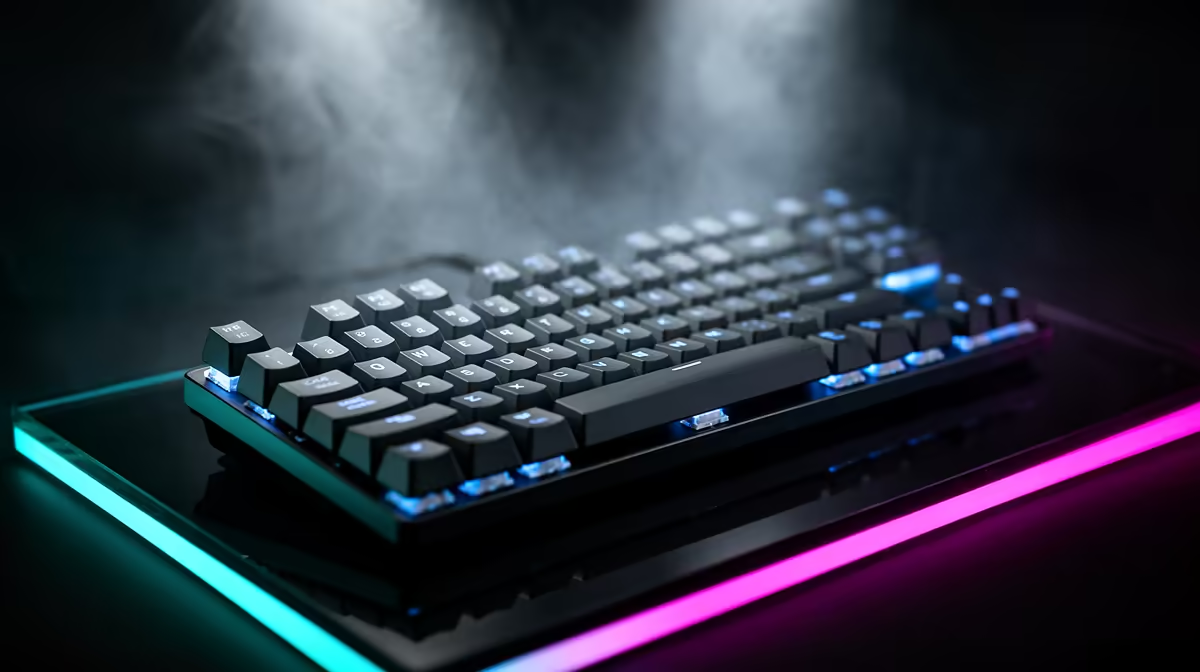
When money is tight, replace the part that affects every keystroke: the keyboard. A worn membrane board with inconsistent actuation and missed inputs frustrates both typing and gaming, and the upgrade to a crisp mechanical or hot-swap board is immediately noticeable. It is usually the cheapest peripheral change that improves daily feel the most.
Prioritise reliable switches and anti-ghosting so movement keys register together during fast play. Onboard memory for macros and lighting is a useful bonus, letting your layout survive a reinstall. Spend on switch quality and build rather than on RGB and software gimmicks.
What To Keep For Now
Hold onto a mouse and headset that still work well; replacing them yields less improvement than fixing a failing keyboard. A decent existing mouse tracks fine, and a working headset still delivers clear audio, so they can wait for a later upgrade cycle. Sinking the budget into the keyboard first gives the clearest day-to-day gain.
FAQ
Why upgrade the keyboard before other peripherals?
The keyboard affects every keystroke. Replacing a worn membrane board with a crisp mechanical one gives the most immediate daily improvement for the least money.
Is a cheap mechanical keyboard worth it?
Entry mechanical and quality hot-swap boards offer consistent actuation and durability well above worn membrane units, making them a strong value upgrade.
Should I replace my mouse at the same time?
Usually not, if it still tracks well. Spread upgrades out and fix the keyboard first, since it delivers the bigger felt improvement on a budget.
play on the new keyboard's switch type before buying if you can; switch feel is personal and the cheapest way to get it right is to test it.