

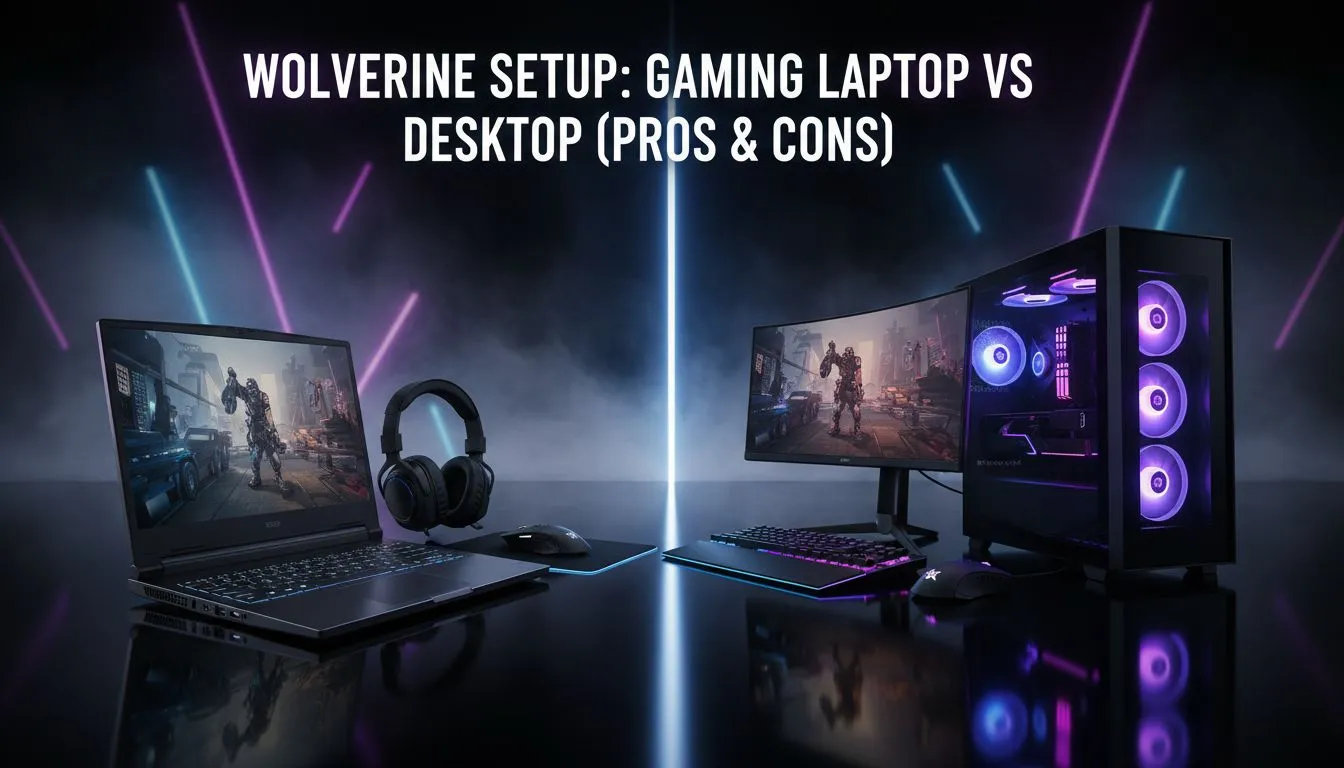
Deciding between a Gaming Laptop vs Desktop: Wolverine Setup Pros & Cons is like choosing between Adamantium claws and a healing factor... you want both. In South Africa, our gaming needs are unique. We deal with load shedding, limited desk space, and the occasional trip to a mate's house for a local LAN. Is a portable powerhouse better than a stationary beast? Let's dive in.
Mobility and the Battle Against Load Shedding
The most obvious advantage of a laptop is portability. For the South African gamer, this isn't just about LAN parties. It is about survival. When the lights go out, a laptop battery keeps your session alive for that crucial final boss fight. If you are starting out, you can find several affordable gaming laptops under R20k that offer enough juice to keep you competitive without tethering you to a wall.
Desktops are stationary. They require a beefy UPS to survive a power cut. However, they offer a level of customisation that laptops simply cannot match. You can swap out every part as technology evolves.
Raw Performance and Thermal Management 🔧
When comparing Gaming Laptop vs Desktop: Wolverine Setup Pros & Cons, heat is the enemy. Desktops have the space for massive heatsinks and multiple fans. This allows components to run at higher clock speeds for longer. Laptops have to work harder to stay cool.
If you prefer the Blue Team, looking at Intel laptops on special will show you how far mobile cooling has come. These machines use clever vapour chambers to keep high-end CPUs from throttling. On the other hand, Ryzen laptop deals often provide incredible multi-threaded performance for creators who also love to game.
The Cost of the Wolverine Setup in ZAR
Value for money is a major factor in the South African market. Traditionally, a desktop offered more "frames per Rand." But the gap is closing. When you factor in the cost of a high-refresh-rate monitor, a mechanical keyboard, and a webcam, a laptop starts looking like a bargain.
You can often find the best gaming laptop deals that include all these peripherals in one chassis. This "all-in-one" nature is what we call the Wolverine setup... it is lean, mean, and ready for anything.
Optimise Your Hybrid Setup ⚡
If you use a gaming laptop as your primary "desktop" rig, invest in a cooling pad and an external monitor. This setup gives you the screen real estate of a desktop while keeping your internals cool. Use the Windows 'Project' shortcut (Win+P) to quickly switch to your external display for a seamless transition from mobile to stationary gaming.
Visual Fidelity and Ray Tracing 🚀
Graphics are the heart of the experience. Whether you choose a desktop or a laptop, the GPU is the most important component. Modern GeForce RTX gaming laptops on special now feature DLSS technology. This uses AI to boost frame rates, making mobile GPUs punch way above their weight class.
Desktops still hold the crown for 4K ultra-settings. But for the average gamer playing at 1080p or 1440p, the difference is becoming harder to spot with the naked eye.
Final Verdict: Which One Wins? ✨
The "Wolverine" approach is about versatility. If you need a machine for university, work, and late-night Warzone sessions, the laptop is the clear winner. If you want a dedicated battle station that you can upgrade over the next five years, the desktop remains king.
Consider your lifestyle. Do you game in one spot, or are you always on the move? Your answer defines your perfect rig.
Ready to Find Your Perfect Match? The Gaming Laptop vs Desktop debate is complex, but for maximum power, choice, and value in South Africa, our curated deals are hard to beat. Explore our massive range of laptop specials and find the perfect machine to conquer your world.











