

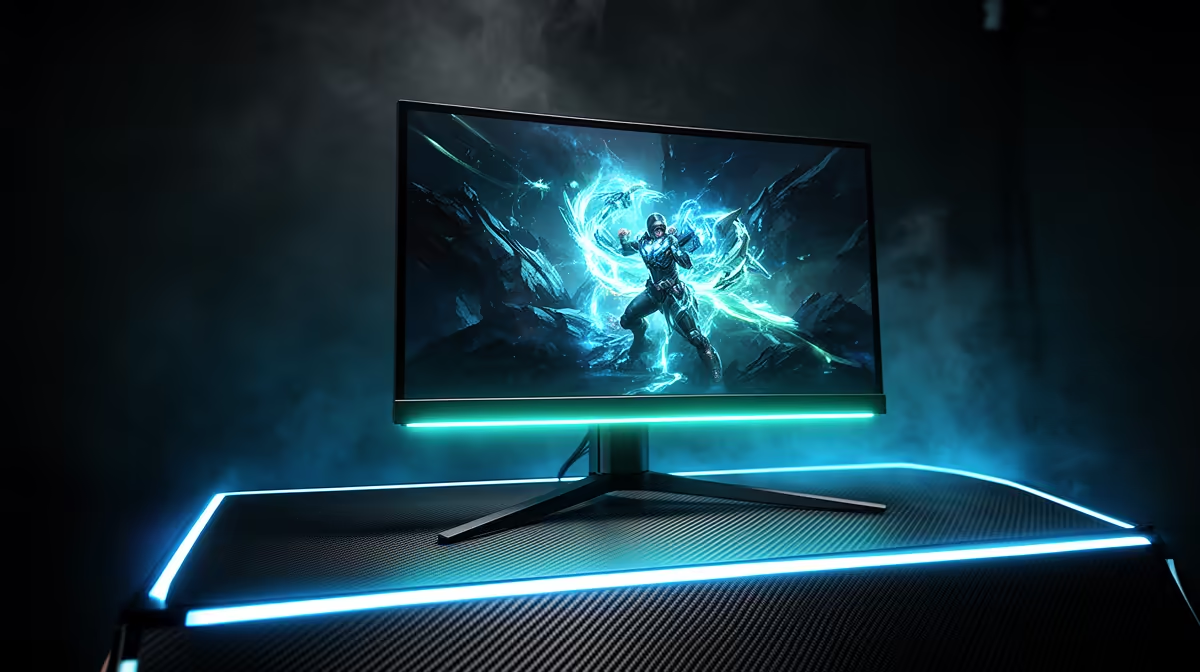
Shopping for a new screen in South Africa? The world of gaming monitor technologies can feel like alphabet soup: IPS, VA, HDR, G-Sync… what does it all mean? Your monitor is your window to virtual worlds, and choosing the right tech is crucial for immersion and competitive edge. This ultimate guide will demystify the jargon, helping you understand the display technology that will truly elevate your gameplay. Let's dive in and find your perfect picture.
Understanding Core Gaming Monitor Technologies: Panel Types
At the heart of every display is the panel itself. The type of panel determines a monitor's core characteristics, from colour vibrancy to response speed. Understanding these three main gaming monitor technologies is the first step to making a smart choice.
IPS (In-Plane Switching)
Known for their superior colour accuracy and wide viewing angles, IPS panels are a favourite among creators and gamers who prioritise visual fidelity. If you love breathtaking, story-driven games with lush environments, an IPS display will bring those worlds to life with vibrant, consistent colour. Modern IPS panels have become incredibly fast, closing the gap on their TN cousins.
VA (Vertical Alignment)
VA panels are the undisputed kings of contrast. They deliver deep, inky blacks that make other panel types look grey in comparison. This makes them perfect for playing dark, atmospheric games or watching movies. This amazing contrast is why many of the best curved monitors for immersive gaming use VA technology, wrapping the high-contrast image around your field of view.
TN (Twisted Nematic)
When speed is all that matters, TN panels are the classic choice. They offer the fastest response times and support the highest refresh rates on the market, giving competitive FPS players a critical edge. The trade-off is in colour reproduction and viewing angles, but for a pro gamer focused on pure performance, a TN panel is a powerful weapon.
Beyond Panels: Resolution and Refresh Rate Explained
A great panel is just the start. The interplay between resolution (clarity) and refresh rate (smoothness) is where the magic really happens.
A monitor's resolution is the number of pixels it can display, like 1920x1080 (Full HD) or 2560x1440 (QHD). More pixels mean a sharper, more detailed image. Pushing into the realm of QHD or even the stunning clarity of 5K and 4K monitors delivers incredible detail, but remember to pair it with a powerful GPU to drive all those pixels.
Refresh rate, measured in Hertz (Hz), is how many times your screen updates per second. A standard 60Hz monitor is fine for basic use, but for gaming, 144Hz or higher is where you'll see a massive leap in smoothness. Motion is clearer, aiming is easier, and the entire experience feels more responsive.
Quick Check for Smoothness ⚡
After connecting your new monitor, don't forget to enable G-Sync or FreeSync in your GPU's control panel (NVIDIA Control Panel or AMD Software). Also, make sure to set the correct refresh rate in Windows' Advanced Display Settings. Your monitor won't run at 144Hz automatically!
Eliminating Screen Tearing with Adaptive Sync
Ever seen a distracting horizontal line tear across your screen during fast motion? That's screen tearing. It happens when your GPU's frame output is out of sync with your monitor's refresh rate.
This is where Adaptive Sync technology comes in. NVIDIA's G-Sync and AMD's FreeSync are two competing standards that solve this problem by allowing the monitor to dynamically match its refresh rate to the GPU's output. The result is buttery-smooth, tear-free gameplay. Whether you choose Team Green or Team Red, almost all modern displays in our complete range of gaming monitors support at least one form of this essential technology.
More Key Tech Terms for Your Next Upgrade ✨
A few other modern gaming monitor technologies are worth knowing before you make your decision.
HDR (High Dynamic Range) refers to a monitor's ability to display a wider range of brightness and colour. Good HDR makes bright areas pop and dark scenes retain detail, creating a more realistic and impactful image. Look for DisplayHDR certifications (like DisplayHDR 400 or 600) as a guide to quality.
Portability is a growing trend. For the student, LAN-party regular, or anyone needing a second screen for their laptop, the rise of powerful portable monitors offers a fantastic solution without the bulk.
Choosing the Right Monitor Technology for You
So, which technology is best? It all comes down to you.
- For the competitive FPS player: A high-refresh-rate (240Hz+) TN or fast IPS panel at 1080p or 1440p is ideal.
- For the RPG and adventure fan: A 1440p or 4K IPS/VA panel with great HDR will deliver the ultimate visual experience.
- For the all-rounder: A 1440p, 144-170Hz "fast IPS" monitor is the current sweet spot for price, performance, and picture quality.
Ultimately, the best gaming monitor technology depends on your games and your budget. From entry-level speed demons to high-fidelity visual powerhouses, there's a perfect screen for every setup among our vast selection of PC monitors. To get the most value, always keep an eye on our regularly updated best PC monitor deals to snag premium tech at a price that makes sense for your wallet.
Ready to See the Difference? The world of gaming monitor technologies is vast, but now you're armed with the knowledge to choose wisely. From buttery-smooth refresh rates to breathtaking colours, the right screen awaits. Explore Evetech's massive range of gaming monitors and find the perfect window to your next adventure.











