

That dreaded stutter... you're about to clutch a 1v3 in Apex, the final circle is closing in, and suddenly your frames drop to a crawl. Your PC case feels hotter than a braai in December. Sound familiar? Gaming PC overheating in South Africa is a real performance killer, especially for rigs in the R15,000 sweet spot. But don't stress, we're here to help you keep your cool and stay in the game.
Why Your Gaming PC Hates a South African Summer
It’s not just in your head. Our climate poses a unique challenge for PC components. The "ambient temperature"—the baseline temp of the room your PC is in—is much higher here than in Europe or North America, where most parts are designed and tested.
This means your cooling system has to work much harder just to keep your CPU and GPU at idle. Throw in a demanding game like Warzone or Cyberpunk 2077, and you have a recipe for thermal throttling, where your components intentionally slow down to prevent damage. Add a bit of Highveld dust to the mix, and you've got clogged fans and even less efficient cooling. 😫
First, Let's Play Doctor: How Hot is Too Hot?
Before you start buying new parts, you need to know what you're dealing with. Knowing your PC's temperatures is the first step to solving any gaming PC overheating issue.
Generally, here's what to aim for under heavy gaming load:
- CPU: Anything under 85°C is typically fine. Over 90°C is getting into the danger zone.
- GPU: Similar to the CPU, under 85°C is the goal. Modern GPUs are designed to run hot, but consistent temps above this can reduce their lifespan.
Check Your Temps for Free 🌡️
Download a free tool like HWMonitor or MSI Afterburner. Run it in the background while you play a game for about 15-20 minutes. Then, check the 'Max' temperature columns for your CPU and GPU. This gives you a real-world snapshot of how hot your rig is getting during a typical session. It’s the best way to diagnose a problem.
If your numbers are higher than recommended, it's time to take action. For many, a few simple tweaks can make a world of difference, especially if you're running one of our popular budget gaming PCs and want to squeeze out every drop of performance.
Quick Fixes for Gaming PC Overheating in South Africa
You don't always need a massive budget to improve your temperatures. Let's start with the low-cost, high-impact solutions.
1. The Deep Clean
Dust is the arch-nemesis of airflow. A layer of dust on your fans and heatsinks acts like a blanket, trapping heat.
- What to do: Get a can of compressed air and (carefully!) blow out the dust from your case fans, CPU cooler, GPU fans, and especially the front intake filters. Do this outside if you can... it can get messy!
2. Optimise Your Airflow
How the air moves through your case is critical. You want a clear path from your intake fans (usually at the front) across your components and out through your exhaust fans (usually at the back and top).
- What to do: Tidy up your cables. Use cable ties to route them behind the motherboard tray. This small change can significantly improve airflow and is one of the hallmarks of our expertly assembled pre-built PC deals.
3. Re-evaluate Your Room
Is your PC shoved into a tight corner or inside a cabinet? It might be suffocating.
- What to do: Ensure there's at least 10-15 cm of clear space around all sides of your PC, especially the back and front, to allow it to breathe properly.
Building or Buying an R15,000 PC That Stays Cool
If the quick fixes aren't enough, it might be time to consider your hardware. When working with a budget, every component choice matters for performance and cooling. The good news is that there are fantastic options for PCs under R20k that are built with thermal performance in mind.
Key Components for a Cool Rig:
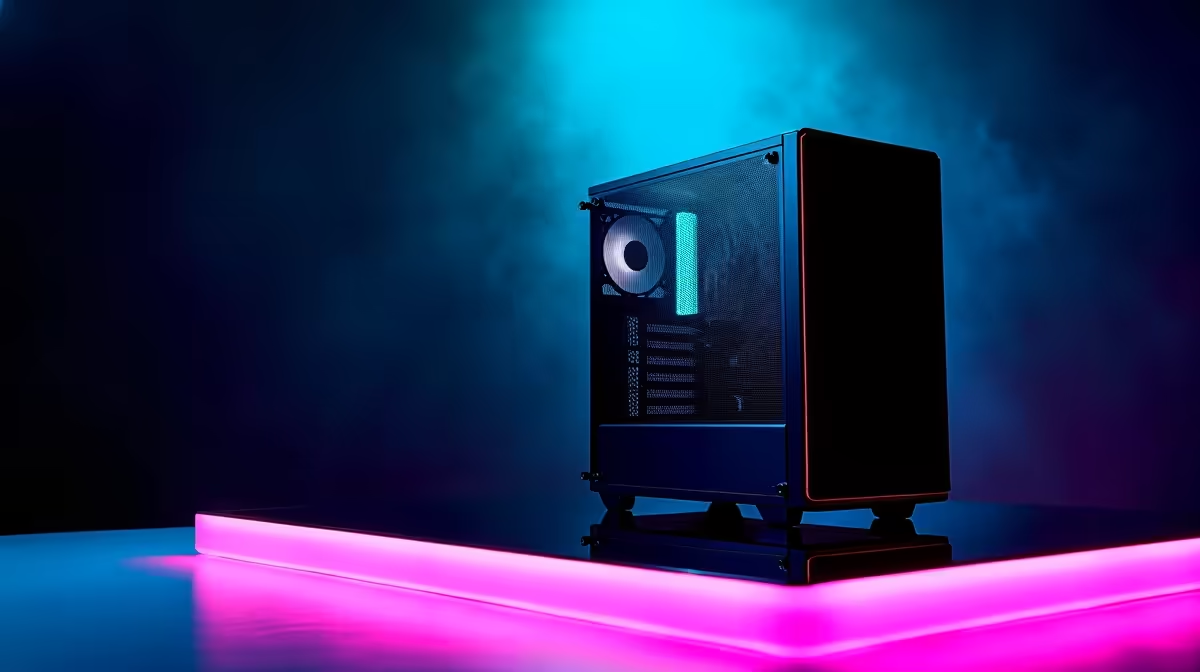
- The Case: Don't cheap out on the case! Look for one with a mesh front panel. A solid glass or plastic front panel may look sleek, but it chokes your fans. Cases like the Phanteks Eclipse series or Cooler Master MasterBox models are excellent for airflow.
- CPU Cooler: The stock cooler that comes with your CPU is... okay. But for just a few hundred Rand, an aftermarket tower air cooler like a Cooler Master Hyper 212 or a Deepcool AK400 can drop your CPU temps by 10-20 degrees. 🚀
- Case Fans: Does your case only have one or two fans? Adding another intake fan at the front can dramatically improve the flow of cool air over your GPU and other components.
Of course, if your budget can stretch a bit, exploring PCs above R20k often unlocks even better cooling solutions like All-In-One (AIO) liquid coolers and premium, high-airflow cases, future-proofing your setup for years to come.
Tackling gaming PC overheating in South Africa is about being smart with airflow and component choices. With these tips, your R15,000 build can stay frosty and deliver the smooth, high-frame-rate experience you paid for.
Ready to Beat the Heat for Good? A well-cooled PC is the foundation of any great gaming experience. Stop thermal throttling from stealing your frames. Explore the best gaming PC deals in South Africa and find a rig built to conquer the heat and your favourite games.











