

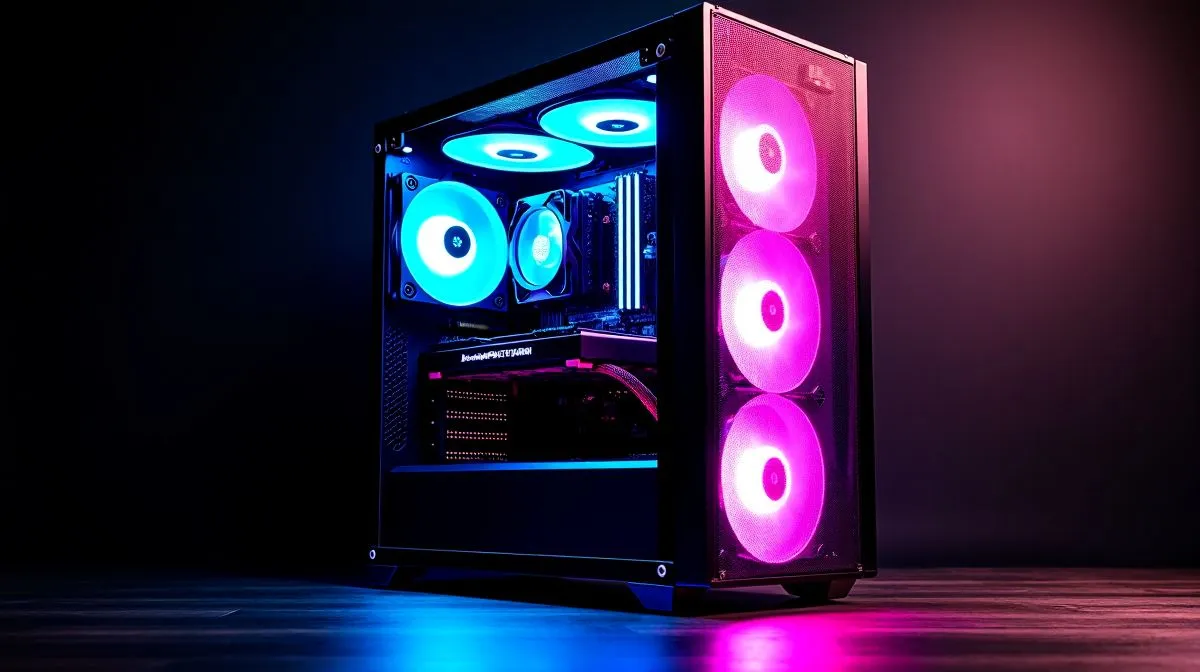
Gaming PC Running Hot? Start With The Case, Not The Panic 🔧
If your gaming PC feels like it’s under Siege mode after a load-shedding session, don’t rush to blame the CPU or GPU. In many South African builds, heat builds up because the case simply can’t move air well enough. A warm room, dust, and a tight desk setup can make things worse fast. The good news? Small airflow fixes often deliver real results... without buying a whole new rig.
Gaming PC Running Hot? Check The Airflow Path First
Think of case airflow like a braai fan for your components. Cool air should enter cleanly, and hot air should leave just as easily. If both front intake fans are blocked by a solid panel, cables, or a dusty filter, your temps climb.
Start with the basics:
- Clean front, top, and bottom filters
- Remove packaging foam and unused accessories
- Keep the PC off carpet
- Make sure front fans pull in air, and rear/top fans exhaust it
If you’re shopping for a new enclosure, Evetech’s range of computer cases is a useful place to compare airflow-friendly options without guessing.
Gaming PC Running Hot? Build For Breathing Room
Case choice matters more than many buyers expect. A case with mesh front intake usually performs better than a closed-off design, especially in hot Gauteng afternoons or a compact room with poor ventilation. You do not need the most expensive chassis. You need one that lets fans do their job.
For example, many builders look at Fractal Design PC cases when they want a cleaner layout and sensible cooling support. Others prefer Gamdias gaming cases for more aggressive styling and fan support. If budget is tight, there’s also a practical option with Gamdias gaming cases under R1500, which is worth checking before spending extra on cooling hardware you may not need.
Gaming PC Running Hot? Fix The Small Things Before Upgrading
A lot of heat complaints come from simple build choices. Long GPU cables, front-panel clutter, and poor fan placement all restrict airflow. Even one misplaced storage bracket can create a dead zone inside the case.
A few practical moves help:
Fan direction matters
Front and bottom fans should usually bring cool air in. Rear and top fans should push hot air out.
Cable tidy-up helps more than you think
Loose cables can block airflow near the GPU. Route them behind the motherboard tray where possible.
Dust is a silent heater
South African homes pick up dust quickly. Check filters every few weeks.
{{TipBox title:"Cooling Pro Tip ⚡" , A mild undervolt on a GPU can lower temperatures and fan noise without sacrificing much gaming performance. If your case airflow is already decent, this can be a smart next step before replacing hardware. }
Gaming PC Running Hot? Know When A New Case Is Worth It
If your PC still runs hot after cleaning and fan tuning, the case may be the bottleneck. That is especially true if the front panel is mostly solid, the fan mounts are limited, or the interior is cramped around a large graphics card.
A better airflow case can improve day-to-day comfort too. Less fan noise. More stable boost clocks. Fewer moments where your system sounds like it’s trying to take off during a raid 🔥
Gaming PC Running Hot? Make The Next Purchase Count
Before buying more cooling gear, ask one simple question... does your current case help air move, or fight against it? That answer usually tells you where to spend your rand wisely. For many South African gamers, the best fix is not more power. It’s better airflow, better planning, and a case that suits the build.
Ready to Find Your Perfect Match?
The Mac vs Windows debate is complex, but for maximum power, choice, and value in South Africa, Windows is hard to beat. Explore our massive range of laptop specials and find the perfect machine to conquer your world. }}











