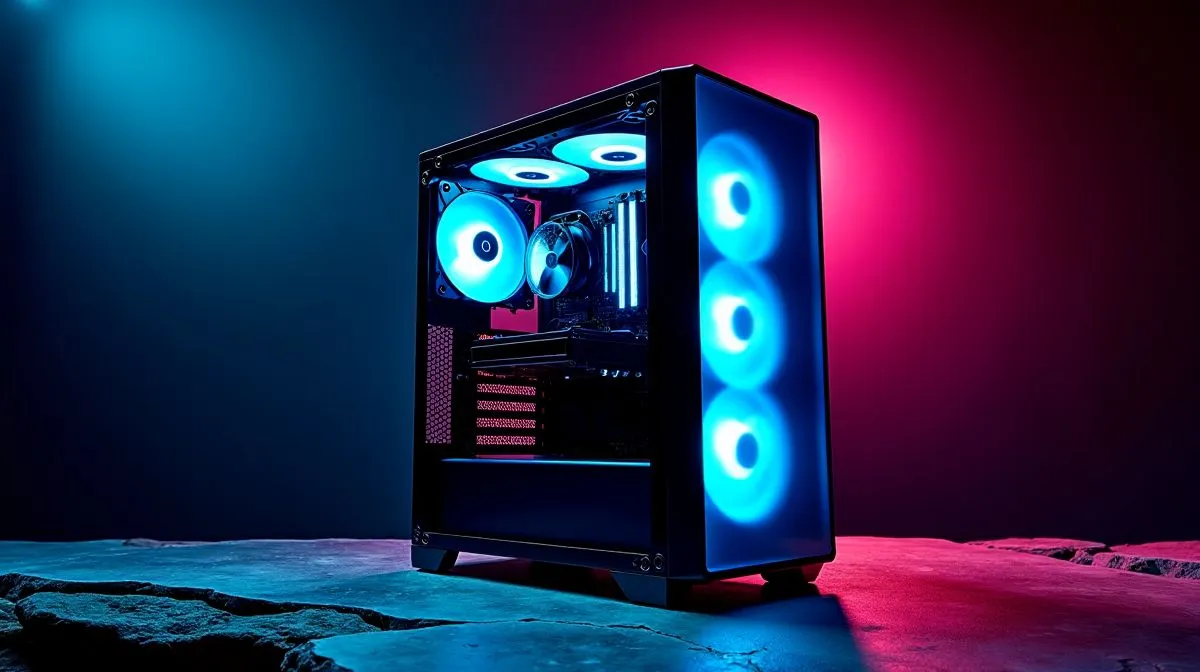
It is the middle of a blazing South African summer. You boot up your favourite title. Within minutes, your rig sounds like a jet engine. You might be wondering why your gaming PC is running hot even with 4 fans spinning. Throwing more fans at a thermal problem seems logical. However, poor airflow management can turn your expensive rig into an absolute oven.
The Pressure Problem ⚡
Having four fans means nothing if they fight each other. This is a very common airflow mistake. If three fans pull air out and one pushes it in, you create negative pressure. Dust gets sucked through every single crack. Your components suffocate.
Instead, aim for balanced or slightly positive pressure. Two intakes at the front and two exhausts usually work best. If you need to optimise your setup, grabbing some quality standard case fans is a smart move. Sometimes, simple stealthy non-RGB fans push more air than expensive alternatives. They focus purely on performance over aesthetics.
Your CPU Needs Direct Help 🔧
Case airflow only supplies cool air to your components. It does not actually cool the processor itself. If you are using a weak stock cooler, ambient air will not save you. You need a reliable CPU cooler to pull heat away from the chip.
For high-end processors, consider stepping up your cooling game. A modern liquid cooler (AIO) absorbs sudden thermal spikes beautifully. It moves heat directly to the radiator... keeping your internal case temperatures much lower overall.
The Glass Box Trap
You can easily spend R2,000 on premium cooling gear. However, if your front panel is solid glass, your fans will choke. Airflow needs an actual path to travel. This is why mesh front panels are incredibly popular right now.
If your chassis is suffocating your parts, it might be time for an upgrade. We stock a massive variety of high-airflow specialised computer cases. For budget-conscious builders, the mesh Gamdias gaming cases offer fantastic ventilation. Alternatively, our custom Evetech gaming cases are built specifically to handle the intense South African heat.
Aesthetics vs Performance 🚀
It is very easy to get distracted by pretty colours. Many gamers buy flashy RGB fans without checking their static pressure ratings. If air cannot push through your radiator or mesh filters, your system suffers.
Do not sacrifice your frame rates for a glowing aesthetic. You need cooling power first. If you want the best of both worlds, invest in premium brands. Upgrading to high-performance Corsair fans ensures you get brilliant colours alongside massive airflow capabilities.
Tweak Your Fan Curves
Sometimes the hardware is perfectly fine. The issue lies in your software settings. Motherboards often run fans on a quiet profile by default. This keeps noise down but lets temperatures soar.
Dive into your BIOS and adjust the fan curve. Tell the system to ramp up fan speeds when the CPU hits 60 degrees. It might get a little louder. However, your hardware will thank you during those long gaming sessions.
Airflow Pro Tip ✨
Check the plastic struts on your fans. The side with the structural cross-guard is always the exhaust side. If you see the beautiful front logo facing inside the case, that fan is pulling air OUT. Make sure your front fans have their ugly sides facing inward!
Ready to Chill Out Your Rig?
Don't let thermal throttling ruin your frame rates. Upgrading your airflow is the easiest way to unlock maximum performance and protect your hardware. Explore our massive range of cooling solutions and keep your system running ice cold.