

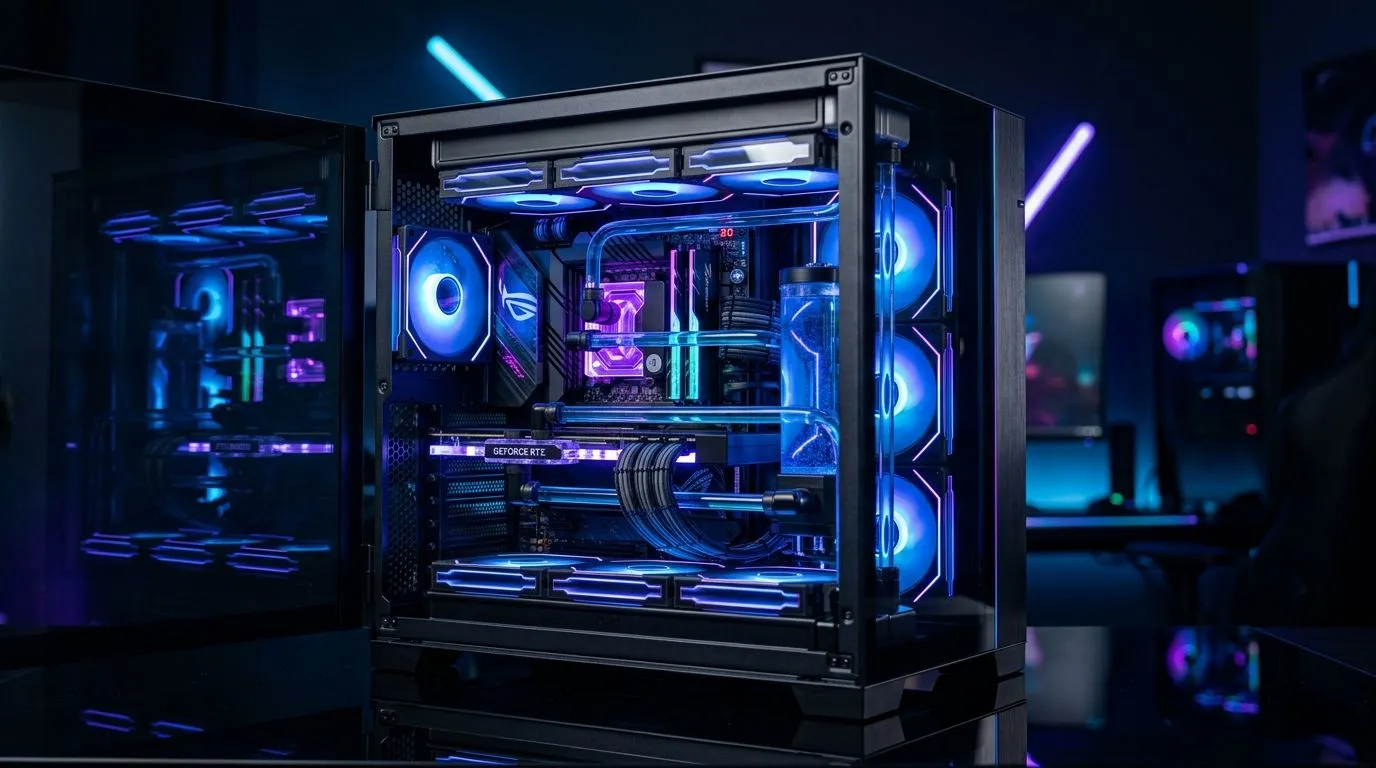
Why Your Gaming PC Runs Hot Even With Multiple Fans 🚀
It’s frustrating when your gaming PC runs hot despite installing several fans. You’d expect cooler temperatures, right? But sometimes, adding fans alone isn’t the silver bullet. South African gamers know that heat can throttle performance and shorten component lifespan. Understanding why your rig still struggles under load unlocks smarter fixes to keep your system chill while delivering smooth, lag-free gameplay.
Common Causes of Overheating Despite Multiple Case Fans
More fans don’t automatically equal better cooling. Airflow direction, fan quality, and case design all impact your PC’s internal climate. If fans suck in hot air or push it inefficiently, your components still bake under load. Dust buildup can also block airflow, quickly raising temperatures. Even with premium fans like those from Corsair, placement and control are key.
Another overlooked factor is fan size. Larger fans (like 140mm) move more air quietly but need the right mounting spots — learn why choosing between 120mm and 140mm fans impacts overall cooling. Smaller fans might spin faster but can be noisier and less effective in big cases.
How to Fix a Hot Gaming PC with Multiple Fans Installed 🔧
Optimise Your Airflow
Focus on creating a clear airflow path—from front intake fans pushing cool air, through to rear or top exhausts expelling hot air. Balance matters: too many intakes without exhaust fans trap heat.
Check that cables don’t block airflow. Tidy cables behind your motherboard tray to reduce hotspots. Also, regularly clean dust filters and fan blades. Ideally, open your case for a thorough dust-out every few months.
Upgrade or Fine-Tune Fan Settings
If your PC has RGB fans for visual flair, like these popular RGB options, ensure they also perform well. Stunning lights don’t cool by themselves! Adjust your fan curves in BIOS or with software to ramp up speed earlier during temperature spikes.
If you prefer a fan that’s just about airflow and low noise, explore non-RGB fans here: Non-RGB case fans. These often have better aerodynamics customised for efficiency.
Check Your Case & Component Compatibilities
Your case size and design can limit fan placement and performance. Sometimes upgrading your case to one with better airflow management is the best fix. Deepcool manufactures cases and fans optimised for cooling; browse Deepcool fan options to complement specific builds.
Cooling Pro Tip
Experiment with fan orientation. Your top exhaust fan positioned backwards can trap hot air. Flip it and feel the temp drop by a few degrees.
Final Thoughts on Managing Heat for South African Gamers ⚡
Heat throttling your rig is no fun, especially when you’ve invested in multiple fans. But don’t just pile in more without strategy. Instead, opt for quality fans, ensure balanced airflow, and keep your system clean. South Africa’s ambient temperatures and dust can add challenges, so tweaks tailored to your environment pay off.
By re-evaluating fan size, brand, placement, and maintenance, you’ll extend your PC’s lifespan and protect sanity during those intense long sessions.
Cool Down Your Gaming PC Today Ready for fans engineered to keep your rig frosty? Upgrade your airflow setup with our wide selection and Shop now at Evetech for performance that leaves lag in the dust.











