

Quick Answer
An NSFAS budget gaming setup in 2026 stretches the R5,200 device allowance only towards a basic laptop, so most students pair NSFAS funds with monthly savings or instalments to reach a usable gaming rig around R12,000 to R18,000. Focus on a Ryzen 5 5500 plus RTX 3050 desktop or a budget Ryzen 5 gaming laptop, with a 1080p 75Hz monitor and basic peripherals.
What NSFAS Actually Covers in 2026
The NSFAS device allowance is R5,200 and is intended for academic computing, not gaming firepower. Realistically, that buys an entry-level laptop with a Ryzen 3 or Core i3 chip, integrated graphics, 8GB RAM, and a 256GB SSD. Solid for note-taking, online lectures, and light Excel work, but it won't run modern titles like Counter-Strike 2 or Valorant smoothly at native resolutions. Students who treat the allowance as a 'starter chunk' and stack savings on top get a far better outcome.
For varsity LAN players at Wits, UP, UCT, and Stellies, the goal is a desktop or budget gaming laptop in the R12,000 to R15,000 range. Many SA retailers including Evetech offer split-payment plans and student-friendly bundles that pair the NSFAS device payout with manageable monthly instalments. Always verify the warranty is local and the brand is supported by SA service centres.
O-Week is the worst time to buy because demand spikes and bundles shrink. Plan ahead in late January or save for the back-to-school promos that typically run from mid-December to early February.
Recommended Budget Builds for Students
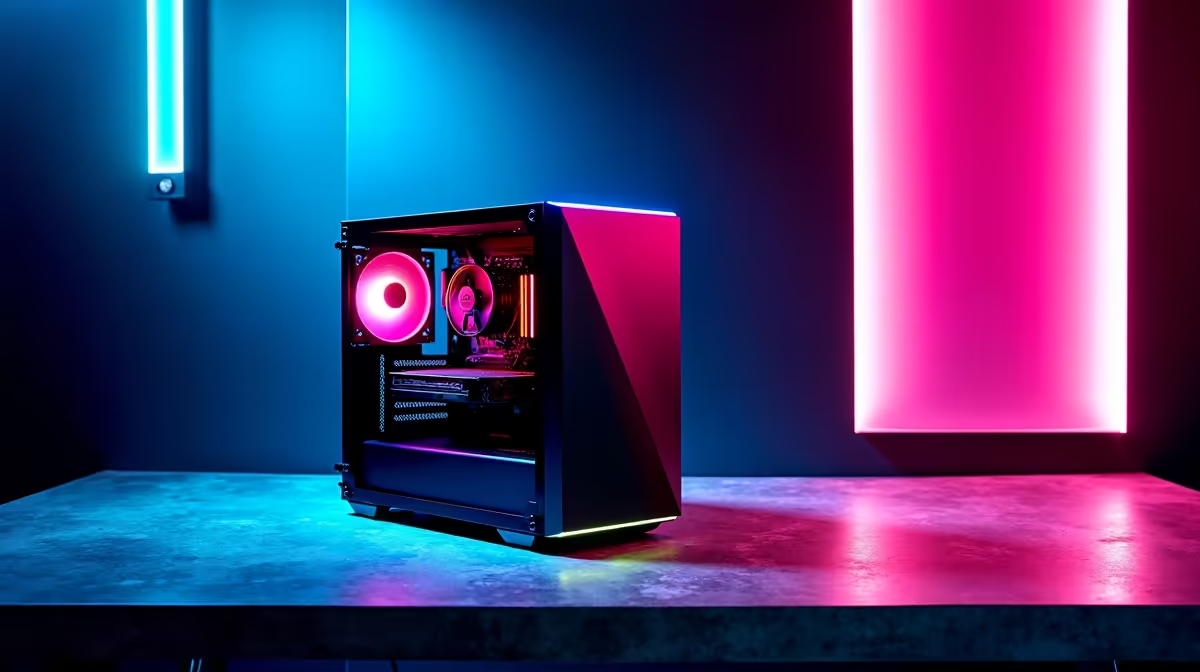
The entry desktop play is a Ryzen 5 5500, 16GB DDR4-3200, RTX 3050 8GB, 500GB NVMe, and a 500W 80+ Bronze PSU in a basic mesh case. That stack lands around R13,500 and handles esports titles at 1080p high settings with comfortable 100+ FPS in Valorant, CS2, and Apex Legends. Add a 1080p 75Hz IPS monitor for around R2,400 and you're set for koshuis and res gaming.
If portability matters more (vaalies commuting from home), look at Ryzen 5 7535HS laptops with RTX 3050 mobile, 16GB RAM, and a 144Hz panel from R14,500. They're a step behind the desktop in raw performance but win on battery life during loadshedding and on flexibility between digs and lectures. Avoid sub-R10,000 'gaming' laptops with RTX 2050 chips because their cooling and panels usually disappoint within a year.
For a slightly higher budget around R18,000, the Ryzen 5 7600 plus RTX 4060 desktop tier opens up. That extra rand investment basically future-proofs your rig through a three-year degree and beyond, since DDR5 and AM5 will keep getting faster CPUs without needing a new motherboard.
Smart Money Moves for the SA Student Gamer
Stretch your rand by skipping flashy RGB cases, premium AIO coolers, and high-end peripherals at the start. A R450 mechanical-style keyboard, R350 wired optical mouse, and R600 over-ear headset cover the basics without compromising your core system. Reinvest savings into a UPS for loadshedding (around R1,400 for a 850VA unit) so you don't lose ranked progress mid-blackout.
Used parts are tempting on local marketplaces, but stick to retailer-warrantied components for anything storage or PSU-related. Evetech runs back-to-school promos in January and June with bundled mouse, keyboard, and headset deals that often beat piecing things together separately. Free delivery to major SA metros also saves the courier costs you'd pay on grey market builds.
Form study groups with other res gamers and share peripherals if you can; one quality wired headset shared between flatmates beats four cheap ones with mic problems during ranked nights.
Frequently Asked Questions
Can I really game on the NSFAS allowance alone?
Not meaningfully for modern AAA or esports gaming. The R5,200 allowance buys productivity-class hardware. To actually play Valorant or Fortnite well, plan to add R7,000 to R10,000 from savings or NSFAS food allowance buffers.
Is a desktop or laptop better for varsity gaming on a budget?
Desktop wins on price-to-performance and upgradeability, ideal for res rooms and digs. Laptops win for vaalies and students splitting time between home and campus. Pick based on lifestyle, not just budget.
What about second-hand gaming PCs from local sellers?
Proceed cautiously. Verify Windows licences, run stress tests before paying, and avoid anything missing original boxes for the GPU and PSU. Retailer-refurbished units with limited warranty are a safer middle ground.
Ready to Find Your Perfect Match? See student-friendly gaming PCs that match NSFAS-stretched budgets. Browse gaming PC deals











