

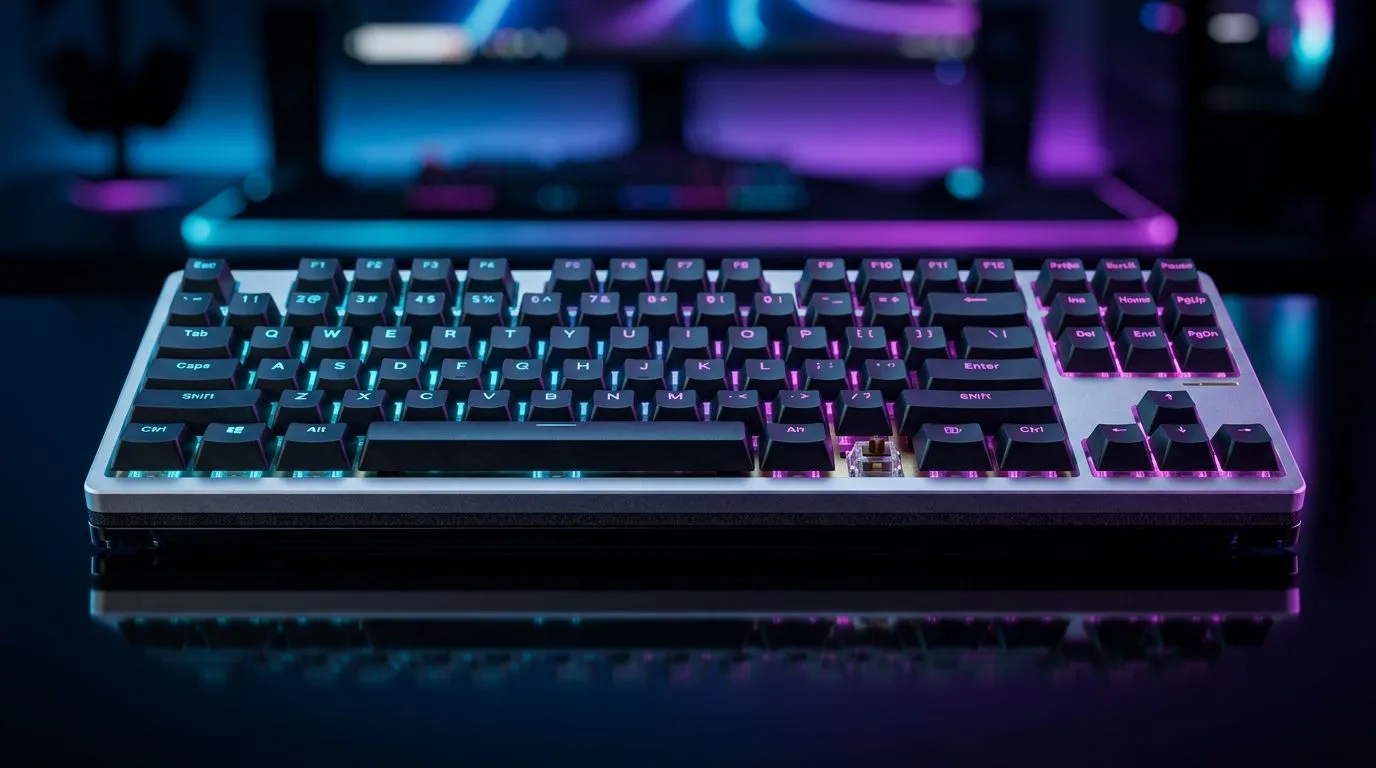
Gasket Mount on a Gaming Keyboard: Meaning & Why It Matters for South Africans
If you’ve ever typed for an hour and felt your keyboard go from “smooth” to “scratchy”, you already understand why mounting matters. For South African gamers and setup builders, it’s not just aesthetics… it’s how a keyboard sounds, feels, and how consistent it stays during long sessions. ⚡ One detail you’ll see in product specs is the gasket mount on a gaming keyboard, and it’s one of those features that can noticeably change your experience.
In this deep dive, we’ll break down what gasket mounting actually means, why it’s popular for gaming and office use, and what to check before you buy.
Gasket Mount on a Gaming Keyboard: Meaning in Plain English
A gasket mount on a gaming keyboard is a design where the keyboard’s plate and PCB are supported with flexible material (usually rubber or silicone) rather than being rigidly screwed directly to the case.
Here’s the practical result:
- More flexibility in the keypress feel: the board can “float” slightly.
- Softer sound profile: less rigid case resonance.
- Often more “cushy” typing: especially compared to hard-mounted designs.
Think of it like suspension for your keyboard. Your desk still matters, your switch choice still matters… but the mounting method helps control vibration and impact.
Gasket mount vs other mounting types (what you’ll feel)
Most “sound and feel” differences come down to how the case vibrates after a keypress:
- Hard mount: more direct transfer of vibration into the case.
- Gasket mount: more dampening, usually reducing harshness.
The bigger takeaway? If you’re picky about acoustics (watching stream clips, recording audio for content, or just wanting your space to sound clean), gasket mounting is worth paying attention to. ✨
Gasket Mount on a Gaming Keyboard: Why It Matters for Gaming Sessions
Gaming is repetitive by nature. The same muscles, the same keys, over and over. So the “small” differences add up during ranked sessions.
A gasket mount can help with:
- Consistency of typing feel over time (less harsh rebound can feel smoother).
- Reduced pingy resonance that can be distracting in teamspeak or voice chats.
- Comfort for long sessions, especially if you’re also using it for editing or schoolwork.
But let’s be honest… gasket mounting isn’t a magic wand. Switches, keycaps, stabilisers, and even desk surface all influence your experience.
What to check before you buy
Before you commit to a keyboard marketed with gasket mounting, verify these basics:
- Connectivity: wired is usually simpler and more consistent; wireless can be great if it’s well implemented.
- Switch type: linear, tactile, or clicky changes everything.
- Backlighting: if you play in low-light setups, brightness and effects matter.
- Build quality: review photos and the materials used in the case.
Productivity Pro Tip 🔧
On Windows, create a repeatable gaming and work layout using PowerToys FancyZones. This doesn’t change the keyboard hardware, but it keeps your Discord, game, browser, and logs organised so you actually benefit from the smoother typing feel you’re buying.
Gasket Mount on a Gaming Keyboard: How to Choose the Right Board for Your Setup
If you’re upgrading from a basic membrane board, gasket mounting plus better switches and stabilisers often feels like moving from “cheap echo” to “controlled audio”. 🚀
Here are simple selection paths, depending on what you value most.
If you want the best deal first (South Africa value-first shopping)
Start by narrowing your options by budget and connectivity, then compare the spec sheet and user impressions. For current pricing and availability, you can browse:
From there, decide whether wired or wireless suits your routine:
If you’re building the full desk kit (keyboard + mouse)
If your goal is a matched feel and clean setup, a combo can be the fastest route to a cohesive upgrade:
Gasket Mount on a Gaming Keyboard: The Bottom Line
So, what does gasket mount on a gaming keyboard meaning actually come down to? It’s a mounting approach that uses flexible support to reduce harsh resonance and usually improves both sound and feel.
If you’re the type who cares about how your setup sounds on mic, or you just want smoother keystrokes for long sessions… it’s a detail that deserves your attention.
And if you’re ready to shop, the fastest path is to compare keyboards within your budget, then prioritise the features that matter most to your play style and desk.
Ready to Find Your Perfect Match? The Mac vs Windows debate is complex, but for maximum power, choice, and value in South Africa, Windows is hard to beat. Explore our massive range of laptop specials and find the perfect machine to conquer your world.











