

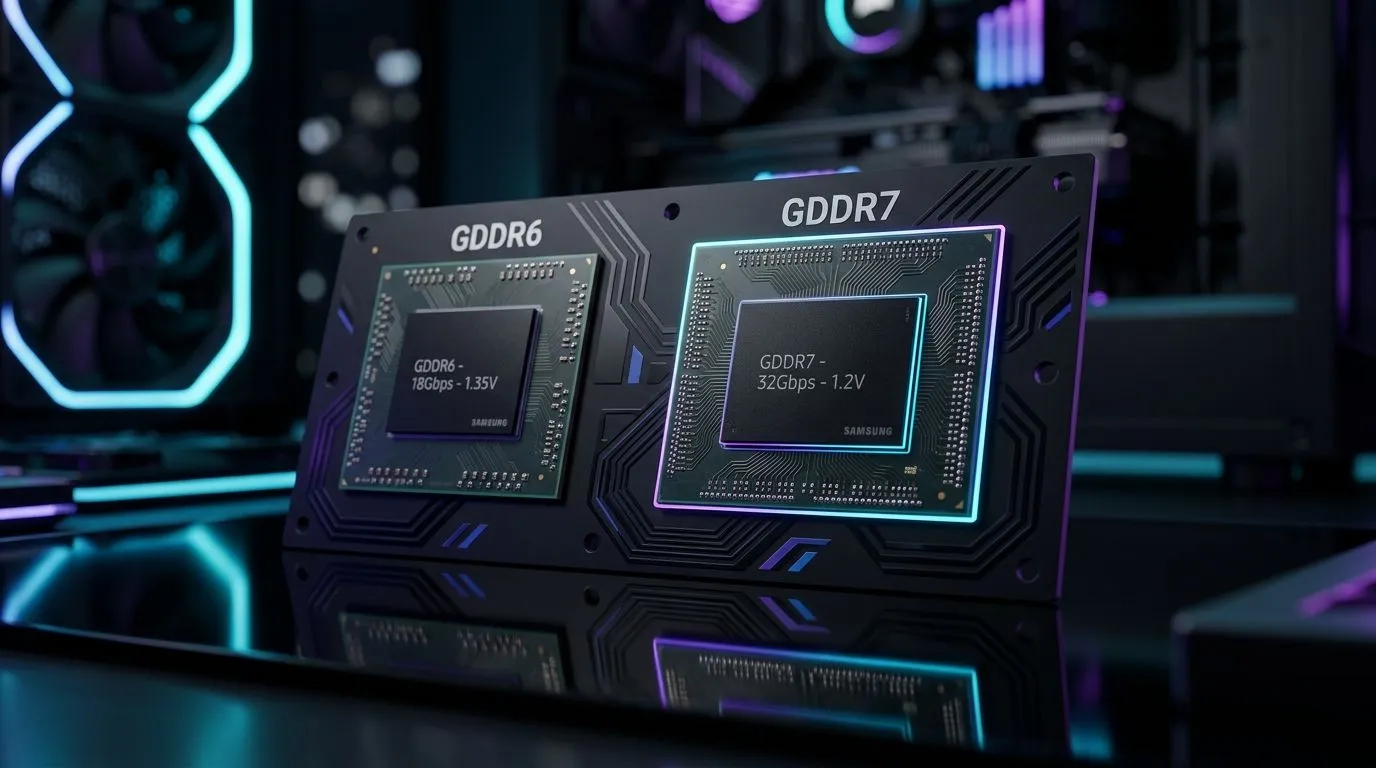
GDDR7 vs GDDR6: Is the GPU Memory Upgrade Worth It? (and who should care) 🔥
If you’ve ever watched VRAM fill up mid-match… or seen texture quality stutter the moment you crank settings, you already understand the pain. South African gamers and PC buyers are also facing something new: faster GPU memory generations and the question everyone asks on WhatsApp groups… “Is the upgrade worth it?”
This deep dive breaks down GDDR7 vs GDDR6: Is the GPU Memory Upgrade Worth It? in practical terms, so you can buy confidently in rands, not regrets.
What actually changes when you move from GDDR6 to GDDR7? ⚡
GPU memory isn’t just “more VRAM”. It’s how quickly the GPU can pull data for textures, frame buffers, compute workloads, and modern rendering pipelines. In general, newer memory generations aim for:
- Higher effective speeds (more bandwidth)
- Better efficiency at the same power envelope
- Improved ability to feed the GPU when settings go up
But here’s the key… real-world benefit depends on whether your system is memory-bandwidth-limited.
The bottleneck test: when GDDR upgrades matter most
You’re more likely to benefit from a faster memory generation if:
- You play at higher resolutions (1440p and 4K)
- You use texture-heavy settings (high/ultra textures)
- You run games with high streaming demands (open-world, big cities)
- You enable features that increase render workload (ray tracing, heavy upscaling stacks)
If you’re on 1080p with competitive settings, you might stay GPU-bound by compute or even CPU-limited, where memory bandwidth isn’t the first limiting factor.
GDDR7 vs GDDR6: Is the GPU Memory Upgrade Worth It for gaming? 🚀
Let’s keep it grounded. In most gaming scenarios, faster VRAM helps when it reduces stalls and improves throughput. However, the upgrade often isn’t just about “GDDR version”. It’s about the full GPU platform:
- Memory capacity (how much VRAM you actually get)
- Memory bus width
- GPU core performance
- Game engine behaviour and driver optimisations
So, when is “worth it” realistic?
Scenario A: You’re hitting VRAM limits
If you’ve seen stutters after a while in the same session, or texture pop-in, and monitoring shows VRAM is maxing out, you should prioritise VRAM capacity first. A newer GDDR generation can help, but capacity problems don’t disappear magically.
Scenario B: You’re not out of VRAM, but FPS dips under load
Here, bandwidth can help. If you’re consistently seeing lower-than-expected performance at higher settings, a move to a higher-memory-bandwidth GPU generation can smooth things out.
What to check in product listings (so you don’t get fooled)
Before buying any GPU, compare:
- VRAM size (e.g. 8GB, 12GB, 16GB)
- VRAM type (GDDR6 vs GDDR7)
- Bus width and overall GPU tier (especially memory-related variants)
Evetech’s GPU category pages make it easier to compare models side-by-side, because you can filter by brand and GPU family rather than hunting across scattered listings.
Picking the right GPU memory upgrade in South Africa (buying smart) ✨
If you’re planning a GPU upgrade in SA, do it like a gamer with a spreadsheet. Start with your target resolution and game list, then match it to what the GPU can realistically handle.
A quick decision framework
- 1080p competitive: Prioritise raw FPS and a balanced CPU. Memory upgrade usually matters less.
- 1440p single-player: Prioritise VRAM capacity and memory bandwidth together.
- 4K (especially with ray tracing / heavy textures): Prioritise VRAM capacity first, then memory bandwidth.
And if you’re buying for the next few years, remember this… games get heavier. A VRAM-capped GPU will show it.
Productivity Pro Tip 🔧
On Windows, use the PowerToys FancyZones utility to create custom snap layouts for your windows. It's a lifesaver for managing multiple apps on an ultrawide monitor, letting you organise your timeline, preview window, and asset folders perfectly for video editing.
Compare GPUs across brands on Evetech (so you can verify specs) 🔎
The fastest way to avoid buyer’s remorse is to compare actual products in the same tier. Here are a few helpful entry points on Evetech so you can cross-check which models use which memory type, and how pricing stacks up in rands.
- Browse MSI graphics cards here: MSI on Evetech
- Want to compare Radeon Graphics Cards? Start here: Radeon Graphics Cards on Evetech
- If you’d rather browse everything in one place, use this broad list: Graphics Cards on Evetech
- For GeForce Graphics Cards, check this category: GeForce Graphics Cards on Evetech
Real talk: don’t buy “GDDR7” as a headline
GDDR7 vs GDDR6 can be meaningful, but a better upgrade plan is:
- Pick the right GPU tier
- Make sure VRAM capacity fits your games
- Then consider memory generation as a secondary boost
If you do that, you’re far more likely to get consistent FPS and fewer “why is this stuttering?” moments.
CALLTOACTION
Ready to Find Your Perfect Match? The Mac vs Windows debate is complex, but for maximum power, choice, and value in South Africa, Windows is hard to beat. Explore our massive range of laptop specials and find the perfect machine to conquer your world.











