

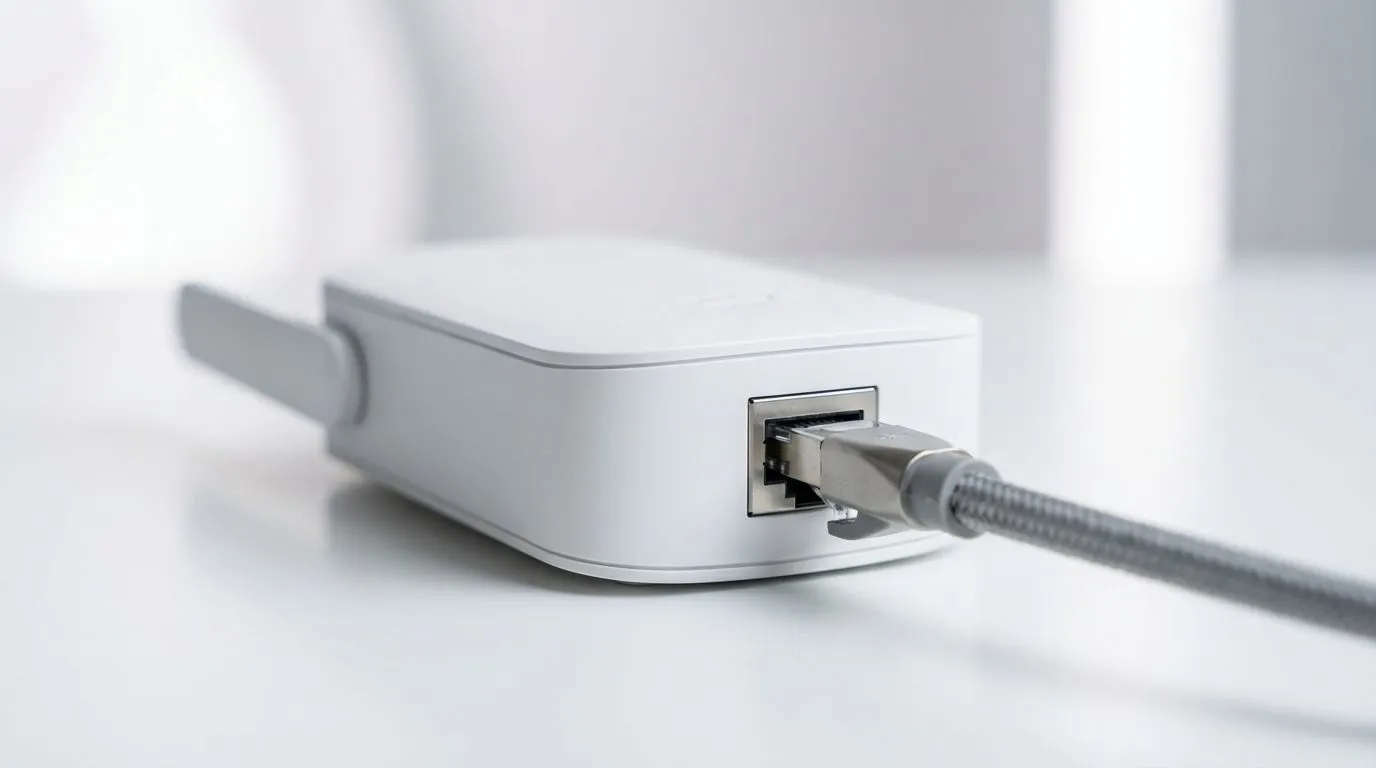
Why the Gigabit Ethernet Port is King for Gaming
Tired of your ping spiking just as you are about to clutch a 1v3 on Cape Town servers? We have all been there. Choosing between a stable Gigabit Ethernet Port and the freedom of wireless can make or break your digital experience. Whether you are downloading a massive 100GB update or streaming 4K content, knowing when to plug in is vital for every South African gamer ⚡.
While Wi-Fi has improved, a physical connection remains the gold standard for competitive play. A Gigabit Ethernet Port provides a dedicated lane for your data. This means zero interference from the microwave or your neighbour's router. It offers a consistent 1,000 Mbps ceiling... ensuring your fibre line actually performs at its rated speed. If you are serious about your rank, plugging in is not optional. It is a necessity.
For those looking to overhaul their entire home setup, exploring the latest wireless networking gear is a great place to start.
When Wireless Connectivity Makes More Sense
Cables are great, but they are not always practical. You cannot exactly run a 20-metre cable across the lounge floor without someone tripping. This is where modern wireless routers come into play. With Wi-Fi 6 and 6E, the gap between wired and wireless is shrinking.
Wireless is perfect for tablets, smartphones, and laptops used for casual browsing or office work. If you are catching up on emails or watching YouTube, you likely won't notice the millisecond differences in latency. Modern standards are more than capable of handling high-speed fibre lines in South Africa... provided you have the right hardware to broadcast the signal.
Network Stability Tip ⚡
Always check your cable category before blaming your hardware. To get the most out of a Gigabit Ethernet Port, you need a Cat5e or Cat6 cable. Using an old Cat5 cable will limit your speeds to 100Mbps... effectively bottlenecking your high-speed South African fibre connection.
Bridging the Gap in Your Home Network
Sometimes you want the best of both worlds. If your router is in the hallway but your gaming rig is in the bedroom, you might face "dead zones". You can fix these signal drops by using wireless range extenders to push the coverage further.
If your desktop PC didn't come with built-in Wi-Fi, you don't need to open the case to fix it. High-performance wireless adapters can plug directly into a USB port. This gives you the flexibility to move your setup anywhere in the house without losing your connection 🚀.
Ultimately, the Gigabit Ethernet Port is for performance, while wireless is for lifestyle. For the best results, use a wired connection for your primary gaming PC or console... and leave the Wi-Fi for everything else. This keeps your gaming traffic clear of congestion and ensures you stay at the top of the leaderboard ✨.
Ready to Find Your Perfect Match? Whether you need the rock-solid stability of a wired connection or the latest high-speed Wi-Fi tech, we have you covered. Explore our massive range of networking specials and find the perfect gear to conquer your digital world.











