

Why Eye-Comfort Matters for the South African Gamer
Ever finished a five-hour Valorant session with eyes that feel like they’ve been rubbed with sandpaper? You aren't alone. In South Africa, our late-night gaming marathons often happen in poorly lit rooms, leading to massive eye strain. Achieving glare-free gaming lighting isn't just about looking cool for your stream... it’s about protecting your vision and staying focused during those intense clutch moments.
The Science of Glare and Contrast Fatigue
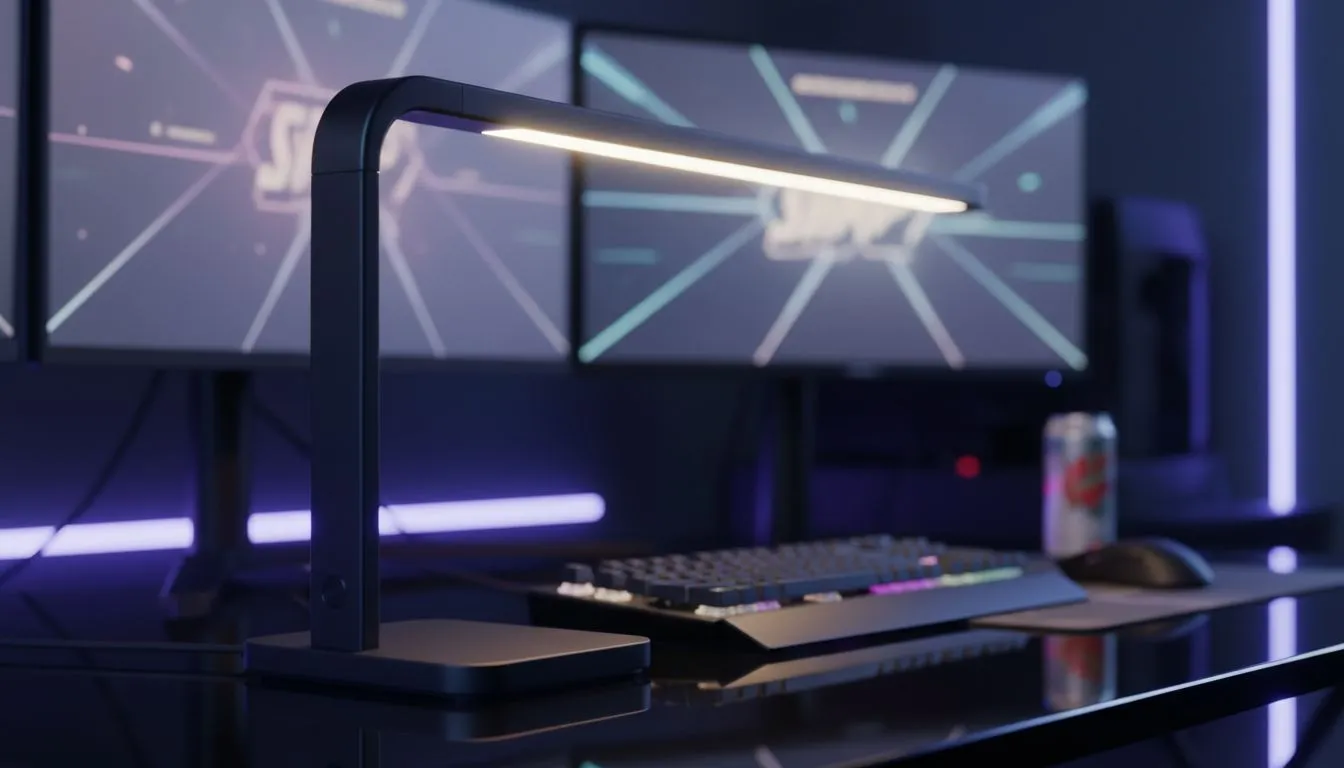
The primary cause of eye fatigue isn't just the screen itself... it is the harsh contrast between a bright monitor and a pitch-black room. When your display is the only light source, your pupils constantly struggle to adjust. This leads to headaches and blurred vision. To combat this, you need to balance your ambient light. Integrating high-quality gaming accessories like LED strips or desk lamps can soften this contrast and make your setup much more comfortable for your eyes.
Using Bias Lighting to Reduce Strain
Bias lighting is a pro secret where you place a light source behind your monitor. This creates a soft glow on the wall, which increases the perceived contrast of your screen without actually making the screen brighter. It is a simple way to achieve a glare-free gaming lighting environment. You can often find affordable options in various gaming accessories deals that won't break the bank but will save your eyesight during those midnight raids. 🔧
The 20-20-20 Rule ⚡
Every 20 minutes, look at something 20 feet (about 6 metres) away for at least 20 seconds. This simple habit helps reset your eye focus and prevents the 'computer vision syndrome' that plagues many South African gamers during long weekend grinds.
Optimising Your Monitor Position
Where you place your screen is just as important as the lights you buy. Avoid placing your monitor directly opposite a window. Reflections from the South African sun can cause "veiling glare," making it nearly impossible to see dark areas in games like Elden Ring. If you are struggling with a cluttered or poorly positioned desk, browsing the Gaming Accessories category can help you find monitor arms that allow for the perfect angle to avoid overhead light reflections. 🚀
Software Tweaks and Blue Light Filters
While physical lighting is crucial, software plays a role too. Most modern monitors have a "Low Blue Light" mode. It might make your screen look a bit warmer or yellowish, but it significantly reduces the energy hitting your retinas. Combine this with a well-lit room, and you have a complete eye-comfort guide for long sessions. Keep your brightness at a level that matches your room... if your screen looks like a glowing beacon, it is too bright. ✨
Ready to Upgrade Your Setup? Protecting your eyes is the best investment you can make for your gaming longevity. From bias lighting to ergonomic stands, we have everything you need to play longer and harder. Explore our massive range of gaming accessories and find the perfect gear to light up your world.











